Home » Best MacBooks to buy in 2026
Apple’s MacBook range has never been broader, with slim MacBook Air models now seriously powerful and MacBook Pro machines edging ever closer to full desktop performance. That choice is great, but it can also make it harder to know which one is genuinely right for you.
Here we have picked out the best MacBooks to buy in 2026, from compact everyday options to heavyweight Pro laptops built for demanding creative work. Every model on this list has strong customer ratings and a sensible spec for its price.
Rather than drown you in every configuration, we focus on a handful of standout choices and explain what each does well, where the compromises lie and who should pick it. That way you can feel confident you are spending your money on the MacBook that actually fits your life.
These recommendations are based on real-world data, not just marketing claims. We look closely at core specs like processor, memory and storage, but we also weigh up owner ratings and review volumes to see how each MacBook performs for everyday users over time.
Price, performance and practicality are all factored in. A more expensive machine does not automatically rank higher; we consider whether the extra cost brings real benefits, like smoother creative work, more screen space or better long-term flexibility.
We also keep an eye on the wider MacBook line-up so the models featured here genuinely stand out in their niches, whether that is as a great all-rounder, a powerful Pro workhorse or a larger-screen laptop for comfortable everyday use.
To build this shortlist we started with the latest MacBook Air and MacBook Pro models and filtered for versions with strong specifications for the money. We then prioritised machines with excellent review scores and, where available, a decent number of customer reviews, as high ratings with only a handful of opinions can be misleading.
We also compared configurations carefully. Extra RAM and storage often make a bigger day-to-day difference than stepping up one chip tier, so we look for options that feel responsive now and should stay that way for several years. Graphics performance, while important for creative users, is only pushed to the top of the list where it clearly benefits the sort of work a MacBook Pro owner is likely to do.
Finally, we ensured that across the range there is a sensible spread of sizes and price points. That means you can quickly home in on a compact travel machine, a balanced mid-range option or a large-screen powerhouse without needing to sift through endless minor variations.
Below you will find our top MacBook picks, ordered from the strongest overall recommendation down. Each one earns its place for a different reason, whether that is sheer performance, value for money or screen size.
Use the summaries to match a model to how you actually work and relax – your mix of web browsing, office tasks, creative apps and travel – and you will quickly see which MacBook makes the most sense for you.

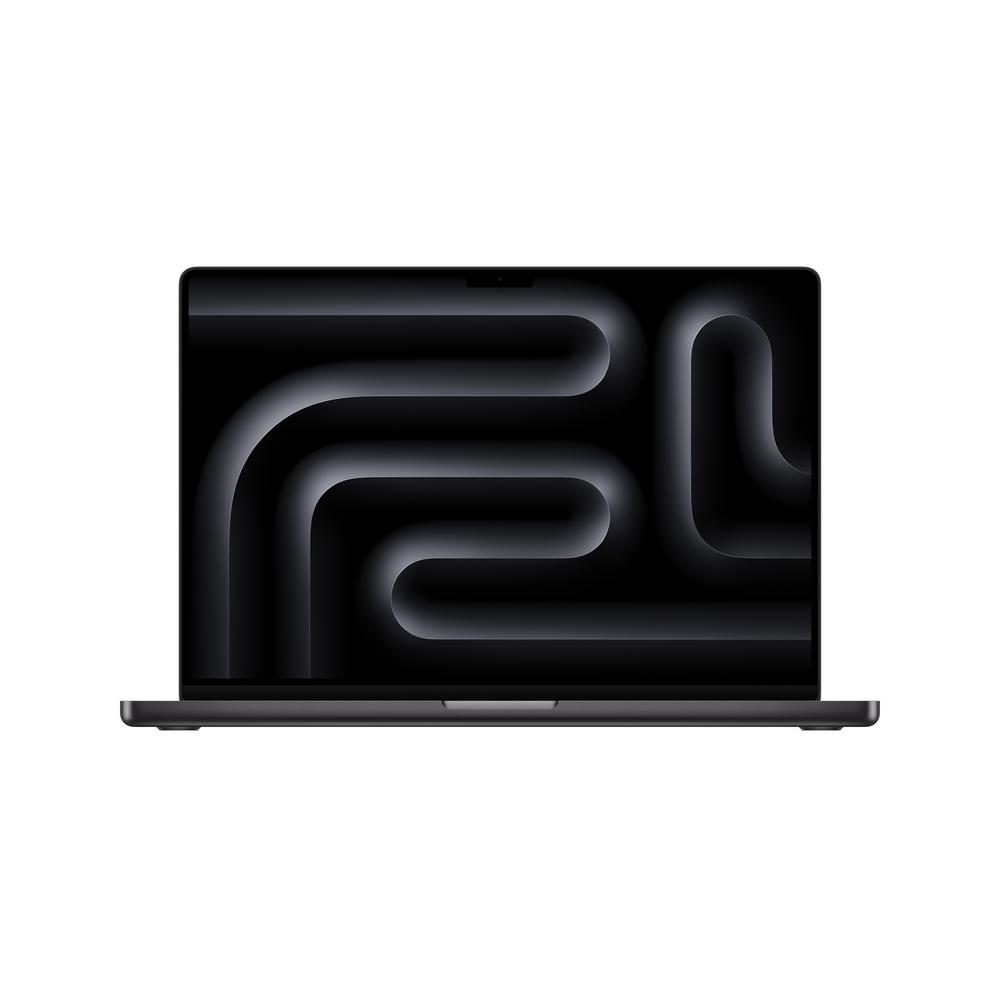
A serious 16-inch powerhouse with an M4 Pro chip and 24GB RAM, ideal if you want desktop-class performance in a portable form.
With a 16-inch display and M4 Pro processor, this MacBook Pro is built to handle the sort of tasks that bring lesser laptops to a halt, from 4K video edits to big software projects. The 24GB of RAM gives you plenty of headroom for running pro apps side by side, so it will stay responsive even when you are juggling large files and multiple browser windows. A 20-core GPU configuration signals serious graphical muscle, which is ideal if you work with complex timelines, effects or 3D renders. The 512GB storage is a sensible baseline for pro use, giving room for apps and active projects without forcing you onto external drives straight away. Its perfect 5-star rating from owners suggests this spec genuinely meets or exceeds expectations in day-to-day use.
The price is firmly at the premium end, so you are paying for power you may never fully use if your tasks are more everyday. At 16 inches it is also bulkier to carry than a MacBook Air or 14-inch Pro, which might put off frequent travellers. If you mainly do lighter photo editing and office work, a cheaper model further down this list will likely offer better overall value.
Pick this if your MacBook is effectively your main workstation and you regularly tackle heavyweight workloads such as video editing, music production, 3D work or large coding projects. It suits creatives and professionals who spend long hours at the keyboard and value the extra screen space and smoother performance under sustained load. It is also a strong choice if you want a machine that will feel overkill today but stay capable for many years.
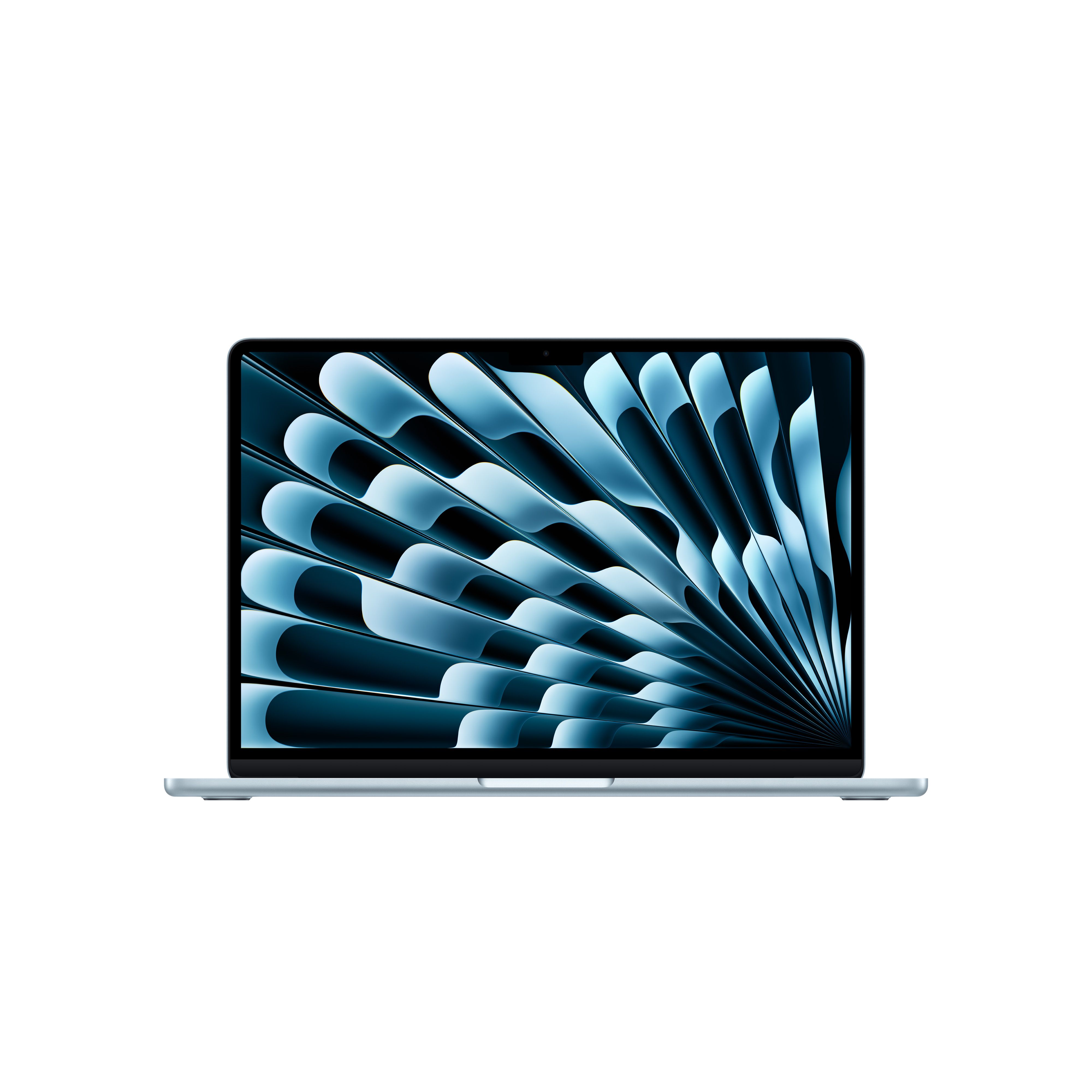
The 13-inch MacBook Air with M4 offers an excellent mix of speed, portability and price, making it an easy recommendation for most people.
The 13-inch MacBook Air with M4 chip hits a sweet spot of portability and performance, slipping easily into a bag while still feeling exceptionally quick for everyday work. With 16GB RAM, it is more future-proof than base models, helping it stay snappy as apps get heavier and your multitasking increases. The 8-core GPU is more than enough for photo editing, design work and the occasional video project, making it far more capable than older thin-and-light laptops. A strong 4.9-star rating from hundreds of reviews shows that real users are consistently happy with how it performs and feels. Its relatively accessible price for a MacBook makes it especially attractive for students, home workers and anyone upgrading from an older Intel-based Mac or Windows laptop.
The 256GB storage will feel tight if you keep large photo libraries, media collections or lots of big apps locally, so you may want to factor in cloud or external storage. The 13-inch display, while sharp, can feel cramped if you like having multiple windows or timelines visible at once. It also lacks the sustained performance and advanced thermal design of a MacBook Pro, so very heavy workloads over long periods may cause it to slow sooner than the Pro models here.
This is an excellent choice for students, commuters and home workers who value a light, compact laptop that still feels incredibly fast. It suits users whose days are filled with web browsing, office apps, video calls and light creative tasks rather than constant pro-level editing. If you want a MacBook that is easy to live with and easy to carry, without spending Pro-level money, this is the one to beat.

This 14-inch MacBook Pro combines an M4 chip, 24GB RAM and a generous GPU, making it a superb choice for demanding creative work on the move.
The 14-inch MacBook Pro with M4 and 24GB RAM offers a brilliant balance between screen size, portability and outright performance. That 24GB of memory means creative apps like Lightroom, Final Cut or Logic can stretch their legs without the system bogging down, even with plenty of browser tabs open. A 16-core GPU is a serious upgrade over Air-level graphics, making real-time previews, effects and exports faster and smoother. The 512GB storage ties in well with its pro ambitions, allowing you to keep active projects on the internal drive where performance is best. Its near-perfect customer rating suggests that owners appreciate both its power and its more manageable footprint compared with the 16-inch model.
It sits at a high price point, and if you will never push the GPU hard, you might not see full value from that extra graphics power. The 14-inch display, while a big step up from 13 inches, may still feel small as a primary screen for intricate editing unless you plug into a monitor. For purely office-focused users, the additional cost over a MacBook Air may not be justified.
Choose this if you want a genuinely portable creative workstation that can still live happily in a backpack. It is an excellent fit for photographers, designers and video editors who travel between home, studio and client sites and need Pro-level performance without the bulk of a 16-inch machine. It is also well suited to developers and power users who want a single laptop that can handle heavy workloads but still feels comfortable on the sofa.

With an M5 chip, 16GB RAM and 512GB storage, this MacBook Pro delivers strong performance at a more approachable price than top-end Pro models.
This MacBook Pro with an M5 chip and 16GB RAM gives you cutting-edge Apple Silicon performance without going to extremes on cost or configuration. The combination of a modern processor and 16GB memory is ideal for serious multitasking and a broad mix of professional and creative work. With 512GB of storage, it offers more breathing room than entry-level 256GB machines, reducing the need to juggle files or rely on external drives immediately. Its 4.9-star rating, even from a smaller pool of reviews, suggests early buyers are very satisfied with speed and overall experience. For many users, it strikes a sensible middle ground between the slimmer Air and the pricey, maxed-out Pro configurations.
The price is still firmly premium, and some power users may wish for more than 16GB RAM for very heavy creative or development workloads. As a Pro machine, it is likely heavier and thicker than the Air models, so it is not the lightest option if you travel constantly. The GPU, while strong, is not as heavily specified as the top-tier Pro variants, so those chasing every last frame in demanding 3D or effects work may prefer one of the more graphics-focused options above.
This is a great choice if you want a serious performance step up from a MacBook Air but do not need the most extreme Pro configuration. It suits professionals who split their time between office productivity, coding and lighter creative tasks and want a machine that feels quick now and for several years. If you are willing to pay for a Pro but still like to keep an eye on value, this balanced M5 model is very compelling.

A 15-inch MacBook Air that gives you more screen space and a stronger GPU than the 13-inch version, without losing that slim, fanless feel.
The 15-inch MacBook Air delivers a larger, more comfortable display that is ideal for documents, spreadsheets and side-by-side windows, while keeping the Air’s slim, easy-to-carry design. With an M4 chip, 16GB RAM and a 10-core GPU, it is noticeably more capable than older Airs, handling creative apps and light video editing with ease. That combination of power, big screen and relatively modest weight makes it a superb all-rounder for home and office use. Its solid 4.8-star rating shows that owners are very happy with the balance it strikes between performance, size and battery life.
The 256GB storage will be limiting for users with large media libraries or lots of installed apps, so you might find yourself relying on cloud or external drives. Being larger than the 13-inch model, it takes up more room in a bag and on small desks, which might matter if you commute daily or work in tight spaces. It still lacks some of the Pro line’s advantages under sustained heavy load, so it is not the best pick if you run intensive creative jobs for hours at a time.
Go for this if you love the idea of a slim, quiet MacBook Air but do not want to compromise on screen space. It is particularly good for home workers, writers and students who spend hours looking at documents and web pages and appreciate a roomier display. It also suits casual creators and content consumers who want a bigger canvas for photos, films and everyday apps without stepping up to the weight and cost of a MacBook Pro.