Home » Best laptops to buy in 2026

Choosing a new laptop in 2026 can feel overwhelming, with countless models that all look similar on paper but behave very differently in real life. The good news is you don’t need to compare every single spec sheet to find a machine that fits your budget and the way you actually work.
We’ve hand-picked a short list of the best laptops available right now, from affordable everyday options through to a premium AI-ready model. Every laptop here has strong customer ratings and offers good value for what it does, whether that’s casual browsing, home working or more demanding tasks.
Each recommendation has its own strengths and trade-offs, so the aim is not to find one “perfect” laptop, but to help you quickly spot the one that best matches your needs, habits and budget.
Our recommendations are based on real-world factors that matter to home users, not just flashy marketing claims. We look closely at customer ratings, review volumes and price positioning to identify laptops that have already proved themselves to be reliable day-to-day companions.
We weigh up value for money, performance, ease of use and long-term usability, so a higher price only earns a place if it’s justified by what you actually get. We also keep an eye on the wider laptop market to make sure we’re highlighting models that stand out against strong competition, whether they’re budget-friendly Chromebooks or premium AI-powered notebooks.
The result is a tight, curated list that cuts through the noise and helps you buy with confidence, whatever your starting budget.
To build this shortlist we focused on laptops that combine solid owner feedback with sensible pricing for what they offer. High review scores were essential, but we also looked for a decent number of reviews so that those ratings carry real weight.
We then balanced performance expectations against price, aiming to cover the main use cases most people care about: a capable all-round 15.6-inch machine, a highly portable premium option, an ultra-affordable Chromebook for light use, and strong mid-range Windows laptops that handle home working and studies with ease.
Because there are thousands of laptops on sale at any one time, we deliberately keep the list compact. That way you can quickly see the trade-offs between budget, performance and portability without getting bogged down in tiny technical differences.
Below you’ll find our recommended laptops, each chosen for a slightly different type of buyer. Together they cover everything from simple web browsing on a tight budget to slick, AI-ready performance for demanding users.
Use the summaries, pros and cons to match a laptop to how you actually plan to use it, whether that’s working from home, watching films on the sofa, getting school or uni work done, or running more intensive creative tools.
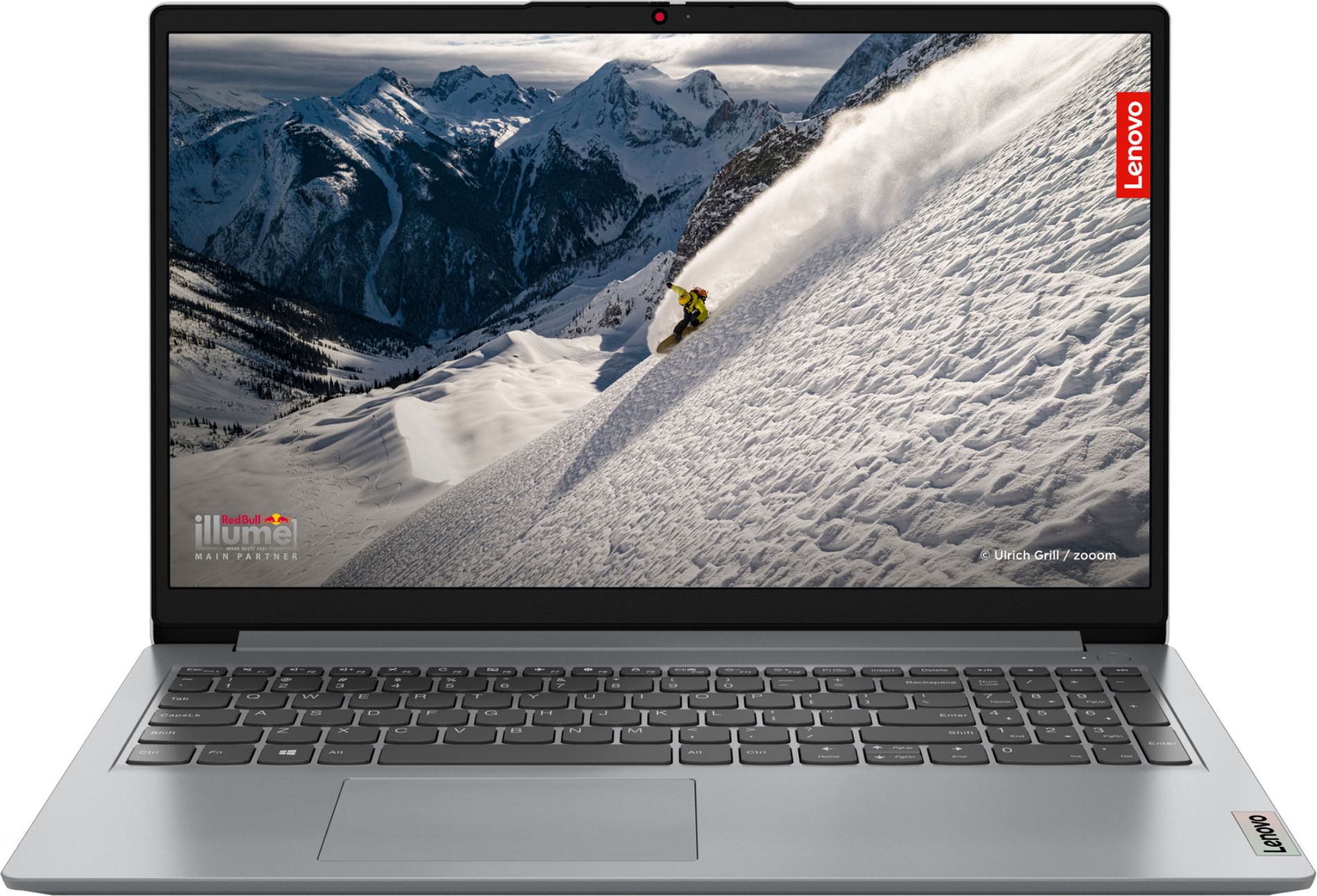
A highly-rated 15.6-inch Lenovo that nails the basics for everyday use at a sensible price, ideal if you want a straightforward Windows laptop without overspending.
With a 4.8 out of 5 rating from well over two hundred reviews, the Lenovo IdeaPad 1 15AMN7 clearly keeps a lot of everyday users happy. The 15.6-inch screen size is a comfortable sweet spot for working on documents, browsing the web and streaming films without feeling cramped. At this price level it’s a very approachable way into a modern Windows laptop, especially if you’re upgrading from an older, sluggish machine. Lenovo’s IdeaPad range is known for offering good value, so you’re getting a sensible balance of performance and practicality rather than paying for flashy extras you might never use.
As a value-focused model, the IdeaPad 1 15AMN7 is unlikely to offer the same premium screen quality, materials or raw speed as more expensive laptops. It’s best suited to everyday tasks rather than heavy creative work or gaming. If you regularly juggle demanding applications, you may find its limits sooner than with a pricier mid-range or premium machine.
This Lenovo IdeaPad is ideal for families, students and home workers who want a reliable, no-nonsense 15.6-inch laptop for browsing, office work and streaming. It suits anyone upgrading from an older machine that’s become painfully slow but doesn’t need the extra polish of a premium model. If you value a large screen and strong user feedback at an approachable price, it’s an excellent place to start.
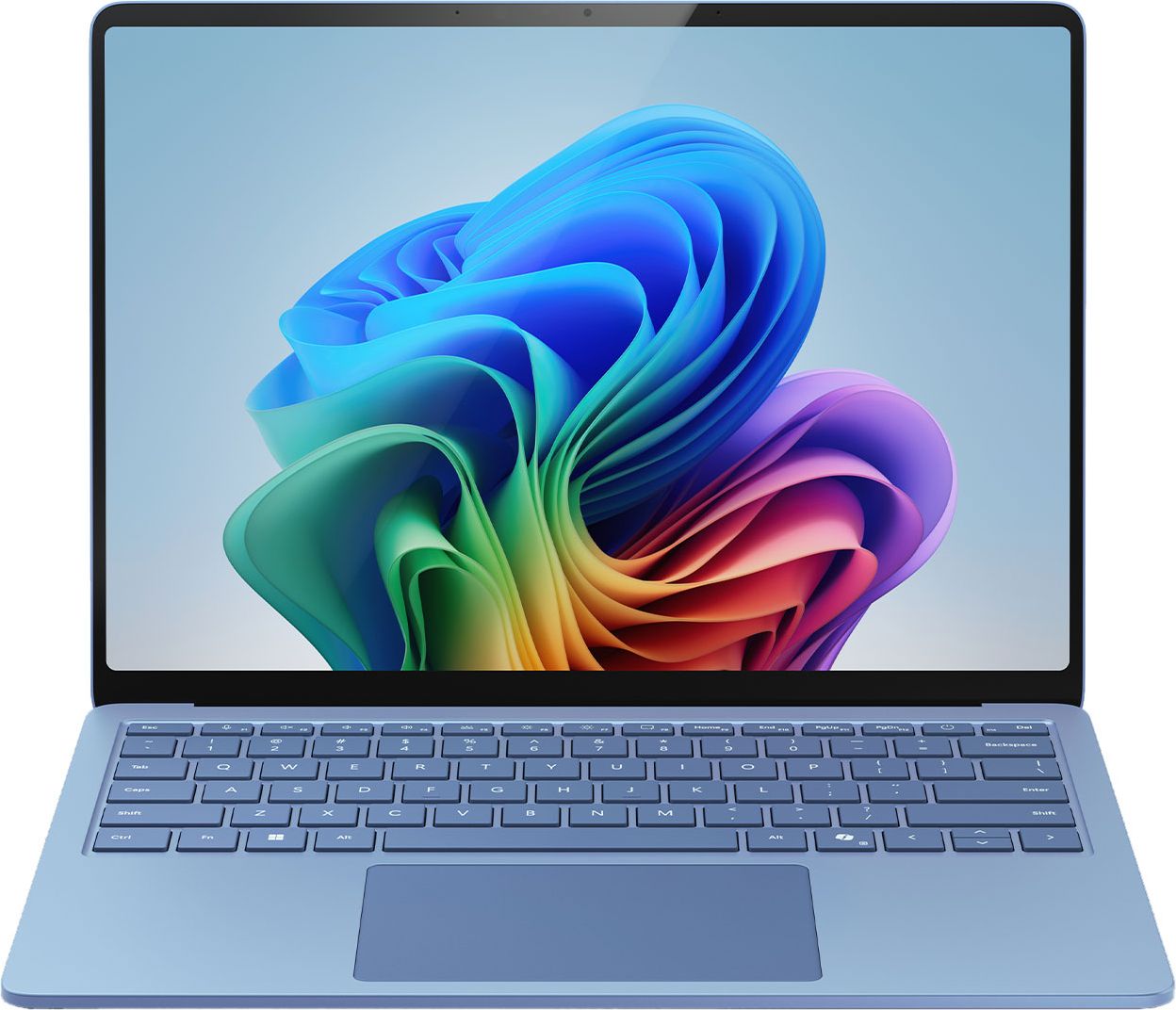
A sleek, powerful Surface laptop with Copilot+ features that’s built for productivity and portability, perfect if you want a premium machine that feels fast and modern.
The Microsoft Surface 7 Copilot+ is designed as a premium experience from the ground up, and it shows in its strong 4.7/5 rating. The 13.8-inch display keeps the overall size and weight down, making it ideal if you’re often on the move or working between rooms. Being a Copilot+ laptop, it’s built with AI-enabled features in mind, giving you access to the latest Windows tools and smarter workflows as they roll out. The Surface line is also known for crisp screens and refined design, so you can expect a machine that both looks and feels high-end in daily use.
The main downside to the Surface 7 Copilot+ is its higher price compared with more conventional Windows laptops, so you are paying a premium for the design and AI-ready platform. The 13.8-inch screen, while excellent for portability, may feel a bit small if you prefer a spacious display for multitasking or media. If you rarely travel with your laptop, you might get more screen for your money elsewhere.
The Surface 7 Copilot+ is perfect if you prioritise portability, design and a smooth, future-facing Windows experience. It’s a great fit for professionals, commuters and students who carry their laptop daily and want something that feels genuinely premium. If you’re interested in AI features and want a device that’s ready to benefit from them, this is the standout choice on the list.
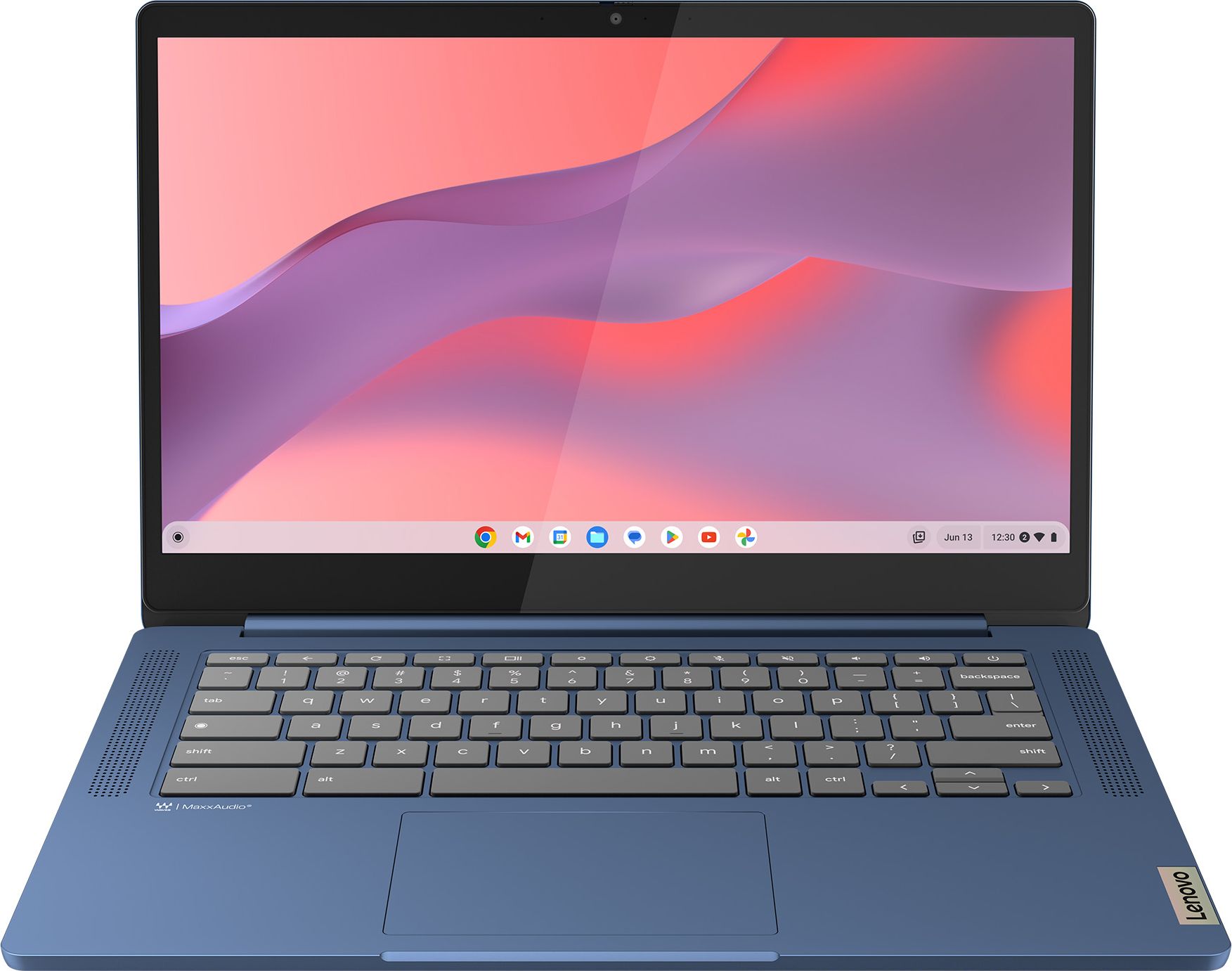
An affordable 14-inch Chromebook that’s light, simple and great for web-based tasks, making it a smart pick for casual users and families.
Despite its low price, the Lenovo 14″ IdeaPad Slim 3 Chromebook holds a very strong 4.7/5 rating, which is impressive for a budget-friendly device. ChromeOS is lightweight and efficient, so even modest hardware tends to feel snappy for web browsing, email, online learning and streaming. The 14-inch screen makes it more portable than a full 15.6-inch laptop while still being comfortable for typing and schoolwork. For households heavily invested in Google services, it’s a straightforward, low-maintenance option that boots quickly and stays responsive.
Being a Chromebook, it relies heavily on web-based apps and won’t run traditional Windows software, which could be limiting if you need specialist programs. Storage is typically more modest too, so you’ll be encouraged to use cloud services for large files. If you want a machine that can grow into heavier workloads over several years, this may feel restrictive sooner than a full Windows laptop.
The IdeaPad Slim 3 Chromebook is best suited to casual users, school-aged children and anyone largely living in the browser. It’s a sensible second laptop for a household, ideal for homework, shopping, video calls and streaming without worrying too much about cost. If you’re already using Gmail, Google Docs and Drive, it will slot neatly into your existing routine.
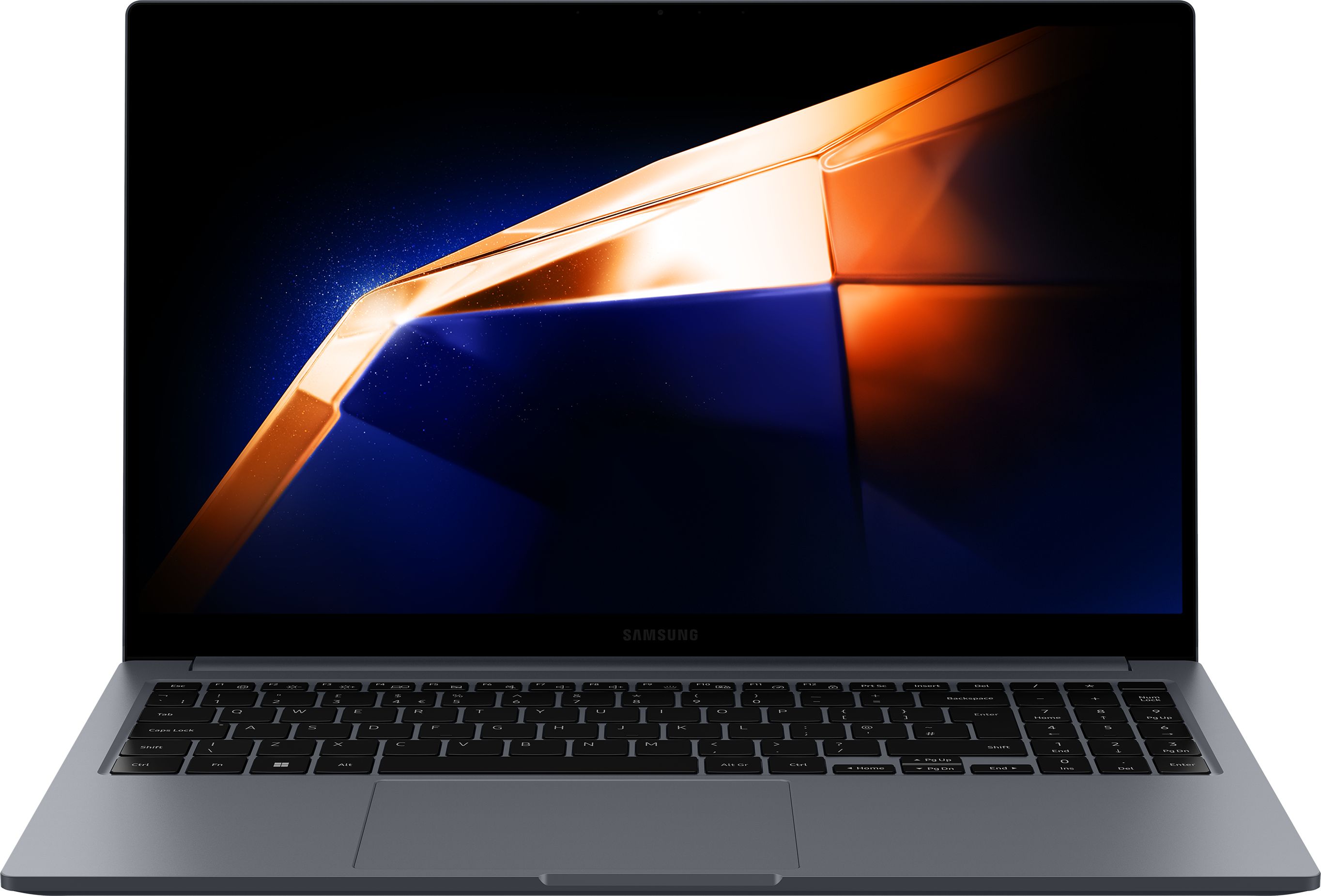
Samsung’s Galaxy Book4 offers a nice balance of performance, design and value in a 15.6-inch form factor, well-suited to home working and entertainment.
The Samsung Galaxy Book4 15.6″ Laptop sits neatly in the mid-range with a healthy 4.6/5 rating from a large number of owners, suggesting it’s a safe, well-rounded choice. The 15.6-inch display is ideal for multitasking, watching content and working on documents without constantly zooming in and out. Samsung tends to focus on slim designs and good screens, so this is likely to feel more premium than its price might suggest. For anyone with other Samsung devices, there’s also the appeal of a more joined-up ecosystem for sharing files and content.
While the Galaxy Book4 is well-reviewed, it does cost more than basic budget options, so it’s less appealing if you only need the bare essentials. As a mid-range model, it also doesn’t quite reach the build quality and refinement of premium ultraportables. If you’re expecting top-tier materials and ultra-light weight, you may need to stretch your budget further.
The Samsung Galaxy Book4 is a strong option for home workers, students and families who want one main 15.6-inch laptop to do a bit of everything. It’s especially appealing if you already own Samsung phones or tablets and like the idea of a more integrated ecosystem. If you want something that feels a notch above entry level without going full premium, this is a well-balanced choice.
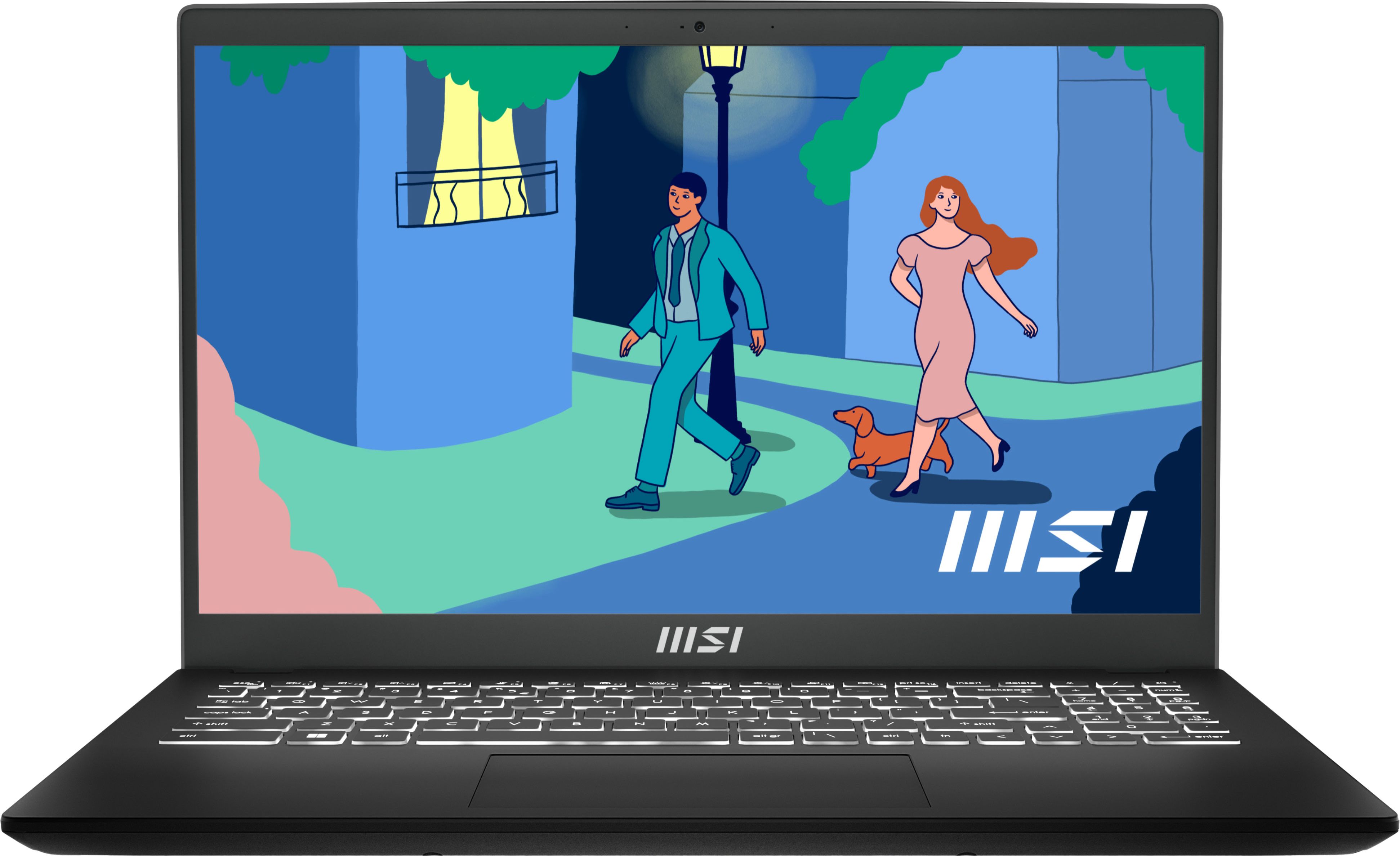
The MSI Modern 15 delivers capable 15.6-inch performance at a fair price, making it a strong everyday laptop for students and home workers who need a reliable all-rounder.
The MSI Modern 15 B7M-086UK achieves a solid 4.6/5 rating, indicating that it handles everyday workloads reliably for most people. MSI is better known for gaming, but its Modern series focuses on productivity, so you get a relatively slim, practical 15.6-inch laptop instead of a bulky gaming machine. This makes it well-suited to essays, spreadsheets, web research and light creative tasks. The price puts it in accessible mid-range territory, giving you a bit more performance headroom than the cheapest laptops without leaping into premium money.
The MSI Modern 15 is not the absolute cheapest option, so pure bargain hunters might still find it a stretch. It also lacks the ultra-sleek styling and advanced features of higher-end machines, focusing instead on straightforward practicality. If you want standout design or cutting-edge extras, you may feel it’s a little conservative.
The MSI Modern 15 is ideal for students and home workers who need a dependable everyday Windows laptop that can handle a mix of documents, web apps and light creative work. It’s a good fit if you value a full-size 15.6-inch display but don’t want to pay extra for ultra-premium styling. Anyone who wants a practical, work-first laptop at a sensible mid-range price should have it on their shortlist.