Home » Cheapest Lenovo laptops worth buying in 2026

Lenovo has a reputation for sensible, no‑nonsense laptops, and its cheaper models can be some of the best value machines around if you choose carefully. This guide focuses on the most affordable Lenovo laptops and Chromebooks that are still worth buying in 2026.
We have picked out budget friendly Lenovo options that cover everyday browsing, streaming, homework and basic office tasks, without drifting into false economy territory. You will see a mix of compact 14‑inch Chromebooks and larger 15.6‑inch models, so you can pick the size and style that suits you.
Every laptop here involves some compromise compared with Lenovo’s pricier ranges, but each one offers a clear strength for the money, whether that is extra RAM, a bigger screen or simply the lowest possible price from a brand you can trust.
These Lenovo laptop recommendations are based on real-world specifications, pricing and owner ratings, not just whoever happens to be cheapest on the day. We look closely at core components like RAM, storage and processor type to judge how each model is likely to cope with typical home and student use.
Customer review scores and the number of reviews carry real weight in our shortlisting. A budget machine with hundreds of happy owners is usually a safer bet than a slightly flashier one that is barely reviewed. We use this feedback to highlight the cheaper Lenovo options that people actually enjoy living with.
Above all, the aim is to point you towards laptops that feel like smart savings, not false economies. The models below sit towards the lower end of Lenovo’s price range, but they still offer enough performance and practicality to be sensible everyday buys.
We started by focusing on the lower priced Lenovo laptops and Chromebooks currently available, filtering out higher end lines to home in on genuine budget choices. From there we cut any models that were poorly rated or lacked enough owner feedback to give us confidence.
Within the remaining pool we looked for a fair balance of price and usability. That meant paying attention to RAM and storage type, as these make a big difference to how responsive a budget laptop feels. We favoured configurations that will handle everyday tasks comfortably rather than just scraping by.
We also tried to include a spread of screen sizes and designs, from compact 14‑inch Chromebooks that are easy to carry around, to larger 15.6‑inch models that better suit home working and study. The result is a small, focused list of Lenovo laptops that keep costs down but still make sense for real households and students in 2026.
Below are the cheapest Lenovo laptops and Chromebooks we are happy to recommend for 2026. Every model keeps upfront costs sensible while still offering enough performance for day to day tasks.
The first options are among the very lowest priced Lenovo laptops around, ideal if your budget is tight. The later picks cost a little more, but tend to give you extra screen space, stronger specs or even better ratings from owners, which can be worth it if you want your laptop to feel smoother for longer.
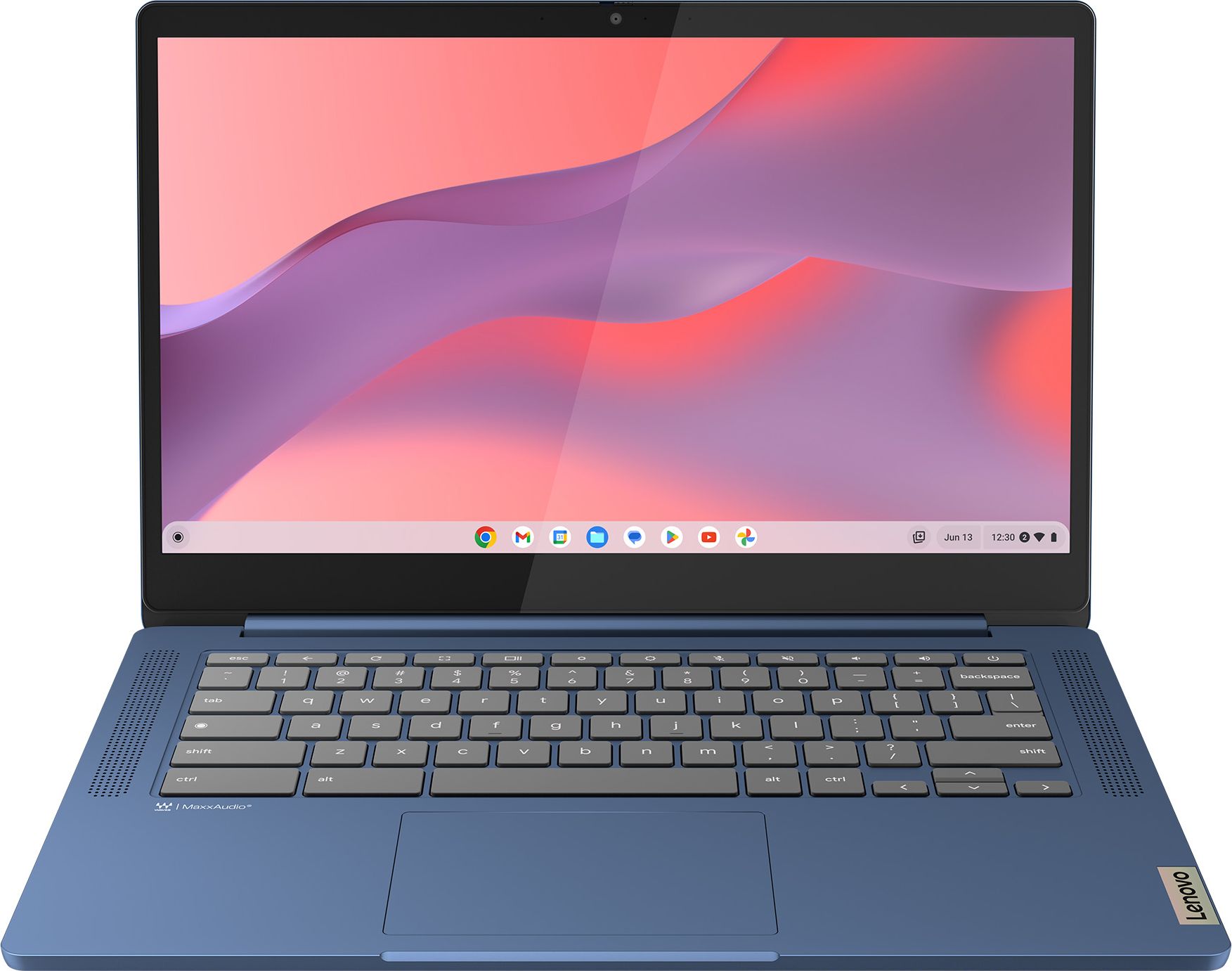
A very affordable 14‑inch Lenovo Chromebook with 8GB of RAM, making it one of the smoothest feeling cheap options for multitasking and student use.
For a budget Lenovo, the combination of 8GB of RAM and a simple MediaTek processor is very appealing, as it should keep ChromeOS feeling responsive even with several tabs and apps open. The 14‑inch Full HD screen offers enough space for documents and streaming without making the laptop bulky, which is ideal for students or anyone moving between rooms. Being a Chromebook keeps things straightforward to manage and usually helps battery life, so you can get on with web tasks without fuss. At around this price level, that extra RAM compared with many entry level models is a standout strength.
Storage is limited to 128GB of eMMC, which is fine for cloud‑first users but tight if you like to keep lots of files and photos locally. As a Chromebook with a basic processor it is not intended for Windows software, heavy creative work or serious gaming. If you want a bigger screen or more traditional laptop features, one of the 15.6‑inch Lenovo models further down the list may suit you better.
Best for students, home workers and families who want a very affordable Chromebook that will still cope comfortably with plenty of browser tabs, video calls and everyday apps. It is also a great fit if you mainly work in the cloud and value extra RAM over fancy styling or huge storage. If you are buying a first laptop for school or college and want it to feel responsive for a few years, this is a sensible starting point.
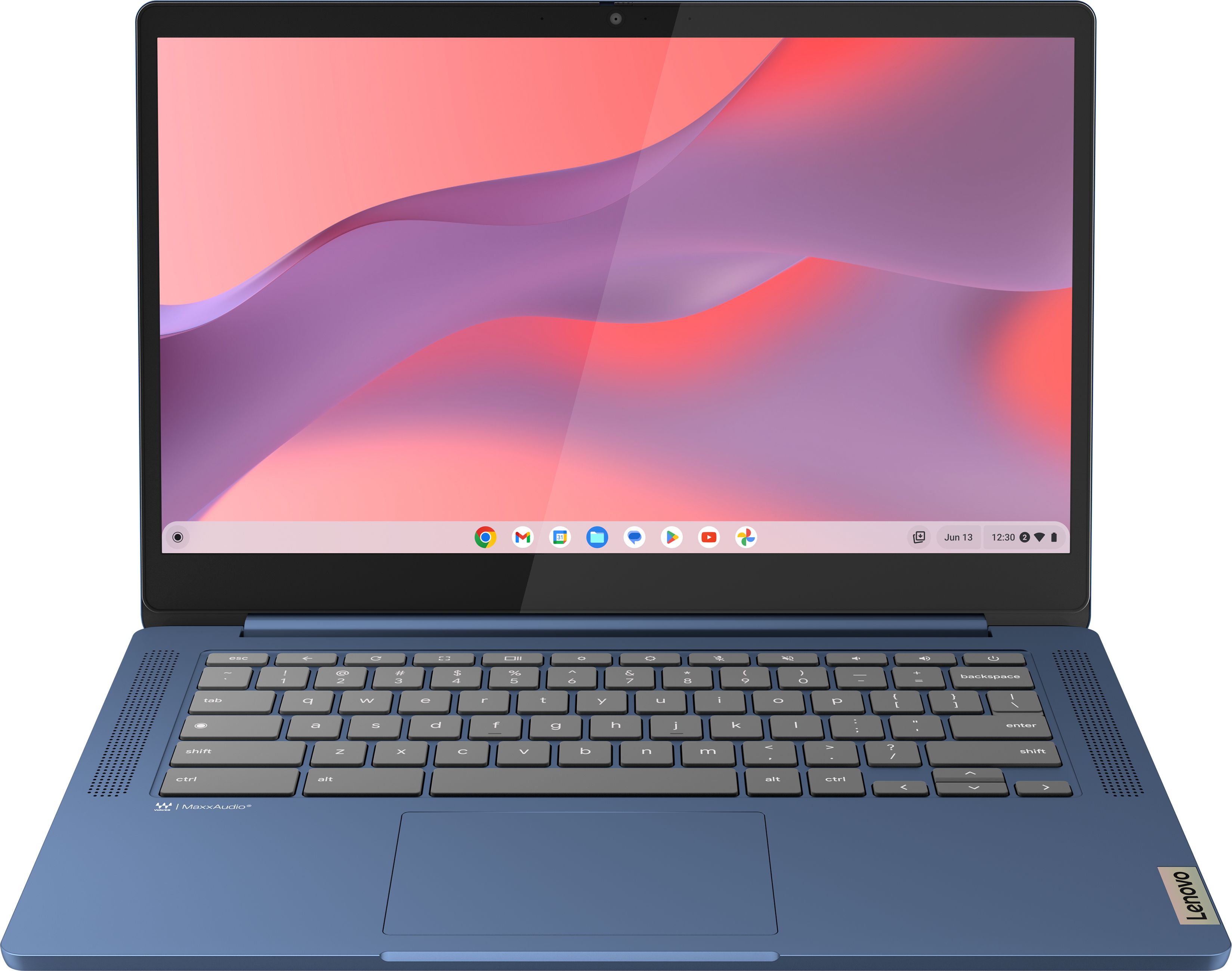
One of the very cheapest 14‑inch Lenovo Chromebooks around, ideal if you want a simple, Full HD machine for everyday browsing and streaming without spending much.
This version of the 14‑inch IdeaPad Slim 3 is all about keeping the upfront cost as low as possible while still delivering a modern Full HD screen. ChromeOS and a MediaTek chip are a good match for light use, helping the machine feel nippy for web browsing, email and streaming despite the modest 4GB of RAM. The compact size makes it an easy laptop to carry between home, school and the office, and it is a straightforward upgrade over very basic, non‑HD machines you might still be limping along with.
With only 4GB of RAM, this model may start to feel stretched if you habitually keep many browser tabs and apps open at once. The eMMC storage is more basic than a full SSD, so loading larger files and apps can take a little longer. If you can afford a small step up, the 8GB version of the Slim 3 offers more breathing space for the future.
Ideal if your budget is extremely tight and you simply want a trustworthy 14‑inch Lenovo for web, email and streaming. It suits light users, younger students and anyone replacing a very old laptop who does not do much more than browse and watch videos. Choose this one if the lowest upfront price matters more than futureproof specs.
A well‑liked 14‑inch IdeaPad Slim 3 Chromebook, balancing a low price with a strong satisfaction rating from owners who use it for day to day tasks.
The 14‑inch IdeaPad Slim 3 Chromebook has proved popular with buyers, reflected in its strong average rating from a decent number of reviews. It offers the same simple Chromebook experience that many people now prefer for security and ease of use, which is especially reassuring on a cheaper device. The 14‑inch format keeps it portable while still big enough for comfortable typing and watching videos, making it a flexible all‑rounder for home, school or casual work.
Being a budget Chromebook, you are limited to ChromeOS and web or Android apps, which will not suit anyone who needs full Windows software. Storage is modest and based on eMMC, so it is best to lean on cloud services and avoid hoarding large media libraries. It may not represent the absolute lowest price in the Lenovo range, so if every pound counts the cheapest 14‑inch models might be more tempting.
A strong all‑round choice for households that want a shared, reasonably priced Chromebook with a proven track record from other buyers. It suits casual users who want something straightforward for browsing, homework and online banking, without needing the absolute cheapest or the largest screen. Pick this if you value owner satisfaction and a balanced spec over shaving every last pound off the price.
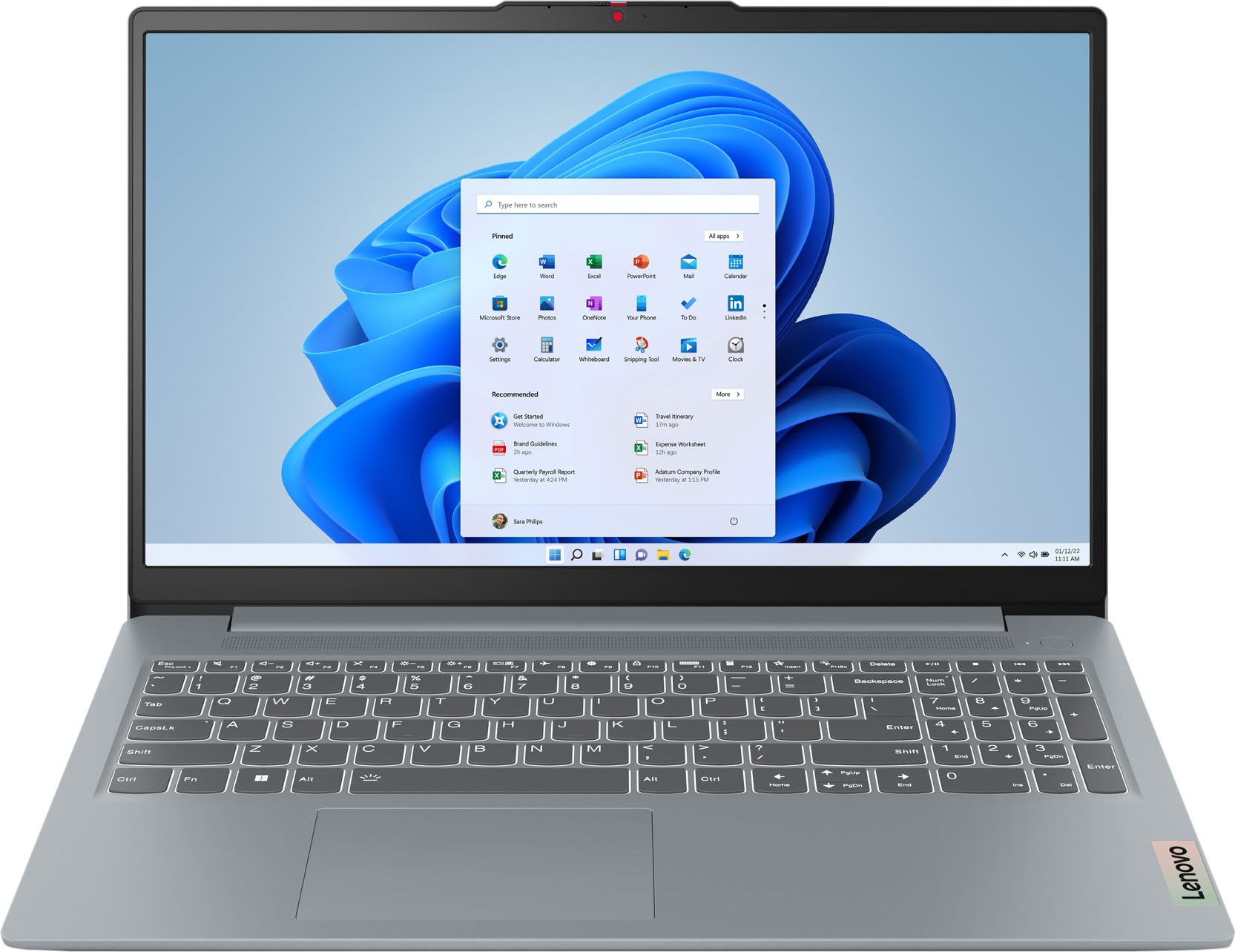
A 15.6‑inch Lenovo IdeaPad Slim 3 that offers more screen space and a superb rating, giving you a comfortable home laptop without straying too far from budget territory.
As a 15.6‑inch IdeaPad Slim 3, this Lenovo gives you noticeably more screen space than the 14‑inch Chromebooks, which is a big plus for documents, spreadsheets and box‑set marathons. Despite the larger size and more traditional laptop styling, it remains very competitively priced for a big‑screen machine from a known brand. Its excellent review score from owners suggests it feels fast enough for day to day tasks and is pleasant to live with, which is exactly what you want from a mid‑budget Lenovo workhorse.
The larger 15.6‑inch chassis naturally makes this Lenovo heavier and less bag‑friendly than the 14‑inch Chromebooks, so it is not the best choice for frequent commuting. As a bigger, more capable machine it does cost more than the very cheapest Lenovo laptops here, so it is not the right pick if you simply need the lowest possible price. You may also miss some of the minimalist simplicity and long battery life that Chromebooks can offer.
Well suited to students and home workers who mainly use their laptop at a desk or table and appreciate the comfort of a 15.6‑inch display. It is a good option if you want a Lenovo that feels a bit more grown up and versatile than an ultra‑basic Chromebook, but still comes in at a sensible price. If you are typing for long stretches or juggling documents side by side, this is likely to be the most comfortable budget choice here.
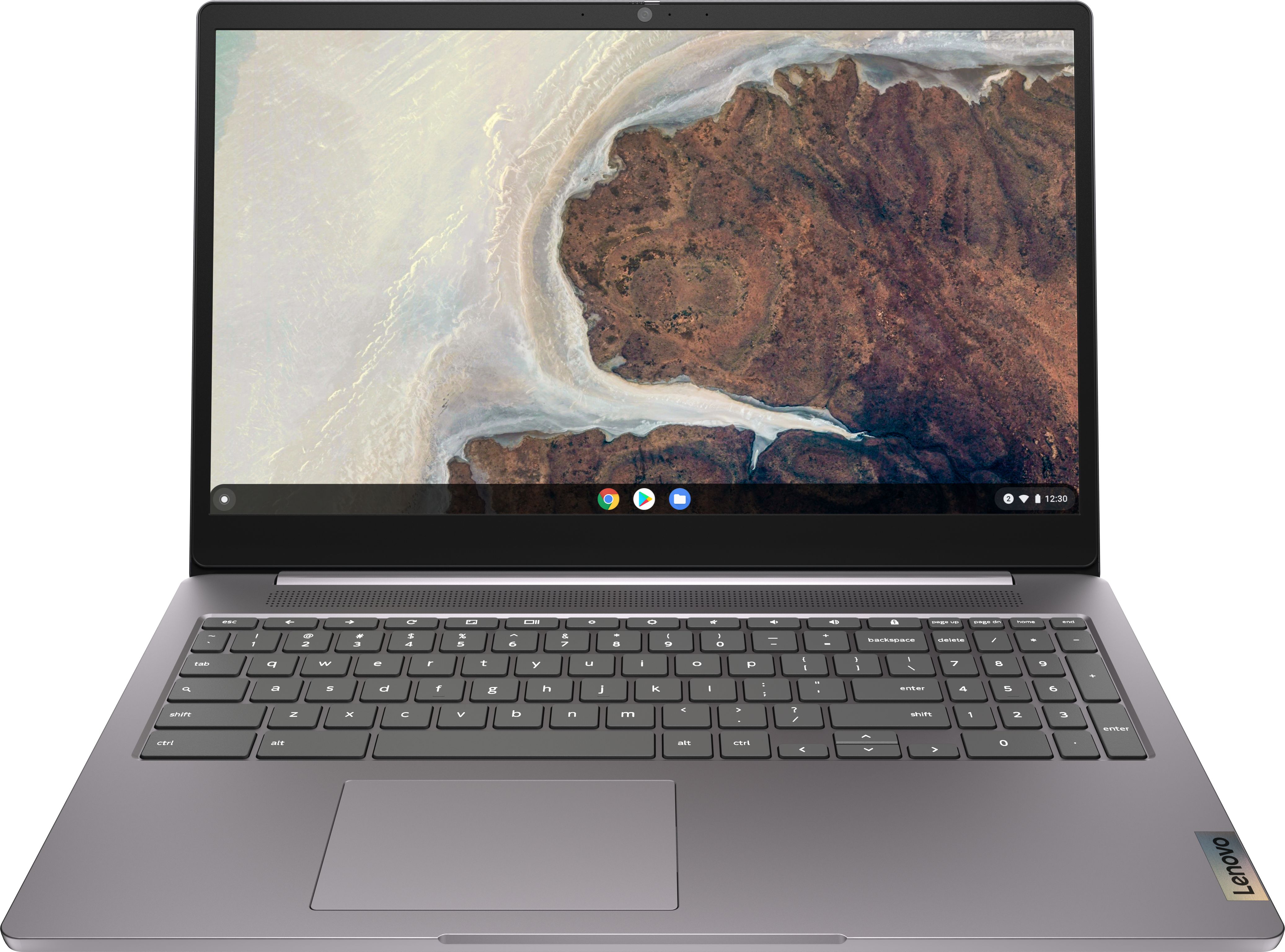
A 15.6‑inch IdeaPad 3 Chromebook that brings the simplicity of ChromeOS to a larger screen, great if you want budget friendly web and media access on a laptop that stays mostly at home.
The Lenovo 15.6″ IdeaPad 3 Chromebook brings ChromeOS to a roomy 15.6‑inch screen, making web browsing, streaming and online work feel less cramped than on a smaller budget laptop. For households that mainly want a shared machine in the living room or kitchen, that extra size can make a real difference to comfort. As a Chromebook it benefits from simple updates and a generally responsive feel for web‑based tasks, and for a large branded laptop it is still keenly priced.
There is only a single customer rating so far, so while it is positive, you do not get the same reassurance from a large pool of reviews as with some other models on this list. The bigger 15.6‑inch body makes it less portable than the 14‑inch options and slightly less convenient to move between rooms or carry in a small bag. Compared with the very cheapest Chromebooks, you are paying extra for the bigger screen, so it is only good value if you will genuinely use that added space.
Best for families and home users who want a simple, big‑screen Chromebook that mostly lives in one place, such as the kitchen or living room. It makes sense if you prefer a larger display for streaming, online learning and browsing, and do not need to carry the laptop around much. If you like the idea of ChromeOS but find 14‑inch screens a bit cramped, this is the budget Lenovo to look at.