Home » Cheapest Acer laptops worth buying in 2026

If you want a new laptop without spending a fortune but like the reassurance of a big name, Acer’s cheaper models are a smart place to start. This guide focuses on the most affordable Acer laptops for 2026 that are still pleasant to live with day to day.
Rather than simply listing the very lowest prices, we have picked out budget-friendly Chromebooks and Windows laptops that keep core performance and usability intact. These machines are designed for browsing, homework, streaming and light office work, not heavy gaming or video editing.
We have narrowed things down to a small list of Acer laptops that stand out for value. Each one has its own balance of screen size, portability and power, so you can decide whether you care more about the lowest possible price or a bit of extra comfort and performance for only slightly more money.
Our recommendations are based on real-world priorities for UK buyers: price, owner satisfaction and how well the specification matches everyday tasks. We look carefully at ratings, user feedback and the feature set, so we are not just chasing the lowest sticker price.
For Acer laptops in particular, we focus on models that make the most of modest hardware, especially Chromebooks that are known to run well even at the cheaper end of the range. We avoid poorly reviewed models and highlight those that balance cost with a smooth, frustration-free experience for typical home and student use.
The aim is to point you towards cheaper Acer laptops that feel like sensible, long-term purchases, rather than short-lived bargains that quickly show their limits.
We started by looking at the lower-priced Acer laptops currently available, concentrating on entry-level Chromebooks and basic Windows machines. From there, we filtered out any models with weak feedback or an obviously compromised specification for the money.
Customer ratings played an important role: on a tight budget you want reassurance that real owners are happy with performance and build quality. We prioritised laptops with strong scores relative to their price, even if they are not the most powerful devices on paper.
We also chose a spread of screen sizes and form factors, from ultra-portable 11.6-inch models to more comfortable 15.6-inch laptops, so there is something for commuters, students and home workers alike. All of these sit at the cheaper end of Acer’s range, but still look like good value in 2026.
These Acer laptops sit at the affordable end of the brand’s line-up, but each one offers solid everyday usability for the price. Some are the absolute cheapest options, ideal if every pound matters, while others cost a little more but give you a larger screen or extra comfort that is well worth considering.
Use the summaries below to match the right laptop to your needs, whether you are after a compact school Chromebook, a basic home laptop or a budget-friendly machine for working on the move.
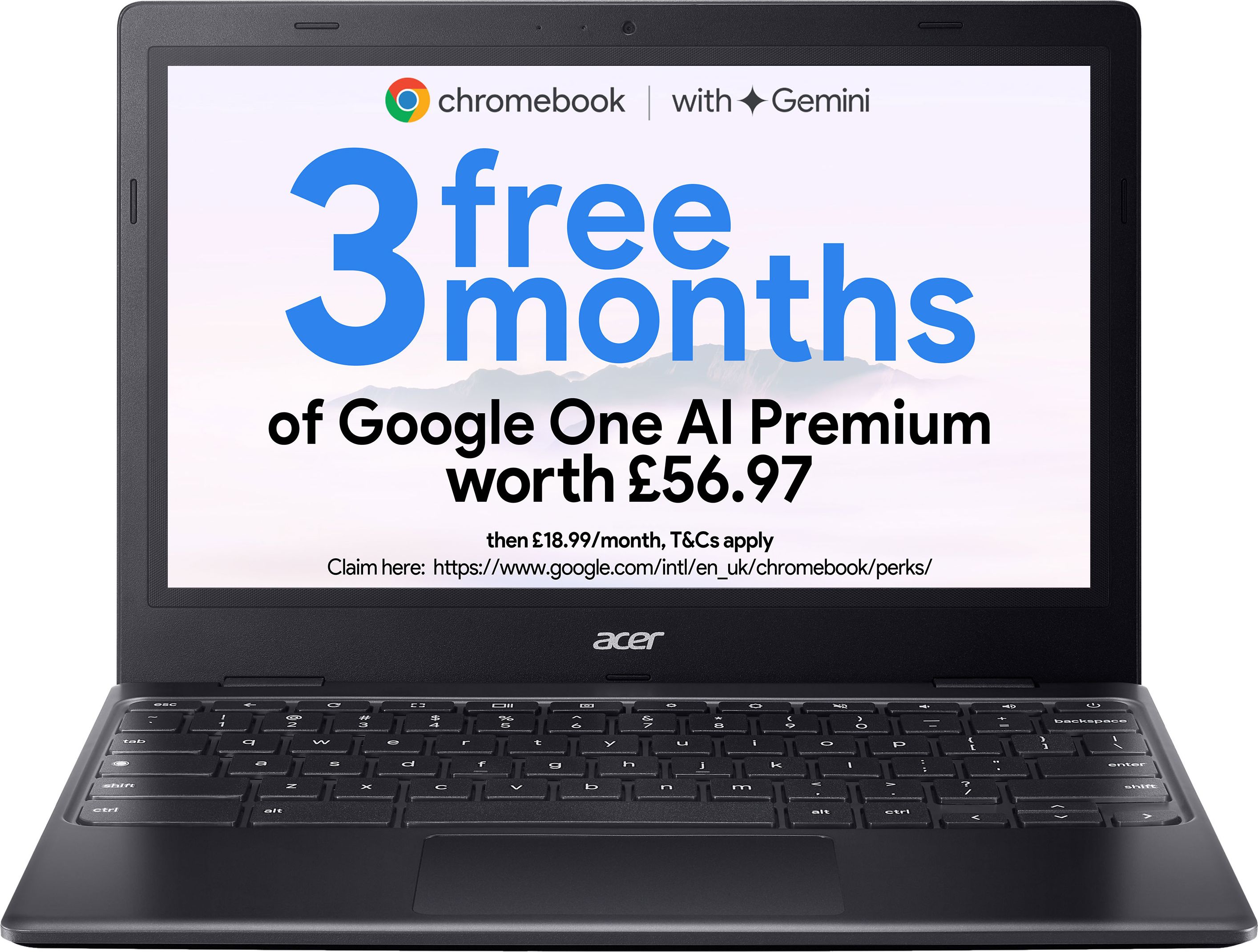
A tiny 11.6-inch Chromebook that keeps costs to a minimum while still feeling snappy for browsing, schoolwork and streaming on the go.
For the money, the Acer Chromebook 311 is hard to beat if you just need a simple, no-fuss laptop. The compact 11.6-inch design makes it extremely portable, ideal for school bags or using around the house. With an Intel Celeron processor, 4GB of RAM and 64GB of eMMC storage, it is well suited to ChromeOS, which tends to feel fast and responsive on modest hardware. The HD screen is perfectly adequate for web browsing and catch-up TV, and the strong 4.8 out of 5 rating from a good number of reviews suggests owners are very happy with its everyday performance. As one of the cheapest Acer laptops available, it delivers a lot of usability for very little outlay.
The small 11.6-inch screen will feel cramped if you spend hours typing or working with spreadsheets, and the HD resolution is basic compared with larger Full HD panels. With 4GB of RAM and 64GB of storage, there is limited headroom for heavy multitasking or storing lots of files locally, so you will need to lean on cloud storage. It is not suitable for demanding Windows software or gaming, so power users should look elsewhere.
Ideal for students, children or anyone who wants an ultra-portable, low-cost laptop for web browsing, schoolwork and streaming. It suits buyers who prioritise price and portability over a large screen or big storage. If you mainly live in a browser and use cloud storage, the Chromebook 311 covers the essentials without breaking the bank.
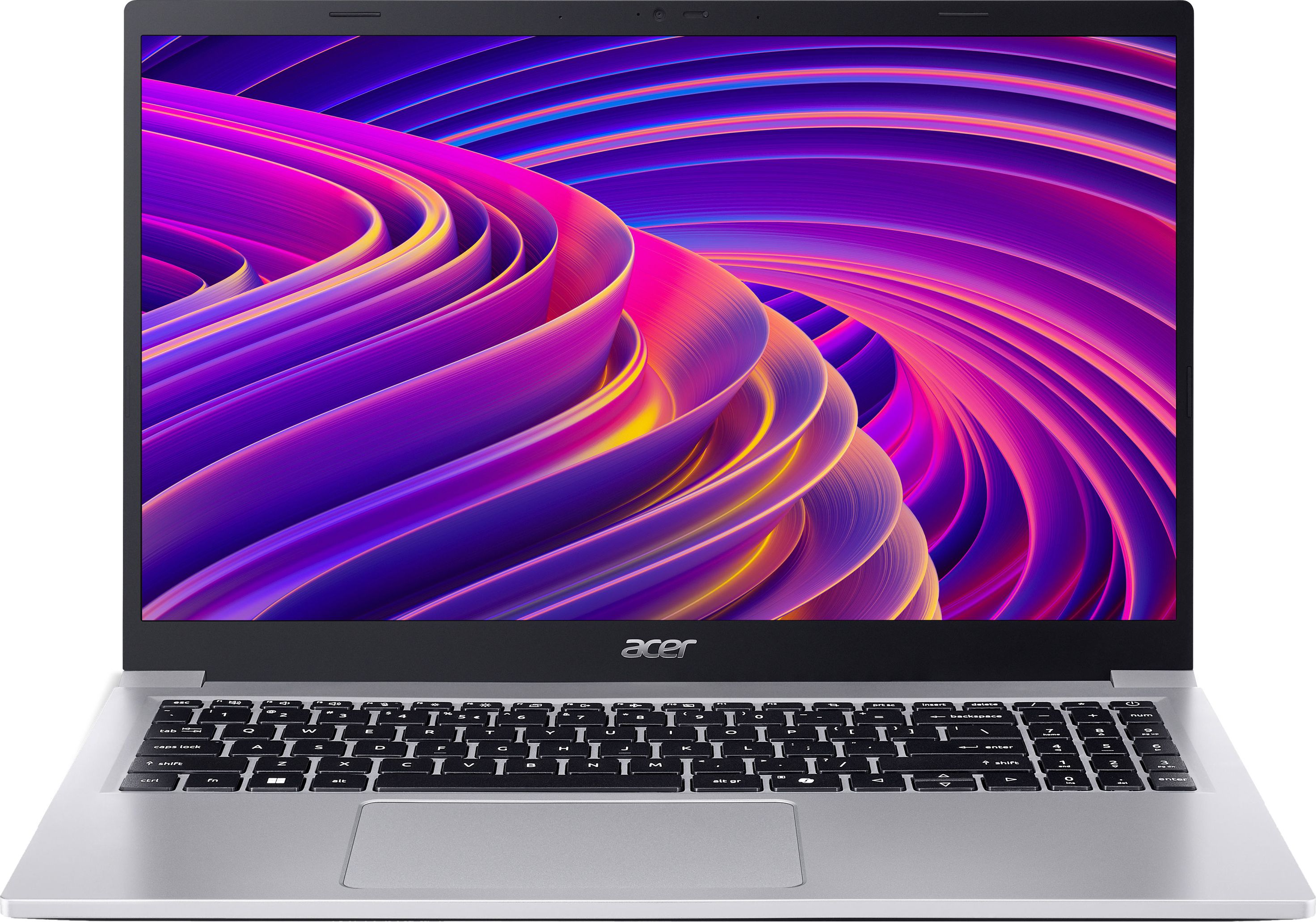
A full-size 15.6-inch Acer laptop that gives you a roomy screen and Windows flexibility on one of the tightest budgets around.
The Acer Aspire Lite AL15-33P is appealing if you want a full-size Windows laptop at a rock-bottom price. Its 15.6-inch screen offers much more room for documents and web pages than a small Chromebook, making it easier on the eyes for longer sessions. Despite being an entry-level model, early reviews score it highly, which is reassuring when you are spending as little as possible. Being a Windows machine, it can run a wider range of traditional software than a Chromebook, from office suites to basic creative tools, as long as your expectations are sensible. It is a strong option if you need Windows but do not want to overspend.
As one of the cheapest Windows laptops, the Aspire Lite’s internal hardware is likely to be fairly modest, so performance may dip if you open lots of apps or browser tabs at once. Storage and memory are also likely to be limited at this price, which is fine for light use but restrictive if you try to treat it like a workhorse. Compared with similarly priced Chromebooks, it may feel slower day to day because Windows is more demanding.
Best for budget-conscious buyers who specifically need Windows, whether for work software, basic office tasks or certain school applications. It suits home users who prefer a larger screen and traditional laptop feel but cannot justify mid-range prices. If you mostly use a handful of everyday apps and keep expectations realistic, it makes Windows accessible on a tight budget.
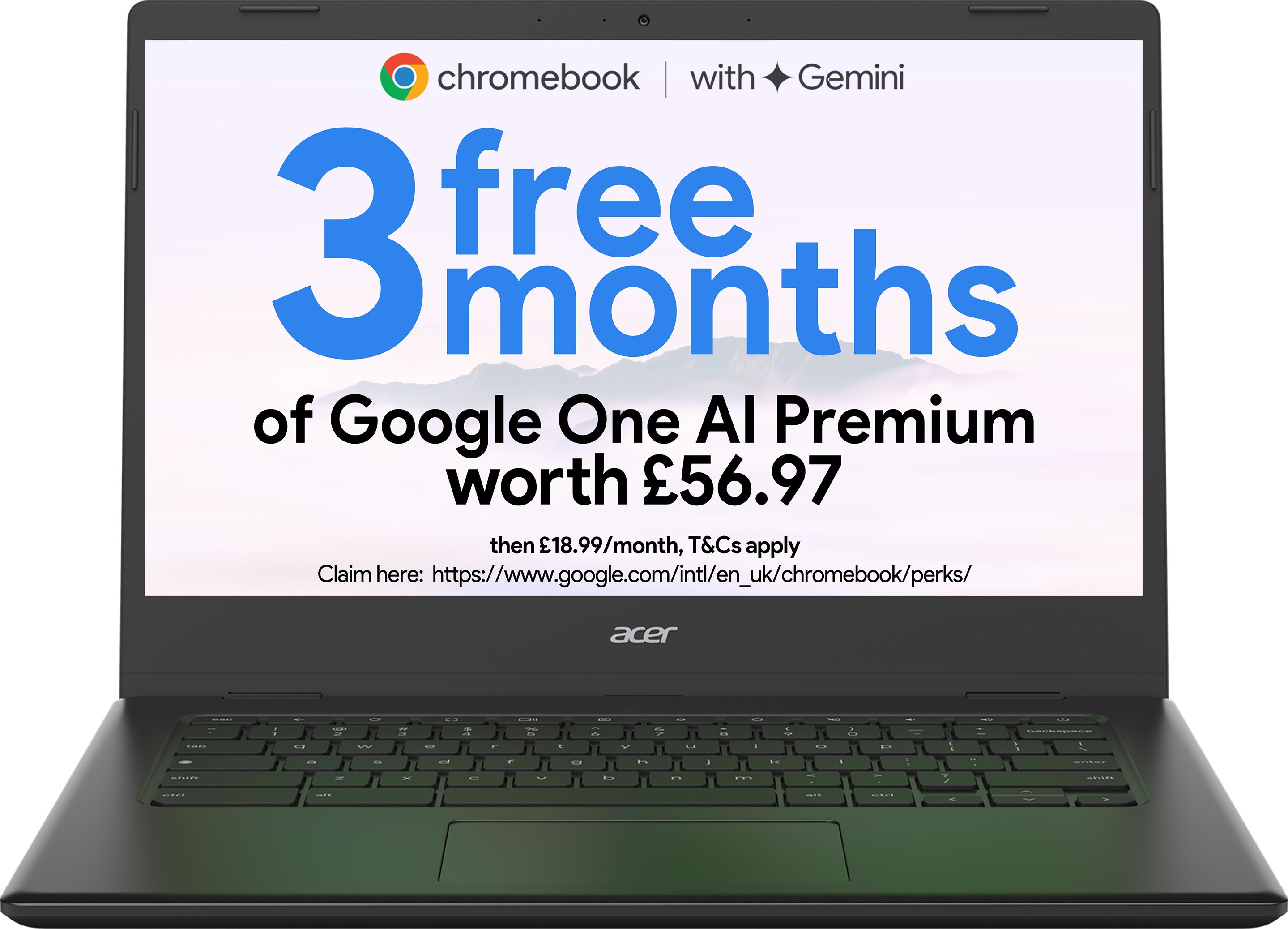
A 14-inch Acer Chromebook that strikes a strong balance between price, portability and screen space for everyday tasks.
The Acer Chromebook 314 hits a real sweet spot between size, usability and price. Its 14-inch Full HD display gives you noticeably more space and sharpness compared to an 11.6-inch HD panel, making text crisper and videos more enjoyable without the bulk of a 15.6-inch laptop. With the familiar Intel Celeron, 4GB of RAM and 64GB of eMMC storage, it is optimised for the lightweight nature of ChromeOS, and the excellent 5-star rating from multiple reviews suggests it feels smooth and reliable in daily use. For a relatively small step up in price from the very cheapest model, you gain a more comfortable screen and keyboard that will suit many users better in the long run.
While the Chromebook 314 offers a better screen and size balance, it still shares the same basic Celeron processor, 4GB of RAM and 64GB of storage as cheaper models, so it is not a performance upgrade. Local storage is modest, so heavy downloaders or those wanting to keep large offline media libraries will quickly run out of space. It is also not the very cheapest option in Acer’s range, so the slightly higher price only makes sense if you value the improved screen and comfort.
A great pick for students, home workers and families who want a comfortable all-round Chromebook that is still affordable. The 14-inch size is well suited to regular typing, essays and casual entertainment without being too bulky to carry. Choose this if you want a step up in usability from the tiniest cheap laptops without spending much more.

A 15.6-inch Acer Chromebook that offers a big display and ChromeOS simplicity at a very wallet-friendly price.
The Acer Chromebook 315 is a great choice if you want a budget laptop with a big 15.6-inch display. That larger screen makes it more comfortable for spreadsheets, split-screen multitasking and watching films from the sofa. Like other Acer Chromebooks here, it pairs modest hardware with ChromeOS for a surprisingly slick everyday experience, especially for web and cloud-based work. The strong 5 out of 5 rating from several buyers is encouraging, particularly for a laptop at this price point. It gives you the feel of a larger, desktop-replacement style machine without a large price tag.
The larger 15.6-inch body makes this Chromebook heavier and less portable than 11.6 or 14-inch options, so it is not ideal if you are constantly on the move. Despite the bigger size, the hardware is still entry level, so you do not gain extra power, just more screen space. As with other budget Chromebooks, storage is limited and you will be relying on cloud services for most of your files.
Ideal for home users who mainly work at a desk or kitchen table and value a big screen for spreadsheets, web pages and box-set binges. It is a strong option for families sharing one cheap laptop, as the larger display is easier for everyone to use. If you do not need to travel with it often but want maximum screen size for minimal cost, this is the one to look at.
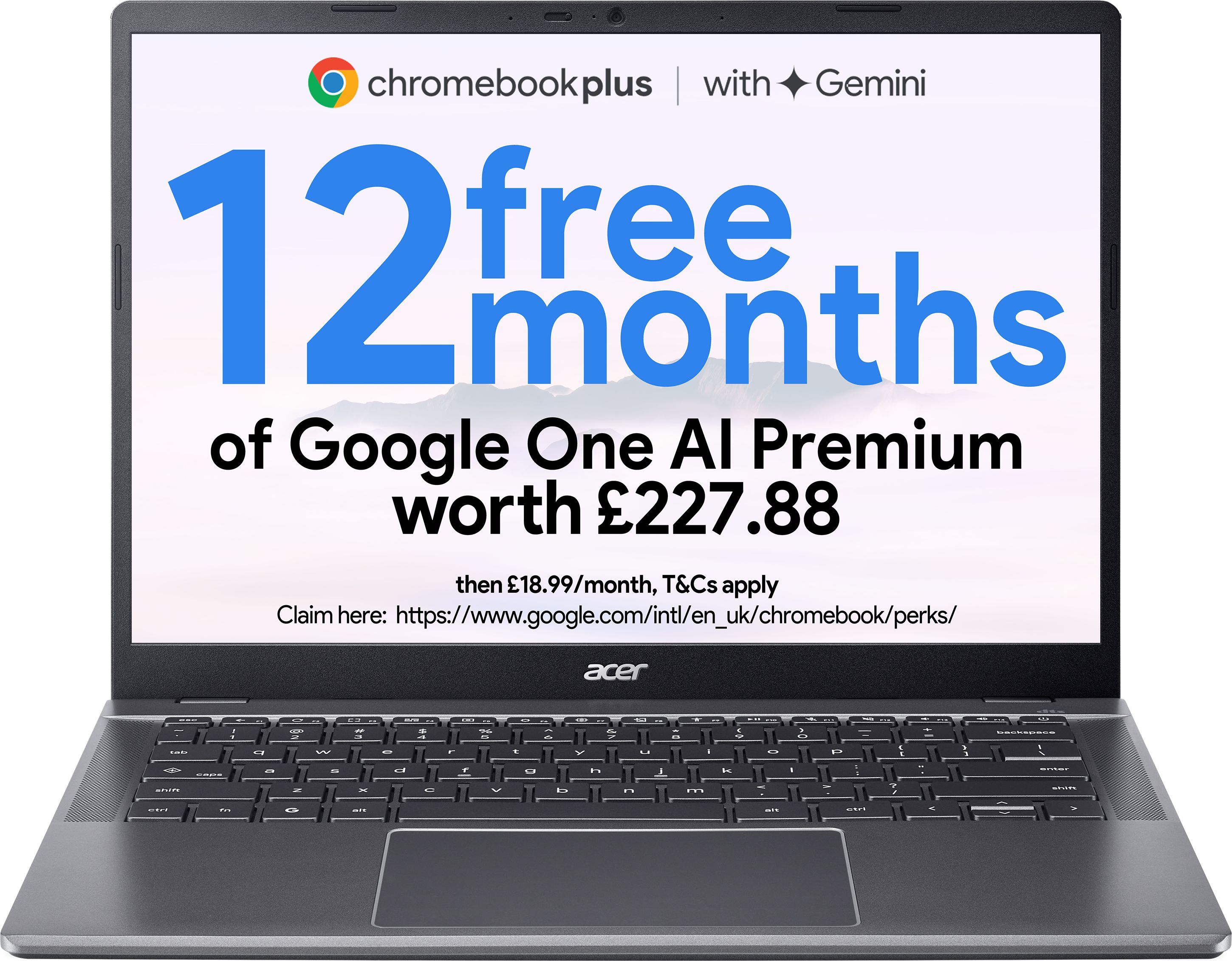
A more capable 14-inch Acer Chromebook Plus that costs a bit more than the very cheapest models but promises extra polish and performance.
The Acer Chromebook Plus 514 steps things up while still staying firmly in budget territory. As a Chromebook Plus model, it is designed to offer a bit more capability than the most basic Chromebooks, which should translate into smoother performance and better support for multitasking and Android apps. The 14-inch screen provides a good compromise between portability and working space, especially if you are often on the move but do not want to squint at a tiny display. Although there are no reviews yet, its position higher up Acer’s Chromebook line hints at more refinement than the very cheapest models, while still undercutting premium laptops by a wide margin.
The Chromebook Plus 514 is the priciest option in this cheap Acer line-up, so it may feel like a stretch if you are simply after the lowest possible upfront cost. With no customer reviews yet, there is less real-world feedback to lean on compared with the other models here. If you mostly browse and stream, you might not fully benefit from its extra capability over the cheaper Chromebooks.
Suited to buyers who still care about keeping costs sensible but are willing to pay a bit more for a smoother, more future-proof Chromebook. It is a good option for students and remote workers who multi-task, use Android apps or plan to keep the laptop for several years. Choose this if you want a balance of portability, polish and value rather than simply the lowest possible price.
