Home » Best cheap laptops worth buying in 2026
A good laptop does not have to cost a fortune. The cheapest models in 2026 can handle browsing, streaming and homework perfectly well if you choose carefully.
This guide focuses on laptops and Chromebooks that keep the upfront cost low without feeling painfully slow or flimsy. They are not built for intensive gaming or creative work, but they are more than capable for everyday tasks.
We have narrowed things down to a short list of budget-friendly picks that stand out for value, user ratings and real-world usability. Some are the absolute lowest-price options, while others cost a little more but deliver a noticeably better experience for still sensible money.
These recommendations are based on real prices, specifications and owner ratings rather than just chasing the lowest number on the page. We look carefully at how each cheap laptop is likely to cope with everyday jobs like browsing, streaming, video calls and basic office work.
Models with a track record of solid user feedback score more highly than slightly cheaper machines with poor ratings. We pay attention to screen size, portability and the overall balance of features for the money, so you are less likely to end up with a false economy that feels frustrating from day one.
Our goal is to highlight low-cost laptops and Chromebooks that still feel like sensible, dependable purchases, helping you save money while staying productive.
We started by looking at the lower end of the laptop price range, focusing on models that undercut typical mid-range prices by a clear margin. From there, anything with consistently weak ratings or obvious usability issues was set aside, even if it was slightly cheaper.
Next, we prioritised systems that are comfortable for everyday tasks: web browsing, streaming, emails and school or office documents. Screen size and portability played a part too, so you will see a mix of compact 14-inch machines and larger 15.6-inch options.
Because these are budget picks, you should expect compromises compared with premium notebooks. However, every model here offers a reasonable balance between low price, day-to-day performance and owner satisfaction, making them worth a look if you want to spend as little as possible without too many regrets.
Below you will find a small selection of cheap laptops and Chromebooks that stand out for value. They all sit at the budget end of the market, but each takes a slightly different approach to balancing price, screen size and everyday performance.
The first pick is the standout bargain, while the others trade a little extra money for a bigger display, a different design or stronger user feedback. That way, you can decide whether to go for the absolute lowest cost or step up slightly for a more comfortable long-term choice.
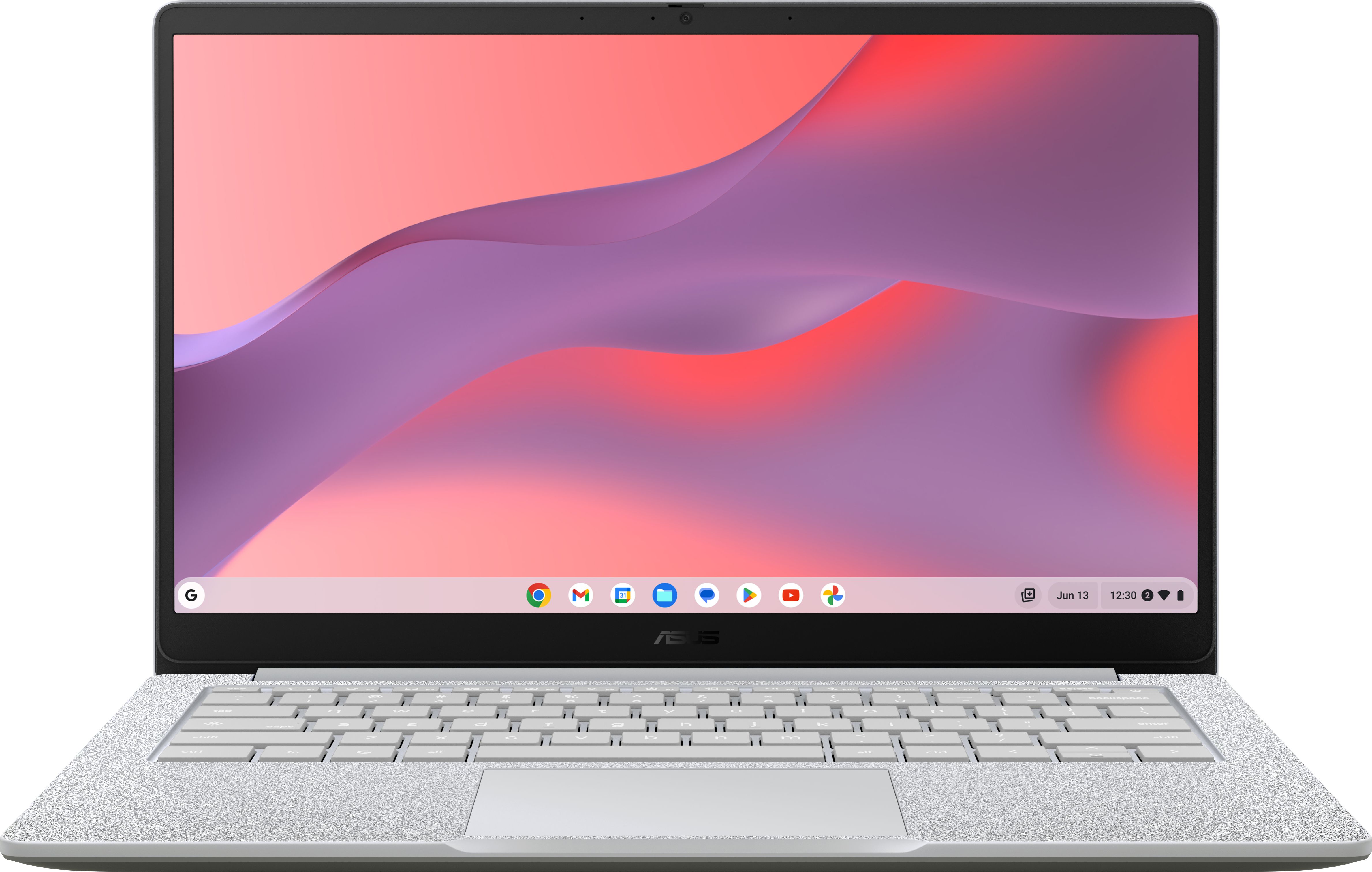
One of the very cheapest laptops around, this 14-inch Asus Chromebook is ideal if you just want a simple, no-fuss machine for browsing and streaming without spending much.
This Asus 14-inch Chromebook is the cheapest laptop in this line-up, so it is perfect if you simply want to spend as little as possible. At around this price point, ChromeOS is a smart choice because it runs smoothly on modest hardware, meaning everyday tasks like browsing, email and video streaming should feel snappy enough. The 14-inch size strikes a nice balance between portability and a comfortable viewing area, making it a good pick for sofa surfing or taking to a café. A rating of 4.4 out of 5 from early buyers is encouraging for such a low-cost machine, suggesting it does the basics reliably. For a secondary laptop or a student machine, it offers a lot of practicality for very little money.
As one of the very cheapest options, this Chromebook will not have the performance headroom of more expensive laptops, especially if you push it with lots of tabs or demanding web apps. Storage is likely limited, so you will be relying heavily on cloud services for files and media. The review count is still low, so while the rating is positive, long-term reliability is less proven than more established models. If you can afford to spend a bit more, one of the larger-screen or higher-rated options may feel more comfortable for heavier daily use.
Ideal if you want the lowest possible spend on a simple, everyday laptop for browsing, online shopping and watching videos. It is a great fit for younger students who mainly use web-based tools or as a spare machine for the family. Choose this if you care more about price than power but still want a sensible, easy-to-use device.
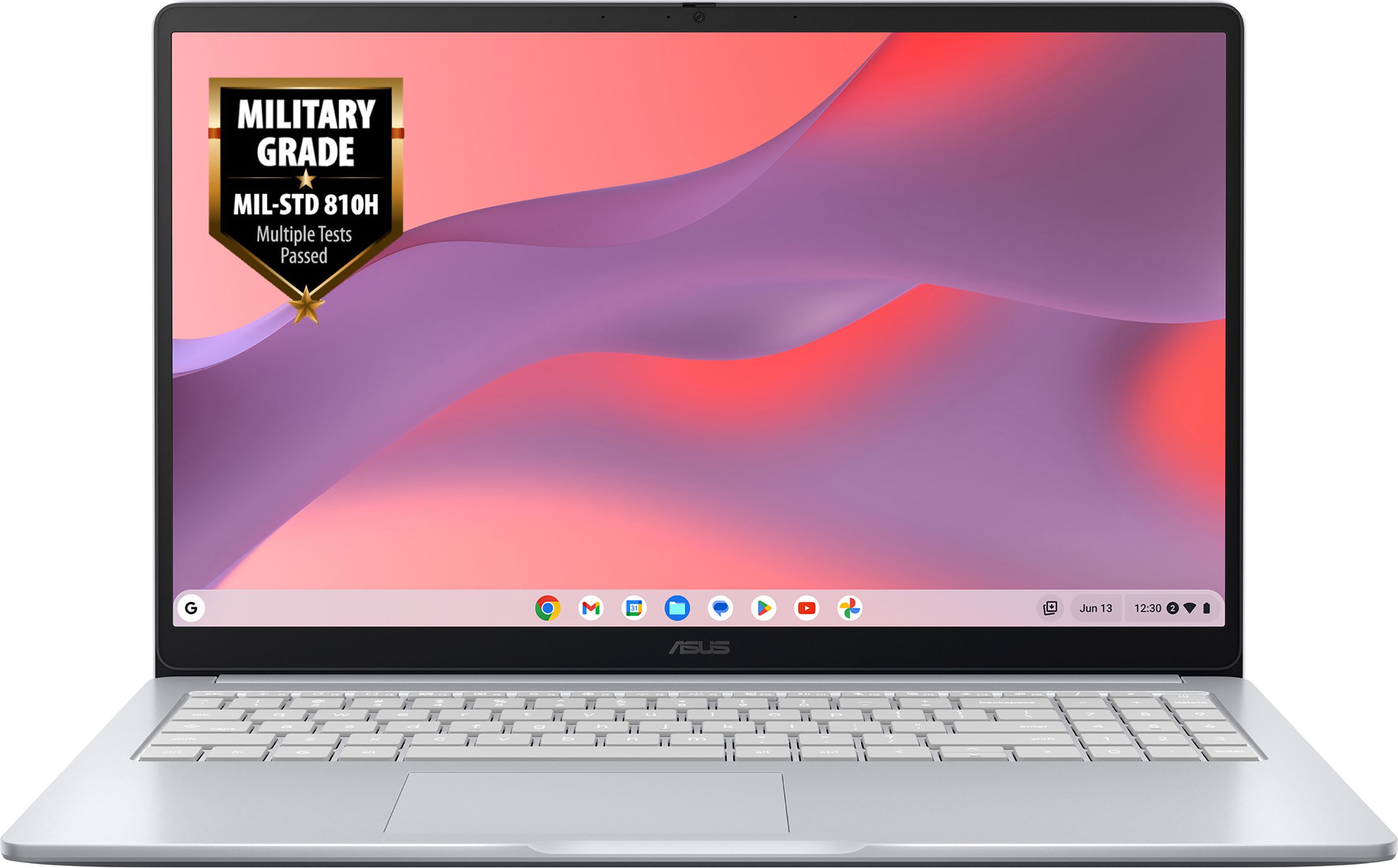
A highly rated 15.6-inch Asus Chromebook that gives you a larger screen and great user feedback for only a small step up in price from the very cheapest models.
With a 15.6-inch display, this Asus Chromebook gives you more room for documents, spreadsheets and streaming than the smaller 14-inch models. Despite the bigger screen, the price remains firmly in the budget bracket, so you are not paying a premium for size alone. Its perfect 5 out of 5 rating from current reviews, even if from a small number of owners, suggests strong satisfaction with real-world performance. ChromeOS should keep things running smoothly for web-based work and entertainment, which is exactly what most people want from a cheap laptop. For the modest extra outlay over the very cheapest pick, you get a more spacious and comfortable machine to live with every day.
The 15.6-inch size makes this less portable than 14-inch models, so it is better suited to staying at home or in one place most of the time. As a Chromebook, it is not ideal if you rely on traditional Windows-only software or need specialist applications. The number of reviews is still fairly small, so while the score is excellent, there is not yet a huge pool of feedback. If portability is more important than screen space, a smaller and slightly cheaper Chromebook might suit you better.
Best for anyone who wants a big, comfortable screen on a tight budget, such as students working on essays or families sharing one household laptop. It suits people who live mostly in the browser and use services like Google Docs, YouTube and video calls day to day. Pick this if you are happy with ChromeOS and want extra screen space for only a little more money.
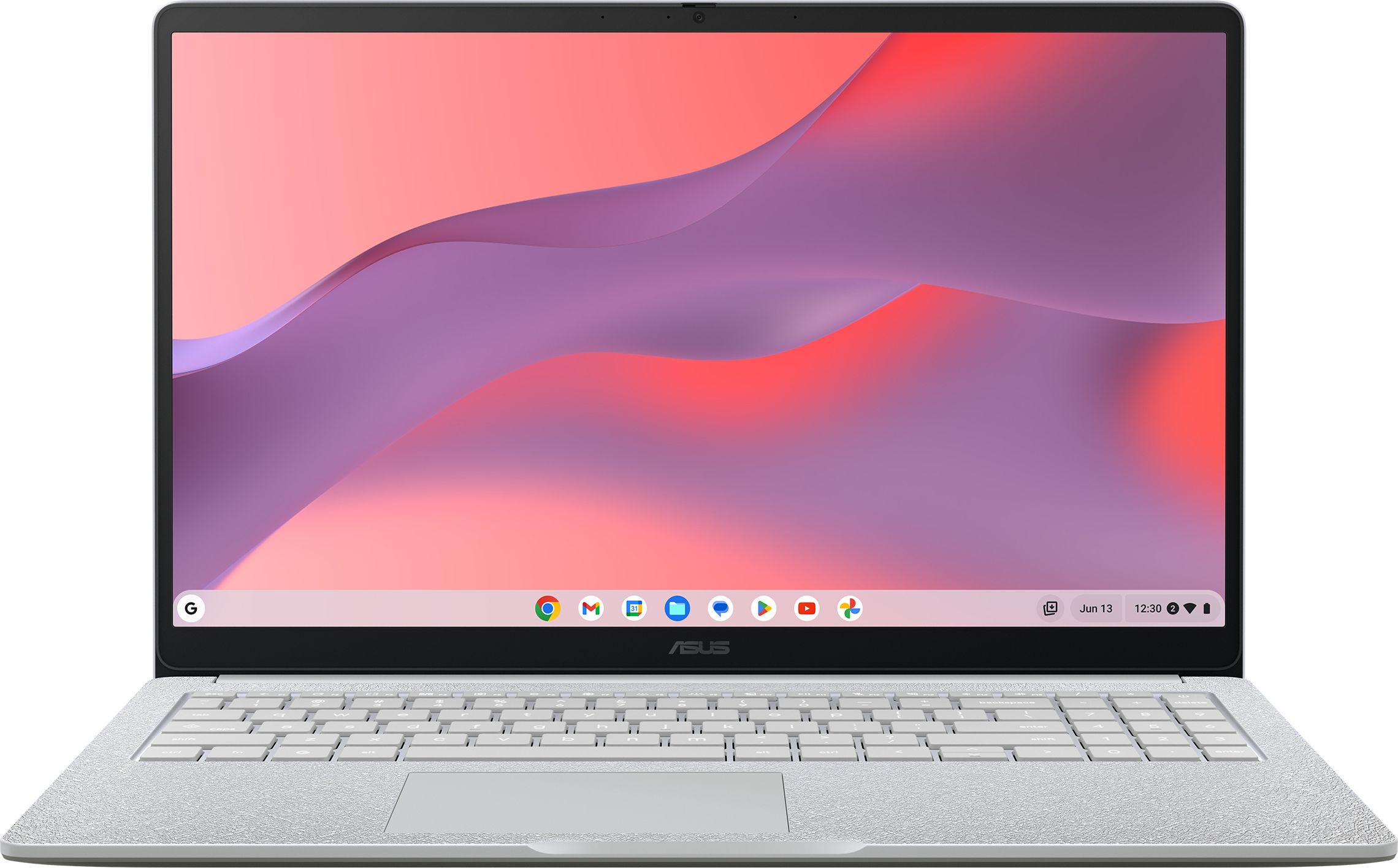
This 15.6-inch Asus Chromebook keeps costs low while offering a roomy display, making it a straightforward option if you value screen size on a tight budget.
This Asus 15.6-inch Chromebook mirrors the big-screen appeal of other models while keeping the price impressively low. A larger display is especially useful for working across multiple browser tabs, watching films or helping with schoolwork at the kitchen table. As a Chromebook, it is tailored to web apps and cloud services, meaning you are likely to see decent responsiveness for everyday tasks even with budget hardware. It sits at the same asking price as the best-rated 15.6-inch option here, so it could offer similar value if you find it in stock or at a good deal.
At the time of writing, this model does not yet have user reviews, so you are buying based mainly on brand reputation and specs rather than proven feedback. Like other Chromebooks, it is not the right choice if you need full Windows software or offline-heavy workloads. Being a big-screen budget device, it is unlikely to be the lightest or most compact option to carry around. If you want more reassurance from real-world ratings, the other 15.6-inch Chromebook on this list looks safer.
Well suited to buyers who want a budget-friendly 15.6-inch Chromebook and are happy to trade established reviews for a keen price. It is a sensible choice for home use, casual browsing and schoolwork when you prefer a larger display over maximum portability. Consider this if you are hunting for a deal on a big-screen Chromebook and are comfortable relying on cloud apps.
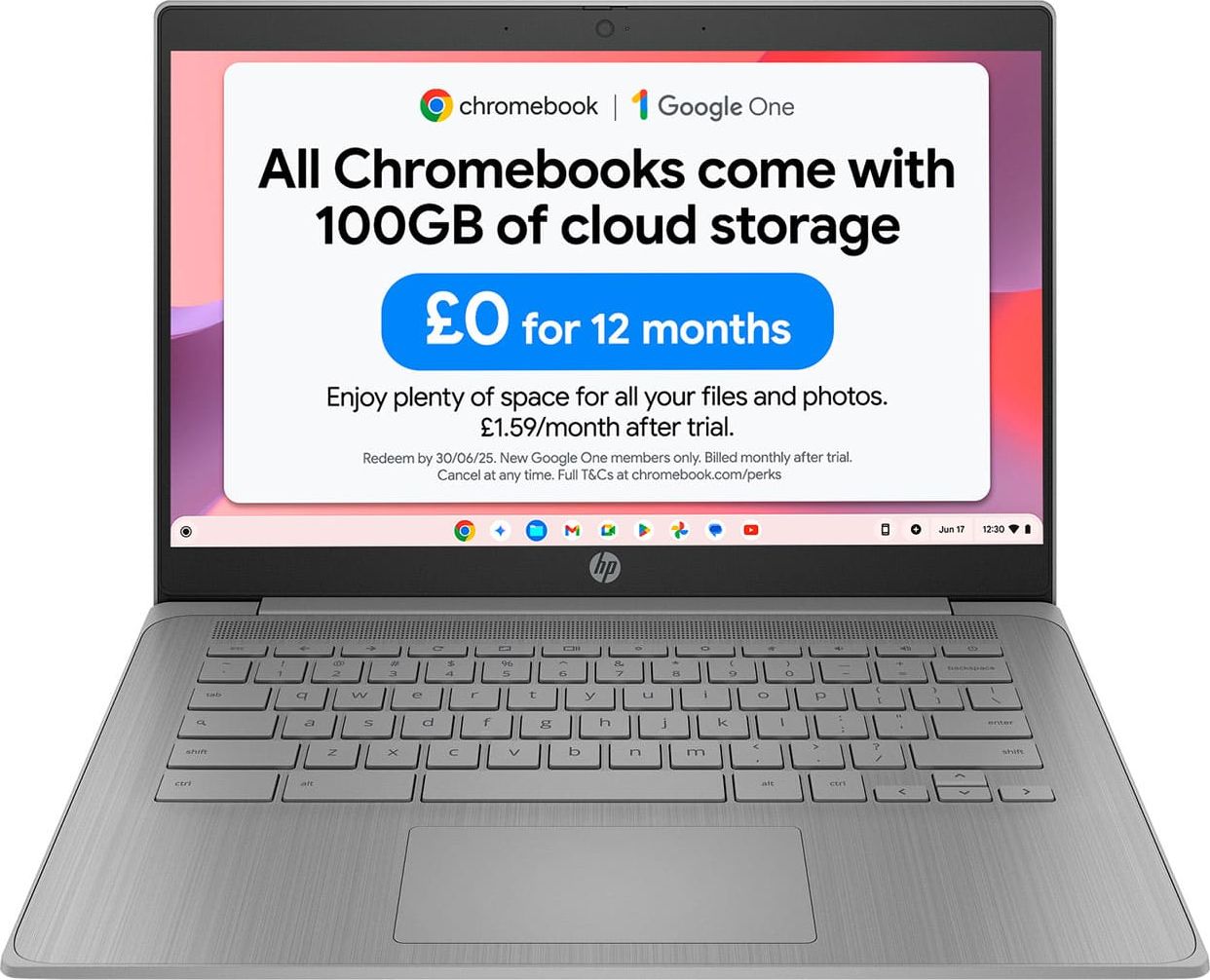
HP’s 14-inch Chromebook is a well-reviewed, compact choice that balances a sensible price with dependable everyday performance.
HP’s 14-inch Chromebook comes in at a very accessible price while still earning a strong 5 out of 5 rating from buyers so far. The 14-inch screen keeps things compact and easy to carry, ideal for students or anyone moving between rooms throughout the day. ChromeOS is designed for exactly this kind of affordable hardware, focusing on web browsing, streaming and cloud-based work rather than heavy local apps. That combination of portability, clean software and reassuring user feedback makes it a solid choice if you want a simple, dependable and tidy-looking laptop for everyday use.
With only a single review so far, the 5 out of 5 rating is encouraging but not yet deeply established. As a budget Chromebook, hardware will be modest, so it is not designed for demanding multitasking or intensive apps. Storage capacity is likely on the tight side, which means relying on the cloud or external storage for bigger files. If you want a bigger display or more flexibility from Windows, one of the 15.6-inch or Windows-based options here could be a better fit.
Ideal for students, home workers and casual users who want a compact, no-nonsense laptop for web browsing, streaming and light document work. It is especially attractive if you like the simplicity and security of ChromeOS and do not need Windows-specific programs. Pick this if you want a neat 14-inch machine that is easy to carry and simple to look after.
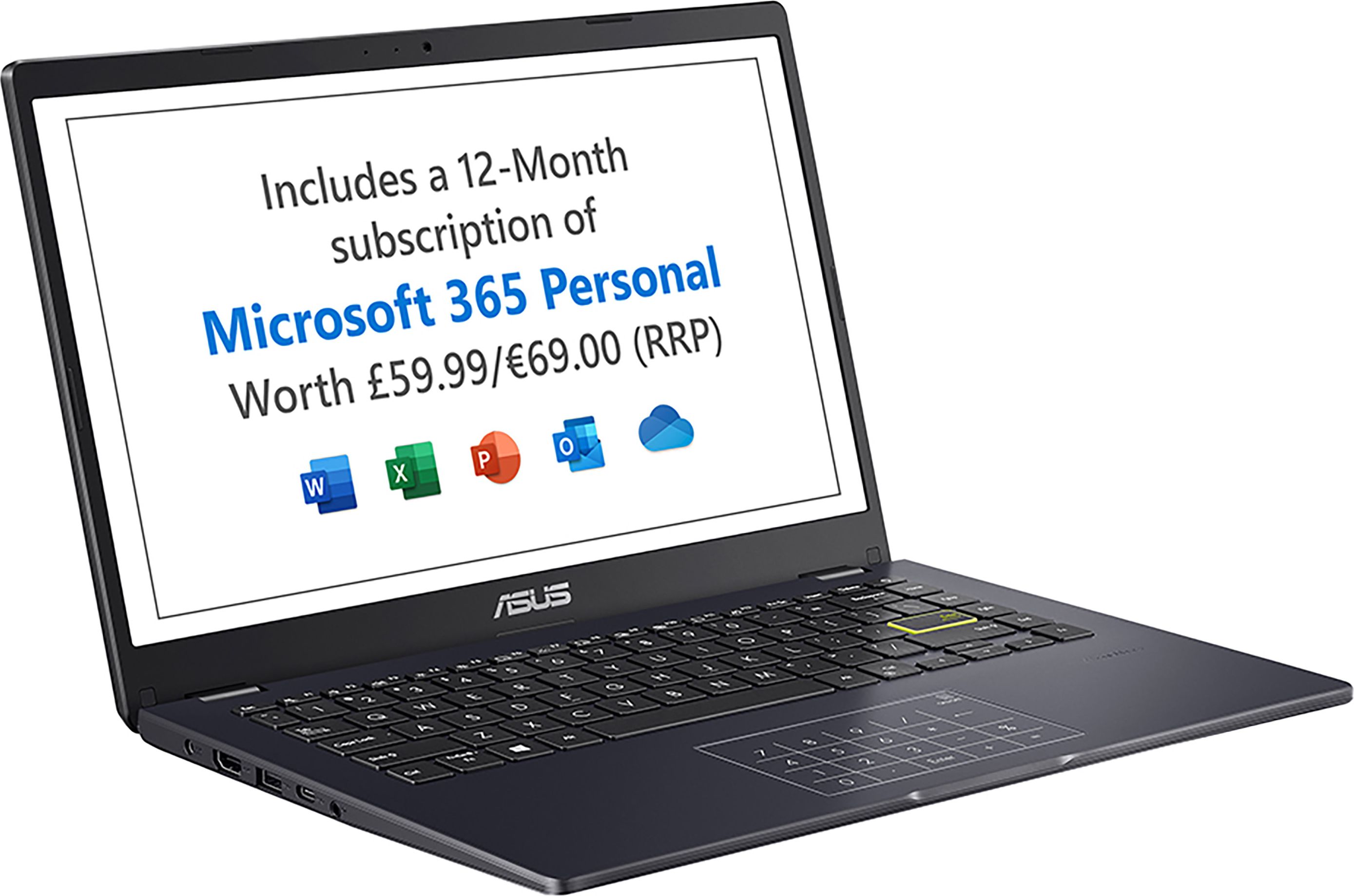
The Asus Vivobook Go 14 is a full Windows laptop at a budget price, giving you more flexibility than a Chromebook while still keeping things affordable.
The Asus Vivobook Go 14 is notable because it offers a full Windows experience at a budget-friendly price, which many people still prefer for compatibility with familiar software. A 14-inch screen keeps it portable enough for commuting or moving around the house, while still being comfortable for writing and browsing. Owner feedback is strong, with a 4.6 out of 5 rating across several reviews, which is reassuring for a cheap Windows machine. It is only a small step up in price from the cheapest Chromebooks here, yet it opens the door to a wider range of programmes and peripherals. For anyone who needs Windows for specific apps or prefers the familiarity of the interface, it represents good value.
As a cheap Windows laptop, this Vivobook will not match the smoothness of pricier notebooks when pushed with lots of apps or browser tabs. Windows itself is a little heavier than ChromeOS on low-end hardware, so you may notice more slowdowns if you overload it. The price, while still budget, is slightly higher than the very cheapest Chromebooks, so you are paying a bit extra for the flexibility of Windows. If you only ever use web apps and streaming, a Chromebook may feel snappier for less money.
A strong option for anyone who needs Windows on a budget, whether for specific software, school work or familiar office apps. It is a good fit for students and home users who value portability but still want the flexibility to install traditional desktop programmes. Choose this if you are willing to pay slightly more than the very cheapest Chromebooks to get the broader compatibility of a full Windows laptop.