Home » Best cheap MacBooks worth buying in 2026
MacBooks are rarely described as cheap, but you do not have to pay top-end prices to get a fast, well-built Apple laptop in 2026. The latest MacBook Air models bring the same sleek design and long battery life you see at the premium end, just with more modest storage and slightly lower specs.
We have picked out the best cheaper MacBooks that still feel quick and dependable for everyday use, study and light creative work. The focus here is on laptops that cut cost without cutting too far into performance, battery life or build quality.
Every recommendation involves some compromise – usually storage or not having the very latest chip – but each model represents strong value in its price band. Use this guide to decide whether to grab the lowest price option or spend a little more for extra speed and longevity.
These recommendations are based on real product data, pricing and customer feedback, not just headline discounts. We look closely at the chip generation, storage, and overall design to work out which cheaper MacBooks still deliver the smooth experience people expect from Apple.
Instead of simply highlighting the lowest price tags, we weigh up everyday usability, battery life and owner ratings to make sure each laptop feels like a sensible long-term buy. Where there are trade-offs, we spell them out so you can decide whether saving money or stepping up a level makes more sense for you.
The aim is simple: to help you avoid false economies and choose a MacBook that fits your budget while still feeling fast, reliable and enjoyable to use day to day.
We started by focusing on the lower end of current MacBook pricing, prioritising the more affordable MacBook Air range over the pricier Pro models. From there, we filtered out older or poorly reviewed laptops so you are left with recent-generation machines that should receive software updates and deliver strong performance for years.
Within that shortlist, we compared chip generations, storage size and typical selling prices to find the best balance of cost and capability. Heavily discounted models with solid owner ratings scored well, especially where they still use Apple’s modern M-series processors.
We also tried to offer a clear step-up path: models that keep the price as low as possible, alongside slightly more expensive options that justify the extra money with better longevity or performance. That way you can decide whether to maximise savings or aim for the best overall value within a still-sensible budget.
These MacBooks sit at the more affordable end of Apple’s laptop line-up, but all of them are powerful enough for day‑to‑day work, study and streaming. Some are chosen because they are among the very cheapest current models, while others cost a little more but offer better long-term value thanks to newer chips or stronger reviews.
Use the summaries below to see where it makes sense to keep costs right down and where paying a modest premium could give you a faster, longer-lived MacBook.
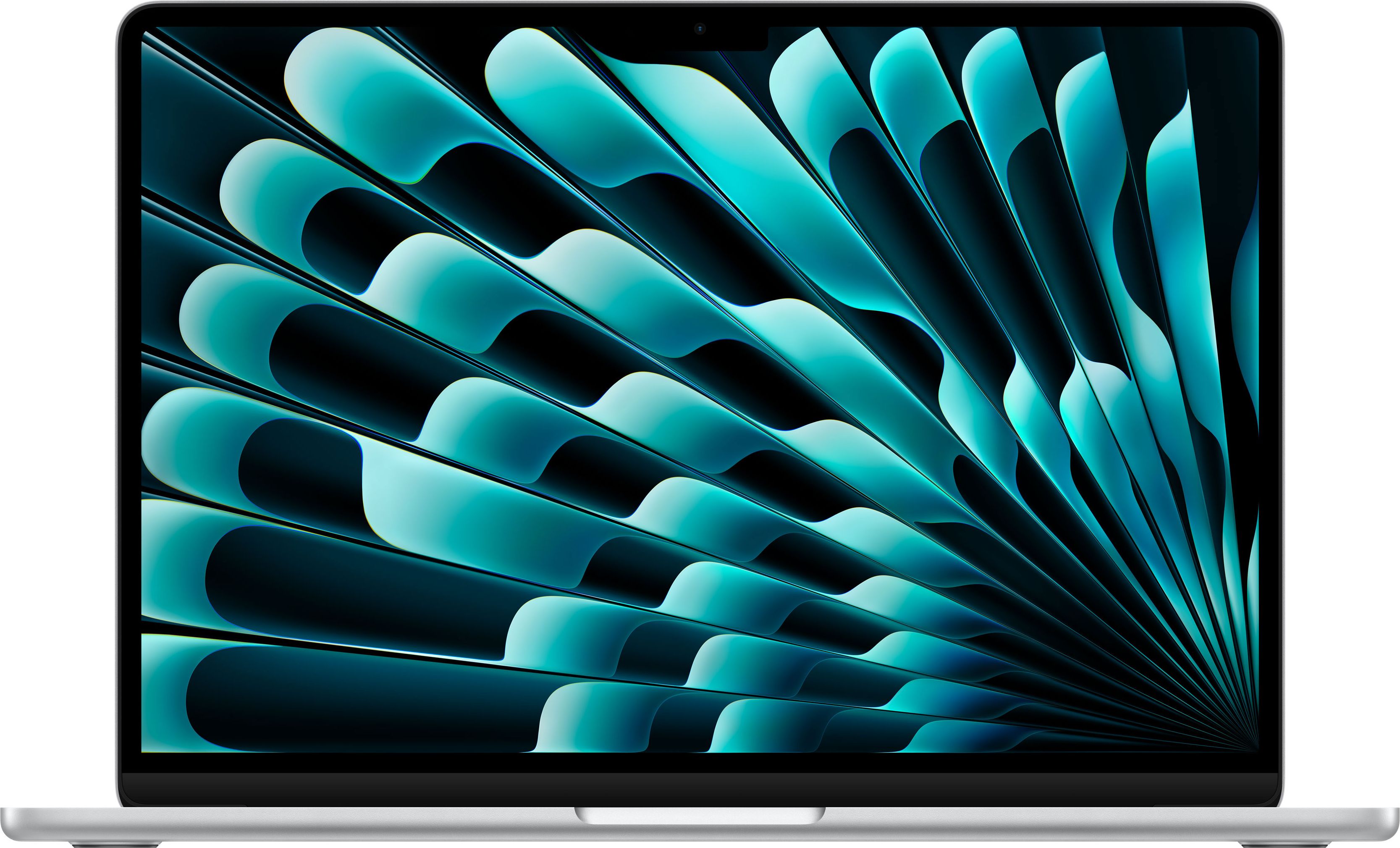
A 13-inch MacBook Air with Apple’s M3 chip at one of the lowest prices, ideal if you want a modern, fast MacBook without paying for extras you do not need.
For the price, this M3 MacBook Air is a standout, bringing Apple’s modern chip architecture to a genuinely accessible price point. The combination of M3 power and 16GB of RAM should keep everyday work, browsing and multitasking feeling smooth for years. You still get the slim, fanless design the Air is known for, so it runs quietly and is easy to carry around. It is also one of the cheapest ways to get into a current-generation MacBook, which is a big plus if you are moving from an older Intel laptop.
Storage is limited to 256GB, which can feel tight if you keep lots of photos, videos or large apps on the laptop rather than in the cloud. It also lacks the very latest M4 chip, so while performance is strong now, a heavier creative workload might age it faster than the newer models below. If you want a machine with the longest possible software support window, it may be worth stretching to one of the M4 options.
Ideal if you want the cheapest route into a modern MacBook that still feels quick and polished. Students, home workers and anyone who lives mostly in the browser or office apps will get excellent value here. It suits buyers who are happy to manage storage with cloud services or an external drive to keep the initial cost down.
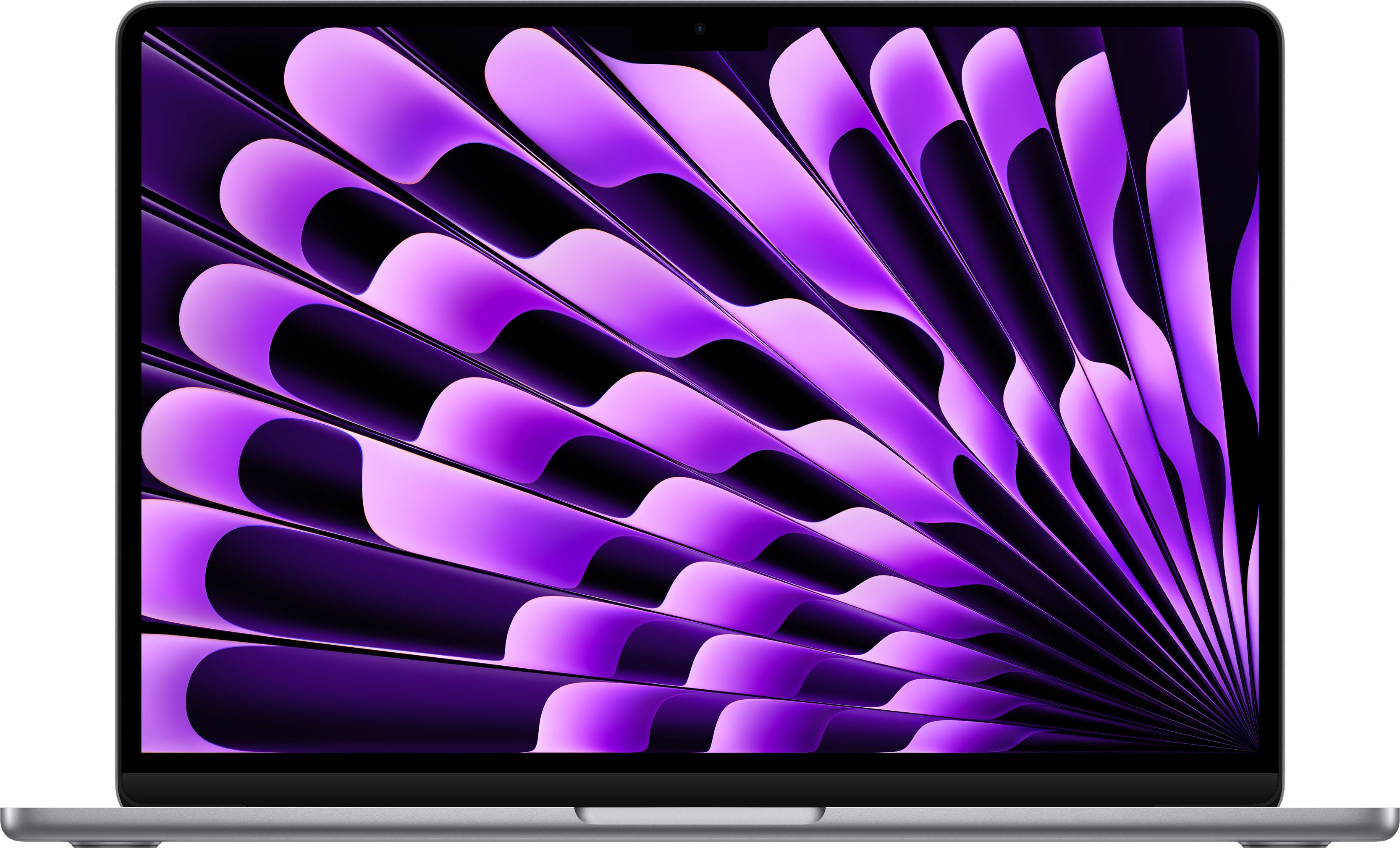
Essentially the same M3 MacBook Air as our top pick but in a different finish, giving you a second cheap option if you prefer a darker look.
This model mirrors the strengths of the first pick, pairing an M3 chip with 16GB of RAM and 256GB of storage, which is an impressive spec at this price level. You are still getting that lightweight, fanless design and strong battery life that make the MacBook Air such an easy everyday companion. For shoppers who prefer a darker, more discreet finish on the desk or in a meeting room, this alternative colourway delivers exactly that without costing extra.
As with the other M3 Air, the 256GB storage will quickly feel cramped if you like to keep large media libraries on the device. It also does not benefit from the efficiency and performance gains of the M4 generation, which could matter if you run more demanding creative software. In practice, you are paying for colour preference rather than extra capability, so anyone who does not care about the finish might be better off grabbing whichever M3 or M4 deal is strongest at the time.
A good fit if you love the value of the entry-level M3 Air but prefer a darker, more understated look on your desk. It is well suited to students and professionals who need portable power without paying for the very latest chip. Choose this if you like the idea of a cheap MacBook Air but simply prefer this colour over the other options.

This M4 MacBook Air steps up to Apple’s newer chip for only a modest price increase, making it a smart buy if you want extra speed without leaving the budget bracket.
The M4 processor gives this MacBook Air a clear performance and efficiency edge over the M3 versions, which is impressive given its still-keen price. Excellent owner ratings and a healthy number of reviews suggest it feels quick, responsive and reliable in real-world use. You are getting 16GB of RAM as standard, which future-proofs things nicely for heavier multitasking and creative apps. For a relatively small step up in price from the cheapest M3 models, you gain a laptop that is likely to feel fast for longer.
You are paying a little more than the very cheapest M3 Airs, so it is not the rock-bottom option in this list. Storage remains at 256GB, which may feel limiting if you work with video or big design projects unless you plan to rely on external drives. If every pound counts and your workload is light, the M3 models could still make more sense purely on upfront cost.
Best for buyers who can stretch a little beyond the lowest price and want a MacBook that will feel current for longer. It is a strong option for light creative work, frequent multitasking and anyone planning to keep their laptop for several years. If you are unsure whether to go M3 or M4 and can afford the difference, this is a very sensible middle ground.
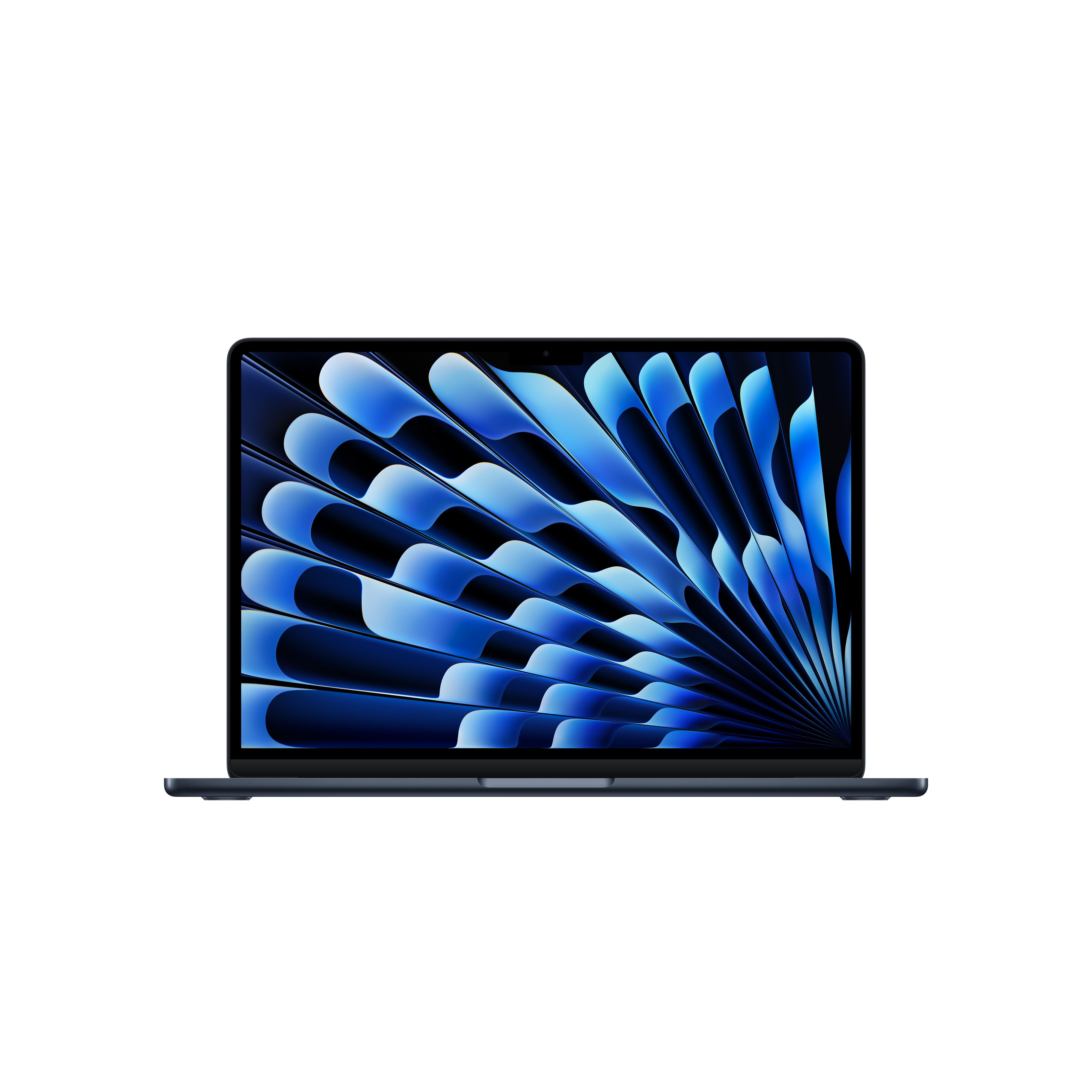
A mid-priced but still affordable M4 MacBook Air that pairs strong reviews with the latest chip, ideal if you plan to keep your MacBook for many years.
This M4 MacBook Air has built an outstanding reputation with buyers, reflected in its near-perfect review score, which is reassuring when you are spending a bit more. The latest-generation chip and 16GB of RAM mean it is well set up for a long life of demanding work, from large documents to regular photo editing. The 13-inch design keeps it light and highly portable while still offering a comfortable screen for all-day use. For a still-reasonable price, you get a machine that feels very close to high-end Apple laptops in everyday use.
The price is higher than the entry-level M3 Airs, which may put it just beyond the reach of very tight budgets. Despite the strong performance, storage is still 256GB, so professional creatives working with large files may quickly need an external SSD. If you mainly browse, stream and write documents, you might not actually notice the difference between this and the cheaper M3 options day to day.
Ideal if you want a cheap‑by‑Apple‑standards MacBook that you can confidently use for many years without feeling it slow down. It suits home workers, students on demanding courses and casual creators who dabble in photo or light video editing. Choose this if you see your MacBook as a long-term investment but still want to avoid MacBook Pro prices.
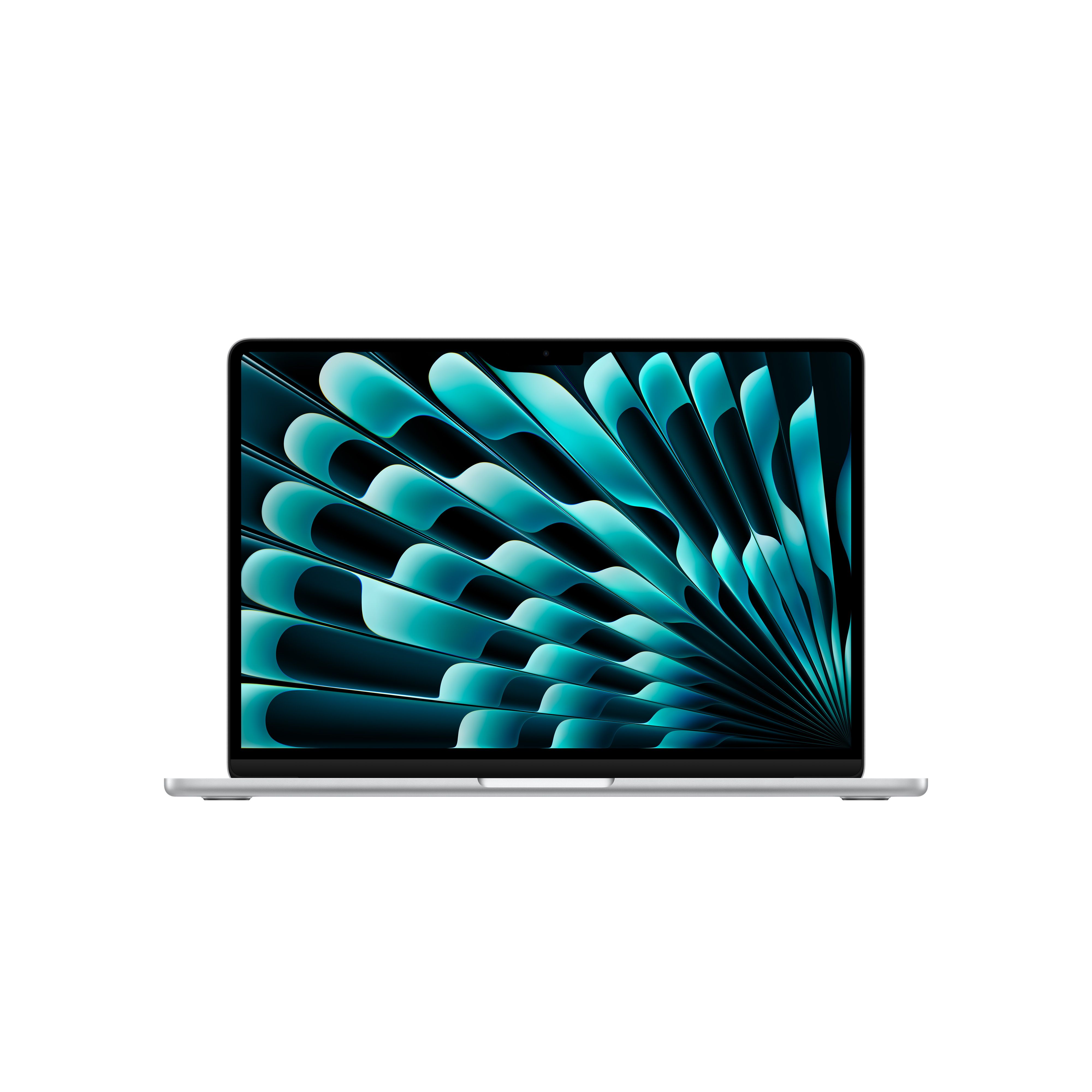
Another M4 MacBook Air at a similar price, giving you premium-feeling performance and design while staying well below MacBook Pro money.
Sharing the same M4 chip and 16GB of RAM as the other 2025 Air models, this version offers smooth performance even when you have lots of apps and browser tabs open. Owners rate it extremely highly, which hints at strong real-world reliability and satisfaction. The classic silver finish will appeal if you prefer a timeless, professional look that blends in on any desk. Although it costs more than the M3 machines, it is still excellent value compared with MacBook Pro models while giving you similar day-to-day speed for most tasks.
While still reasonable for an M4 MacBook, it is one of the pricier options in this line-up, so it will not suit the strictest budgets. You are again limited to 256GB of storage, which is the main compromise across all these cheaper models. If colour is not important, the best choice between this and the other M4 Airs will often come down to which one is on the best deal at the time.
Well suited to anyone who wants premium-feeling performance and design while keeping the overall spend below higher-end models. It is a great everyday machine for busy households, freelancers and students who juggle lots of apps at once. Pick this if you want a classic silver M4 Air and are willing to pay a little more than the absolute minimum for a more future-proof MacBook.
