Home » Best cheap monitors worth buying in 2026
If you just want a clear, reliable screen without spending a fortune, a cheap monitor is exactly what you need. The good news is that budget models have come a long way, and you no longer have to put up with fuzzy text or tired‑looking panels to save money.
Here we have picked some of the cheapest monitors for 2026 that still deliver Full HD clarity and smoother‑than‑basic refresh rates. Every model offers strong value for everyday use, whether you are working from home, studying or relaxing with a film.
Rather than simply listing the absolute lowest prices, we have focused on screens that balance cost with usability and owner satisfaction. Some are ultra‑affordable, others cost a little more but reward you with a bigger display or extra smoothness, so you can choose the compromise that suits you best.
These recommendations are based on real‑world specifications, customer ratings and how each screen compares with other cheap monitors on the market. We look closely at panel size, resolution, refresh rate and everyday comfort to make sure you are not cutting corners in the wrong places.
We focus on models that are not only low in price, but also well‑reviewed by owners for reliability and day‑to‑day performance. A bargain is not a bargain if it is frustrating to use, so anything with consistently poor feedback or obvious compromises does not make the cut.
Our aim is to highlight budget monitors that feel like smart, sensible buys for home and office use, not false economies that you will regret upgrading from a few months later.
We started by looking at the lower‑priced end of the monitor market, focusing on models that regularly sit among the cheapest Full HD screens available. From there, we ruled out anything with weak specifications for everyday use, such as very low resolutions or dated inputs.
Customer ratings played a big part in our selection. We prioritised monitors with strong scores and a track record of happy owners, even when they sit at entry‑level prices. Where review numbers are still modest, we favoured recognised brands with a good reputation for displays.
We also wanted you to have a genuine choice. That means including smaller, ultra‑affordable 21–22 inch screens alongside roomier 24–27 inch options that still qualify as budget buys. Some picks are all about keeping the upfront cost as low as possible; others are there because spending just a little more gets you a larger panel or a higher refresh rate, which can be worth it if you sit in front of your monitor all day.
Below you will find our top cheap monitors for 2026, arranged in the order we would consider them. Every one offers Full HD resolution and a smoother‑than‑basic refresh rate, so you are not giving up the essentials just to save money.
The first couple of models are among the very lowest‑priced options that still perform well, while the later picks cost slightly more but reward you with a bigger screen, extra smoothness or added flexibility. Pick the one that best matches your desk space, how often you use it and how tight your budget really is.
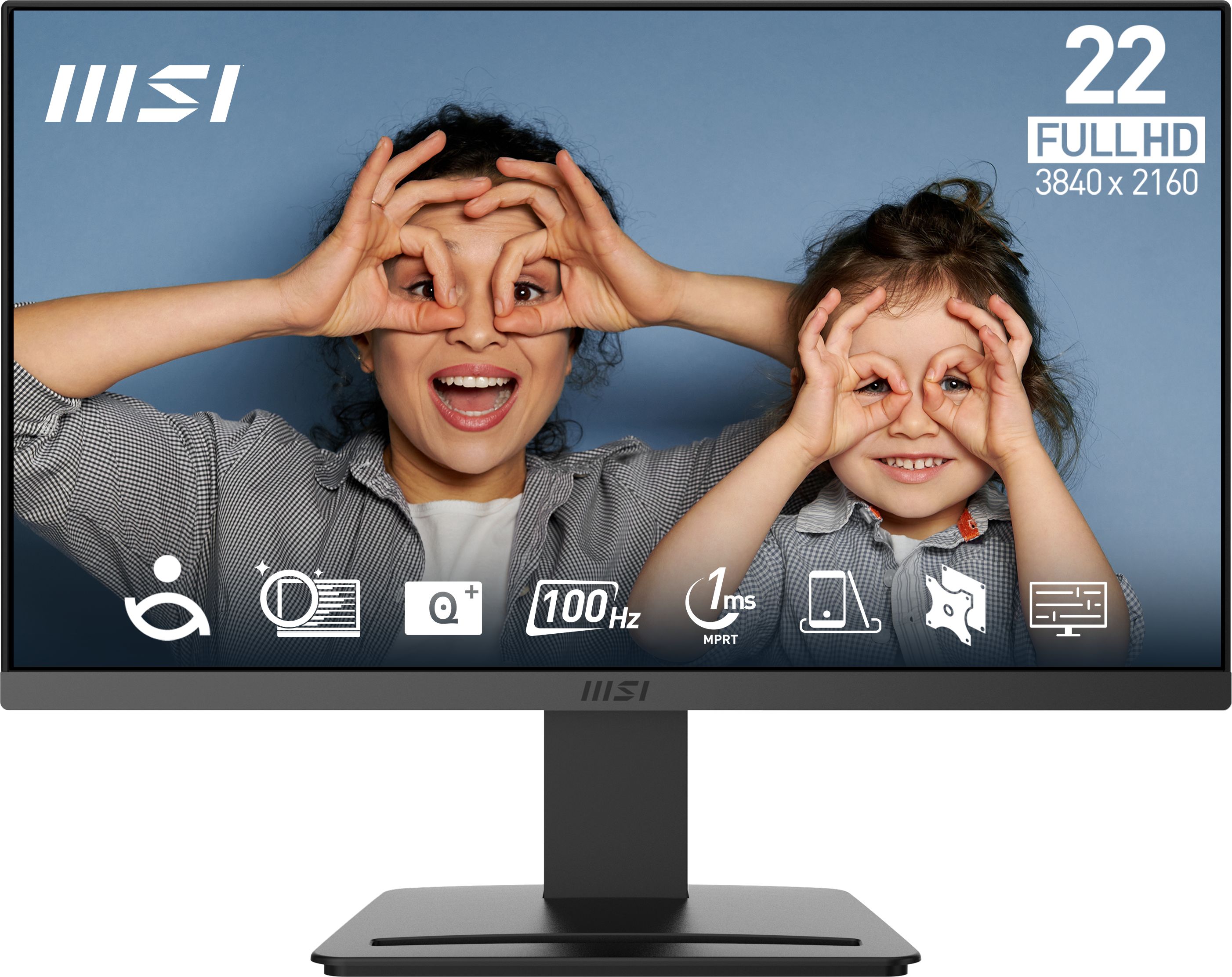
A compact 21.45 inch Full HD screen with a 100Hz refresh rate at one of the lowest prices around, ideal if you just want a smooth, sharp display for everyday use.
The MSI Pro MP223 E2 is one of the cheapest Full HD monitors available, yet it still offers a 100Hz refresh rate for smoother scrolling and movement than standard 60Hz office screens. At 21.45 inches, it fits easily on small desks and student setups, while still giving you enough space to work comfortably on documents and web pages. A high owner rating suggests that, despite the low cost, buyers are pleased with its clarity and everyday performance. For anyone moving up from an old laptop display, the jump to a dedicated Full HD, 100Hz monitor at this price will feel like a meaningful upgrade.
At 21.45 inches, the screen is on the small side if you regularly work with lots of windows or detailed timelines. There is also little room in the budget for extras like height adjustment or premium‑feeling materials, so it is more functional than luxurious. If you can afford to spend a little more, one of the larger MSI models may feel more comfortable for all‑day use.
This MSI is ideal if you are on a very strict budget and simply want a reliable, clear monitor for emails, browsing and everyday office work. It suits students, home workers in tight spaces or anyone upgrading from a laptop screen without wanting a huge display. If you value keeping costs to an absolute minimum but still want a smoother 100Hz experience, it is a very sensible pick.
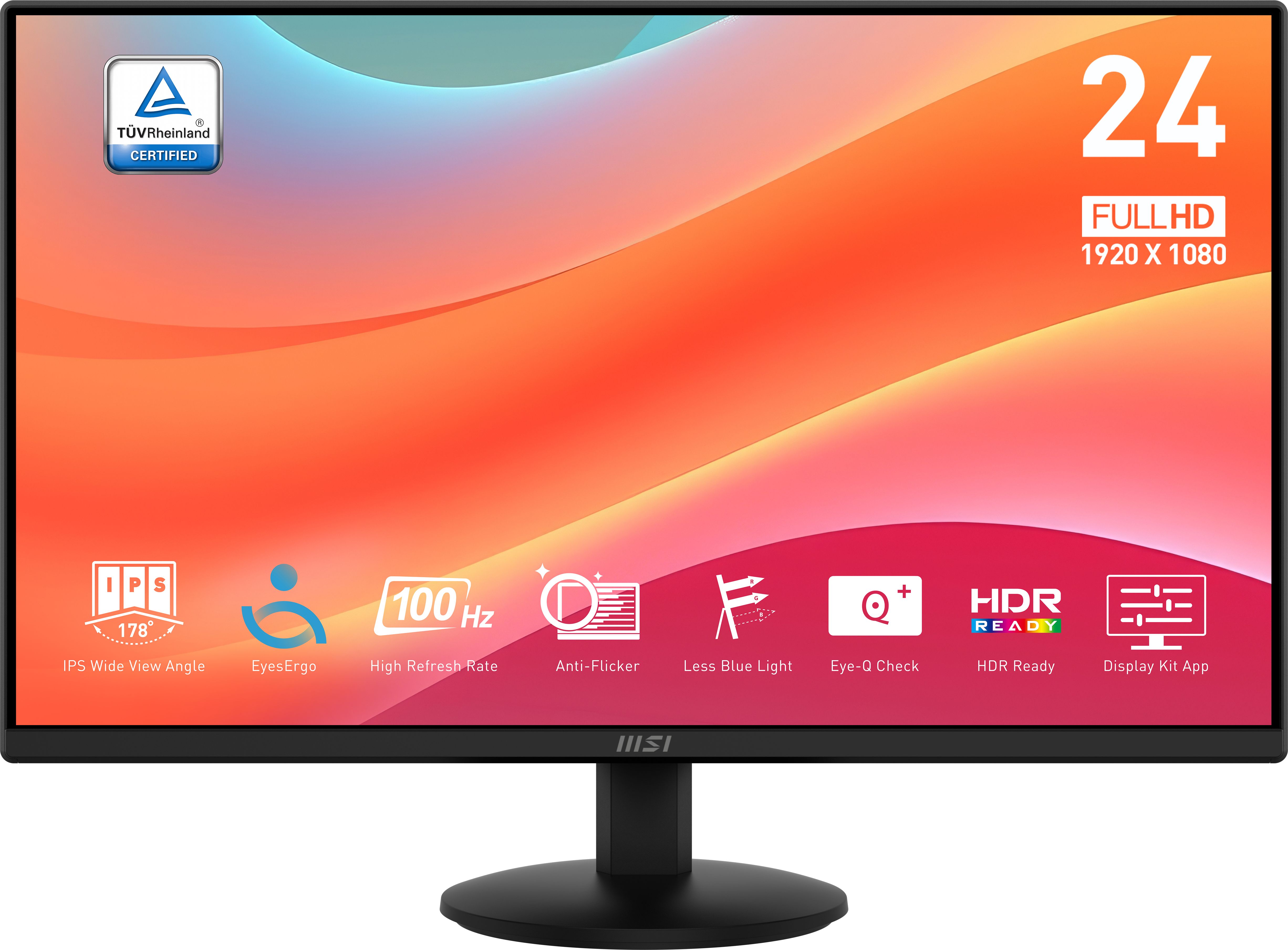
A step up in size to 23.8 inches while staying at a rock‑bottom price, this MSI gives you more workspace and the same smooth 100Hz refresh rate.
The MSI Pro MP242L stretches out to 23.8 inches, giving you noticeably more workspace than a 21 inch panel while still keeping the price impressively low. You get the same 100Hz refresh rate, which helps keep motion smooth whether you are scrolling through long webpages or dabbling in light gaming. As a budget option, it hits a nice balance between screen size and affordability, making spreadsheets, side‑by‑side windows and media viewing more comfortable. For a very small step up in cost over the tiniest monitors, you gain a lot in day‑to‑day usability.
The MP242L still sits firmly in the budget camp, so you should not expect advanced ergonomics, loads of connectivity or higher‑than‑Full HD resolutions. While the review score is good, the number of reviews is still relatively modest compared with more established models. If you want the best‑proven reliability at this size, the MP252L might feel like a safer long‑term bet for only slightly more money.
Choose the MP242L if you want a bigger, more comfortable viewing area than a 21 inch screen but still need to keep your spending down. It is well suited to home offices, students and light multitaskers who like to keep a couple of windows open side by side. If you have the desk space for 23.8 inches, it strikes a nice balance between price and usability.
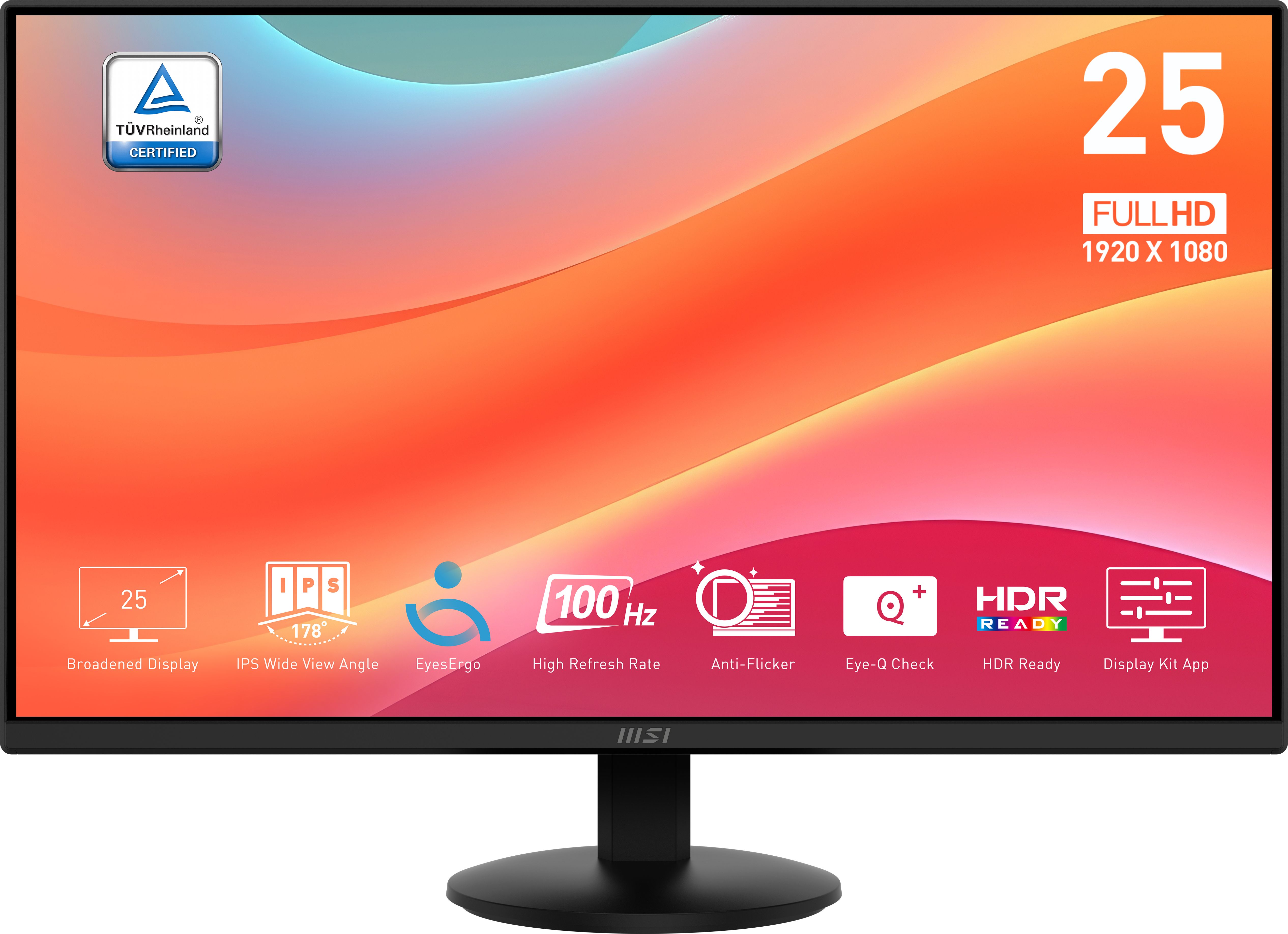
Offering a roomy 24.5 inch panel and 100Hz refresh at a still‑low price, this model is a strong sweet‑spot choice if you spend long hours at your desk.
The MSI Pro MP252L offers a generous 24.5 inch screen, which is ideal if you want a proper full‑size desktop experience without paying mid‑range money. Its 100Hz refresh rate keeps things feeling smooth and responsive, a noticeable improvement over basic 60Hz panels when you are working or gaming casually. With a very strong rating from a solid number of reviews, it stands out as a tried‑and‑trusted choice in the cheap bracket. For the price, the combination of size, smoothness and positive owner feedback makes it one of the most compelling all‑round options here.
Although excellent value, the MP252L remains a straightforward Full HD monitor without higher resolutions or advanced gaming features you might find on pricier models. Its design and stand are likely to be basic, with limited adjustment compared to mid‑range business screens. If your desk can handle it and your budget stretches further, the 27 inch ASUS offers an even larger canvas and a faster 120Hz refresh.
The MP252L is a strong choice if you spend long stretches at your desk and want a full‑size monitor that still counts as budget friendly. It is ideal for home workers, freelancers and casual gamers who want a comfortable 24.5 inch panel with a smooth 100Hz refresh without overspending. If you can nudge beyond the absolute cheapest options, this feels like the best all‑rounder for most people.
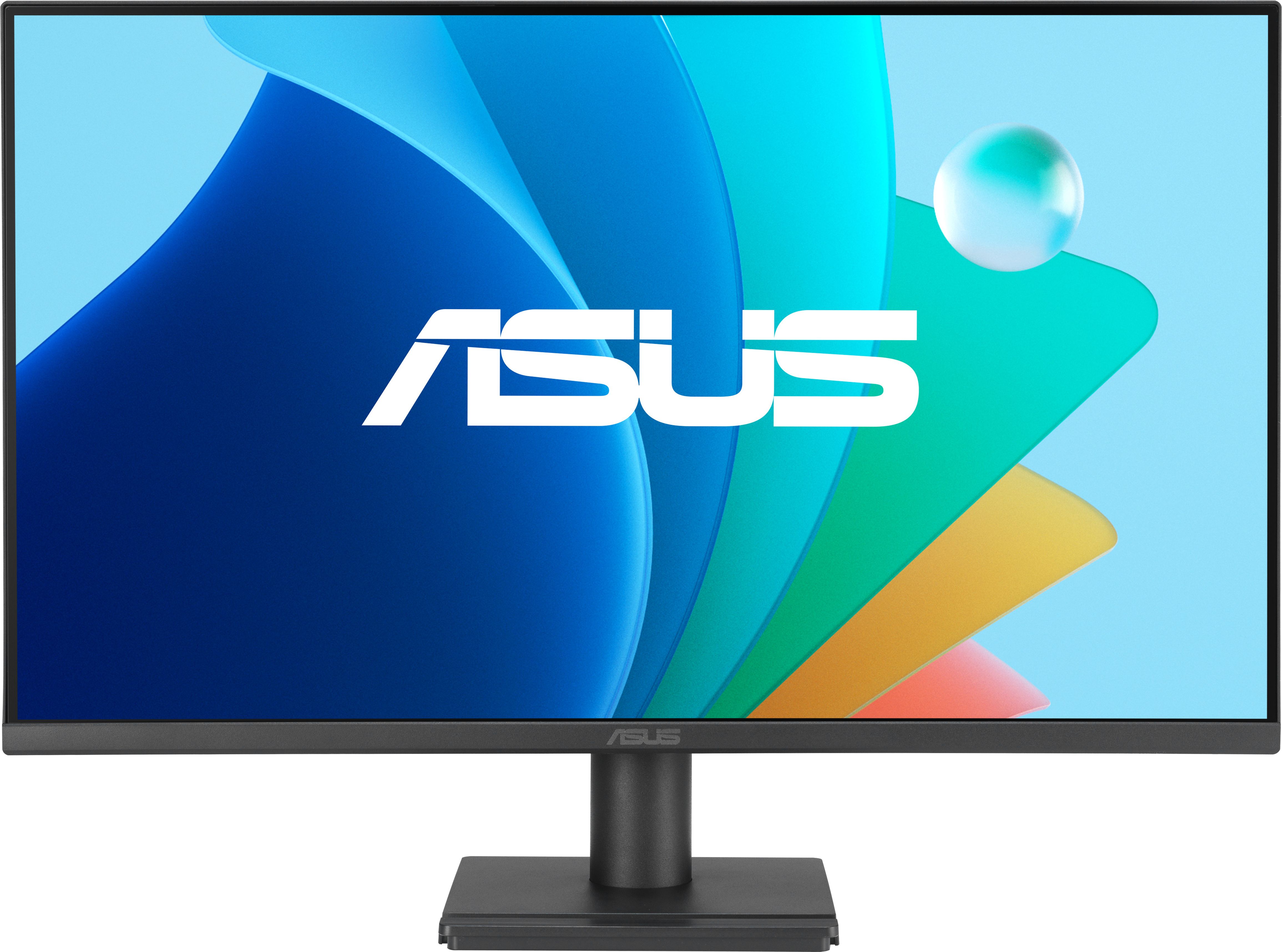
A 27 inch Full HD monitor with a 120Hz refresh rate and eye‑care features, giving you a big, smooth desktop experience without straying far from budget money.
The ASUS VA279HG Eye Care stands out by combining a big 27 inch Full HD panel with a 120Hz refresh rate, offering even smoother motion than most budget 100Hz models. The extra screen real estate makes multi‑window working, timeline editing and immersive viewing far more comfortable if you have the desk space. ASUS’s eye‑care focus is a bonus at this price, as it is designed to reduce flicker and blue light for more comfortable long sessions in front of the screen. For a relatively modest uplift in cost compared with the smallest models, you are getting a large, fluid display from a brand with strong monitor credentials.
At 27 inches with only Full HD resolution, pixel density is lower than on smaller Full HD screens, so text may not appear quite as crisp if you sit very close. It is also more expensive than the smallest models here, nudging it towards the top of the budget bracket. If you are tight on space or funds, one of the 23–24.5 inch MSI options may be a more practical choice.
Go for the ASUS VA279HG if you want a big, spacious display for work and play, but you are not interested in paying premium prices for higher resolutions. It suits users with a larger desk who regularly work with multiple windows, creatives who want more room on their timeline, or gamers who enjoy a large screen and smoother 120Hz motion on a budget. If screen size and comfort matter more to you than chasing the lowest possible price, this is a strong contender.
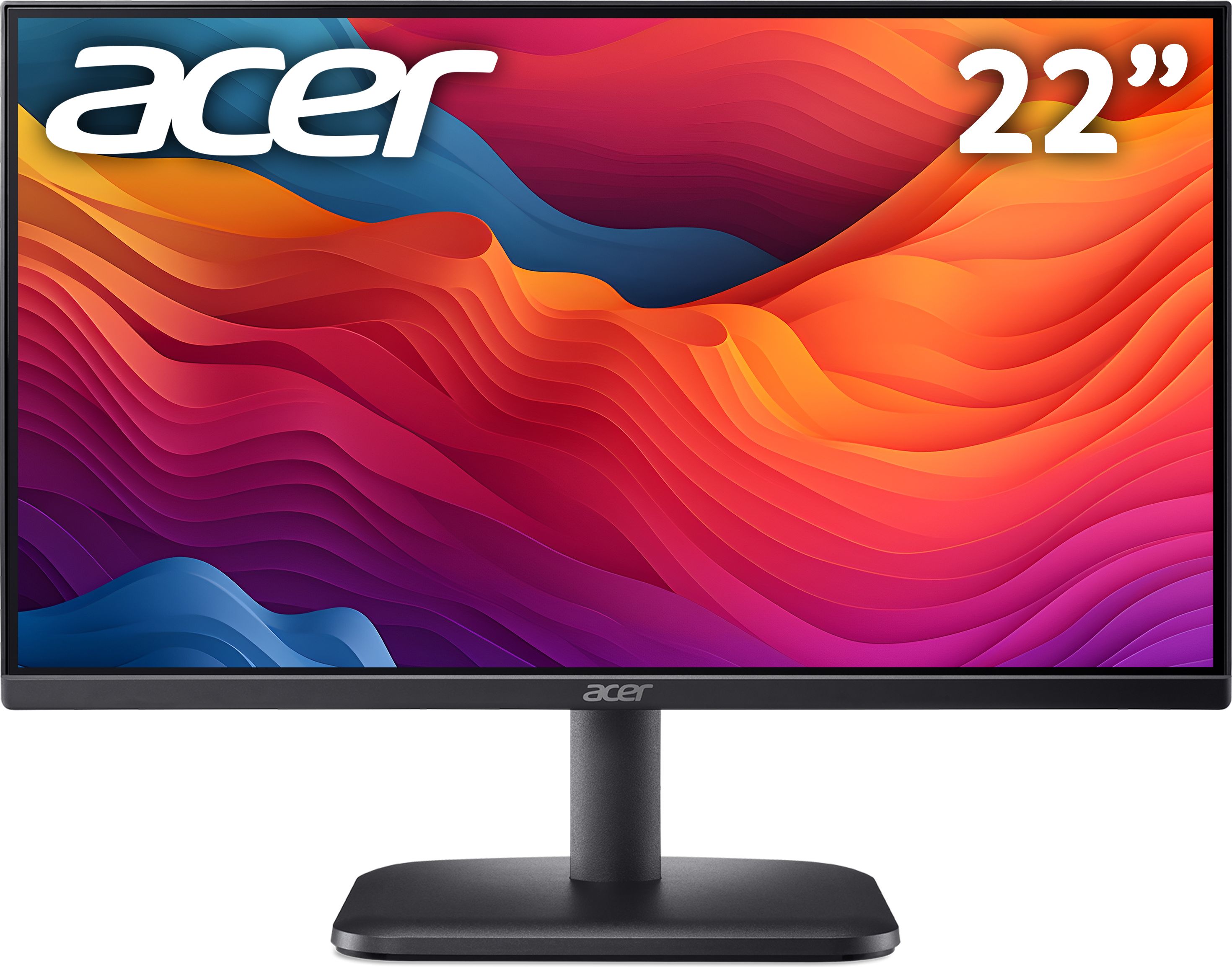
This 21.5 inch Acer keeps costs sensible while adding 100Hz refresh and FreeSync, making it a solid cheap choice for mixed work and casual gaming.
The Acer EK221QH pairs a tight budget price with a 21.5 inch Full HD panel and a 100Hz refresh rate, giving you a smoother image than most basic office screens. Support for FreeSync is a real plus at this level, helping to reduce tearing and stutter when used with compatible graphics hardware in casual games. Its compact size makes it a good fit for smaller desks, bedrooms or shared spaces where you cannot accommodate a large monitor. As a cheap, gaming‑friendly all‑rounder, it offers a bit more versatility than many no‑frills budget displays.
The 21.5 inch size is modest, so it is not ideal if you want a large, immersive display or lots of room for multitasking. As a cheaper model, the stand and build are likely to be fairly simple, without the ergonomic adjustments or slim bezels of more premium screens. With only a handful of reviews so far, there is less long‑term owner feedback to rely on than with some of the MSI options.
The Acer EK221QH is a good fit for budget‑conscious buyers who split their time between everyday tasks and casual gaming. It works well in bedrooms, small offices or shared spaces where a compact monitor is useful, and FreeSync support makes it a nice upgrade from a basic 60Hz screen for console or PC play. If you want something cheap that still feels a bit more responsive and gaming‑aware than a no‑frills office display, this Acer is worth a look.