Home » Best iPads to buy in 2026
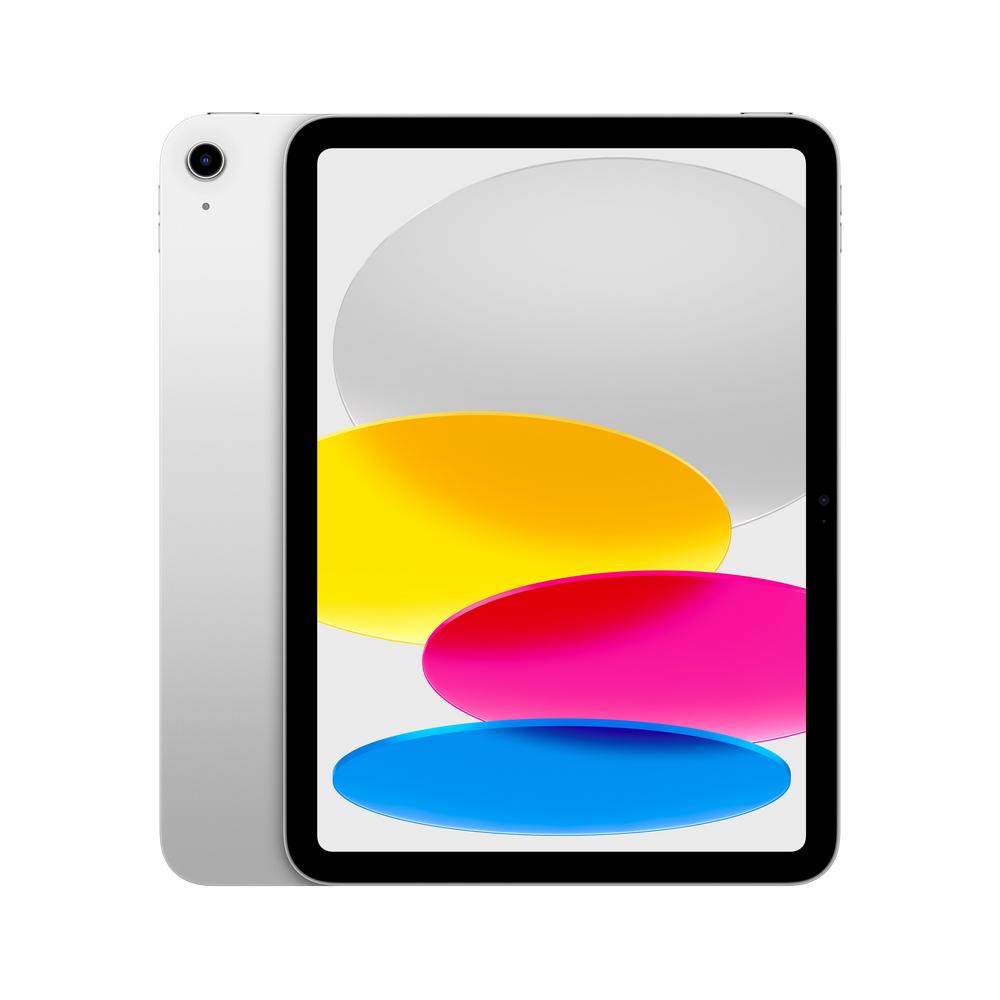
Apple’s iPad range can feel overwhelming, especially when many models share the same 10.9-inch screen size and look very similar at a glance. The good news is that once you focus on storage, connectivity and how you’ll actually use your tablet, the choice becomes much clearer.
We’ve narrowed things down to a small set of the best 10.9-inch iPads to buy in 2026, covering standard models and the more premium iPad Air. All are highly rated by real owners, so you’re choosing between strong options rather than trying to dodge bad ones.
Each pick has its own strengths, whether that’s lowest price, extra storage, built‑in mobile data or a more premium design. Use the summaries below to match an iPad to your habits, budget and how long you want it to last.
These recommendations are based on a mix of real-world owner feedback, star ratings and clear value for money rather than just the latest marketing claims. Every iPad listed here has an excellent review score, with hundreds of verified ratings behind it, so we can see how they perform once they’re out of the box and in people’s hands.
We look at more than headline prices. Storage, connectivity, and how models compare within Apple’s own line-up all matter when judging what’s actually good value. A slightly higher upfront cost can be worth it if it means fewer compromises over the years you’ll own the device.
The iPad market moves quickly, so we focus on current-generation 10.9-inch models that are easy to recommend now and likely to stay supported with software updates for a long time. The aim is simple: a short, trustworthy list that makes choosing your next iPad less of a chore.
To build this shortlist we started with Apple’s current 10.9-inch iPads, then filtered down to the models that combine strong owner feedback with sensible pricing. All the tablets here score around 4.9 out of 5 from hundreds of reviews, which is unusually high even by iPad standards.
We then looked at how they differ: storage sizes from 128GB up to 512GB, Wi‑Fi versus Wi‑Fi + Cellular, and the jump from the standard iPad to the more premium iPad Air. That allowed us to cover a spread of budgets and use cases, from casual sofa browsing to more demanding creative work and long-term ownership.
Price positioning also played a part. We’ve included a clearly great-value option, higher‑capacity models for those who hate juggling storage, and a step‑up iPad Air for buyers who want something sleeker and more future‑proof. Keeping the list to just a handful of products makes it much easier to see which one matches your needs.
Below you’ll find our top iPad picks, starting with the best overall choice for most people, followed by options that prioritise price, storage, connectivity and a more premium feel.
Use the badges, pros, cons and “ideal for” sections to quickly see which model best fits how you intend to use your tablet, whether that’s casual browsing, family sharing or a more serious laptop alternative.
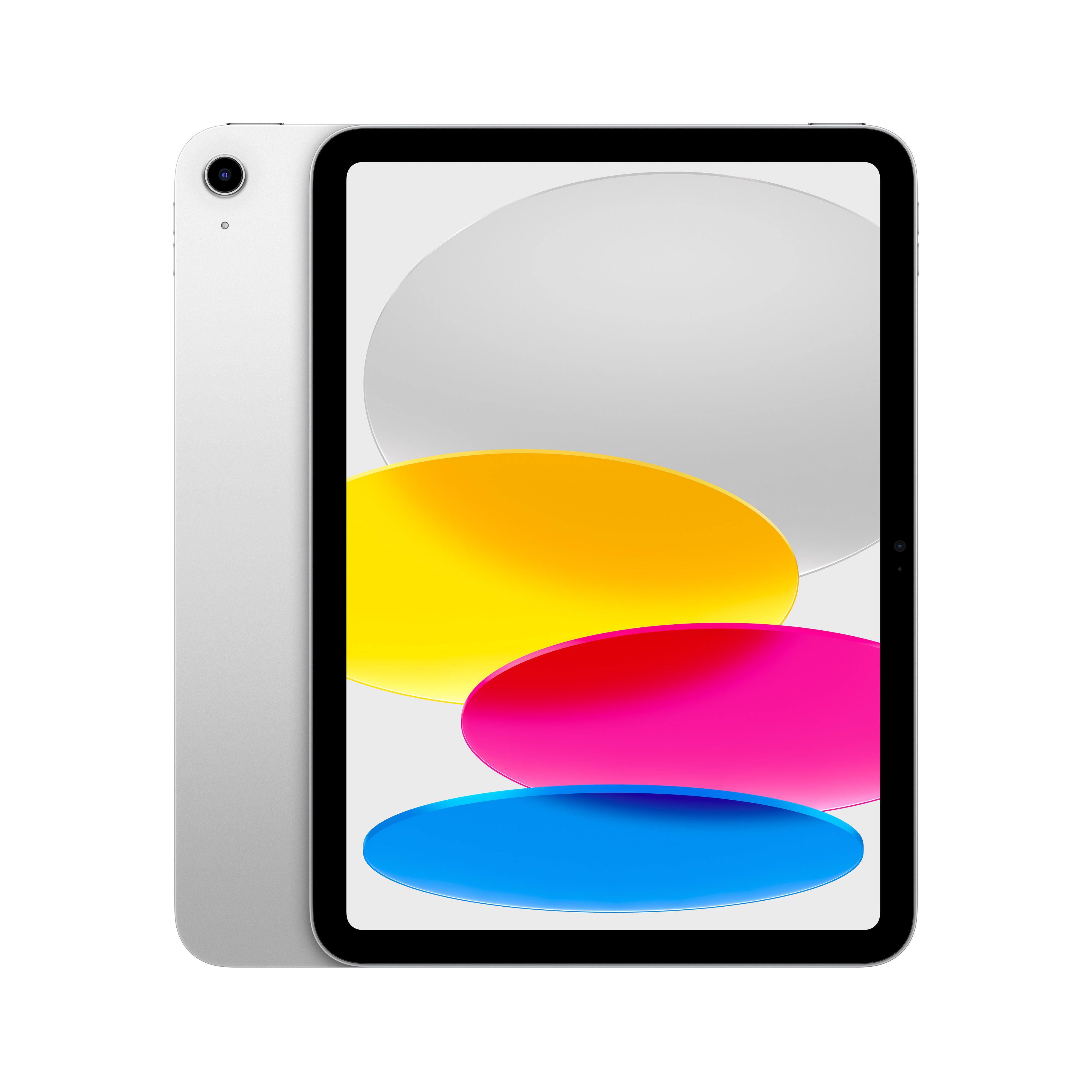
A superb all-round 10.9-inch iPad with 256GB of storage, ideal if you want a fast, modern tablet that will last for years without constantly juggling space.
With 256GB of storage, this iPad strikes an excellent balance between price and long-term usability, giving you plenty of room for apps, games, documents and downloaded films. The 10.9-inch screen size is ideal for everyday use, large enough for split-screen multitasking without feeling bulky to hold. A 4.9 out of 5 rating from over 1,000 reviews suggests owners are extremely happy with performance, build quality and reliability. As a Wi‑Fi model it keeps monthly costs down, while still pairing easily with your phone’s hotspot when you need data on the move.
You pay more than the 128GB entry model, so very light users may not fully benefit from the extra storage. There’s no built‑in Cellular, so if you travel a lot and don’t want to tether to your phone, this may feel limiting. Power users who work with very large files might still prefer to stretch to the 512GB model.
This is the safest choice if you want one iPad to handle everything from browsing and streaming to work and travel for several years. It suits individual users or couples who don’t want to think about storage too often but also don’t need the absolute maximum capacity. If you mainly use Wi‑Fi at home, in the office or at university and want a tablet that feels fast and modern without being extravagant, this is the sweet spot.
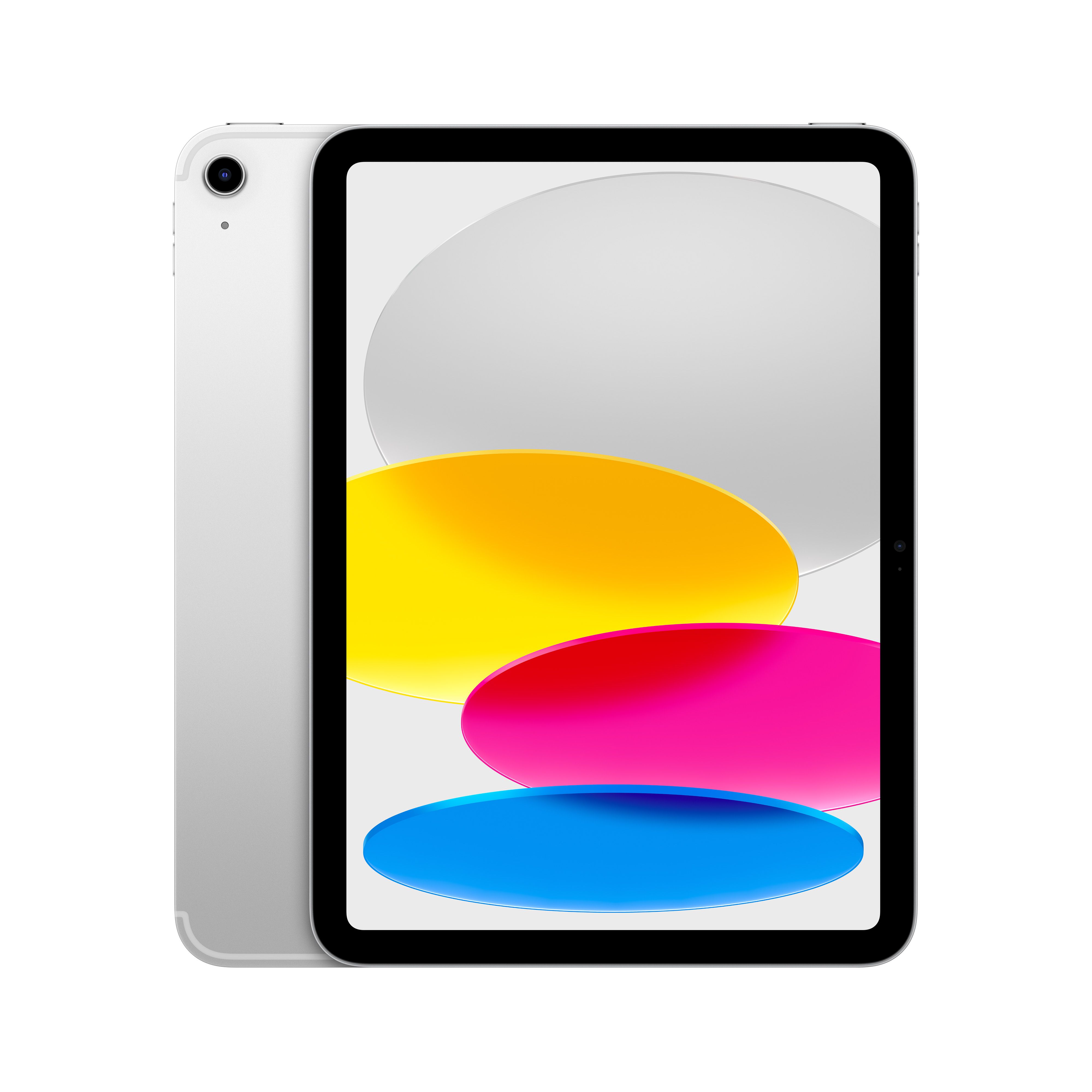
A 10.9-inch iPad with 128GB and built‑in Cellular, perfect if you want reliable mobile data on trains, in cafés or anywhere Wi‑Fi is patchy.
Built‑in Wi‑Fi + Cellular means you can stay connected almost anywhere, which is ideal for commuters, frequent travellers or anyone who doesn’t want to rely on public Wi‑Fi. The 128GB storage is ample for everyday use, including streaming apps, social media, browsing and a decent selection of games. Its 4.9/5 rating from over 1,000 reviews shows that adding Cellular hasn’t come with any reliability compromises. Being a 10.9-inch model, it offers a comfortable screen size for films, reading and productivity apps without being too large in a bag.
You’re paying a premium for Cellular over the equivalent Wi‑Fi model, and you’ll also need a data plan, which adds to ongoing costs. Heavy app users and those who download a lot of offline content may find 128GB a bit tight in a few years’ time. If you hardly ever leave Wi‑Fi, that extra cost is unlikely to be worthwhile.
Choose this model if you regularly use your iPad away from home and want always-on data without faffing around with your phone’s hotspot. It’s great for commuters, students on the go and anyone who travels frequently for work. Families who want a tablet children can use in the car or on holiday without relying on hotel Wi‑Fi will also appreciate the built‑in Cellular connectivity.
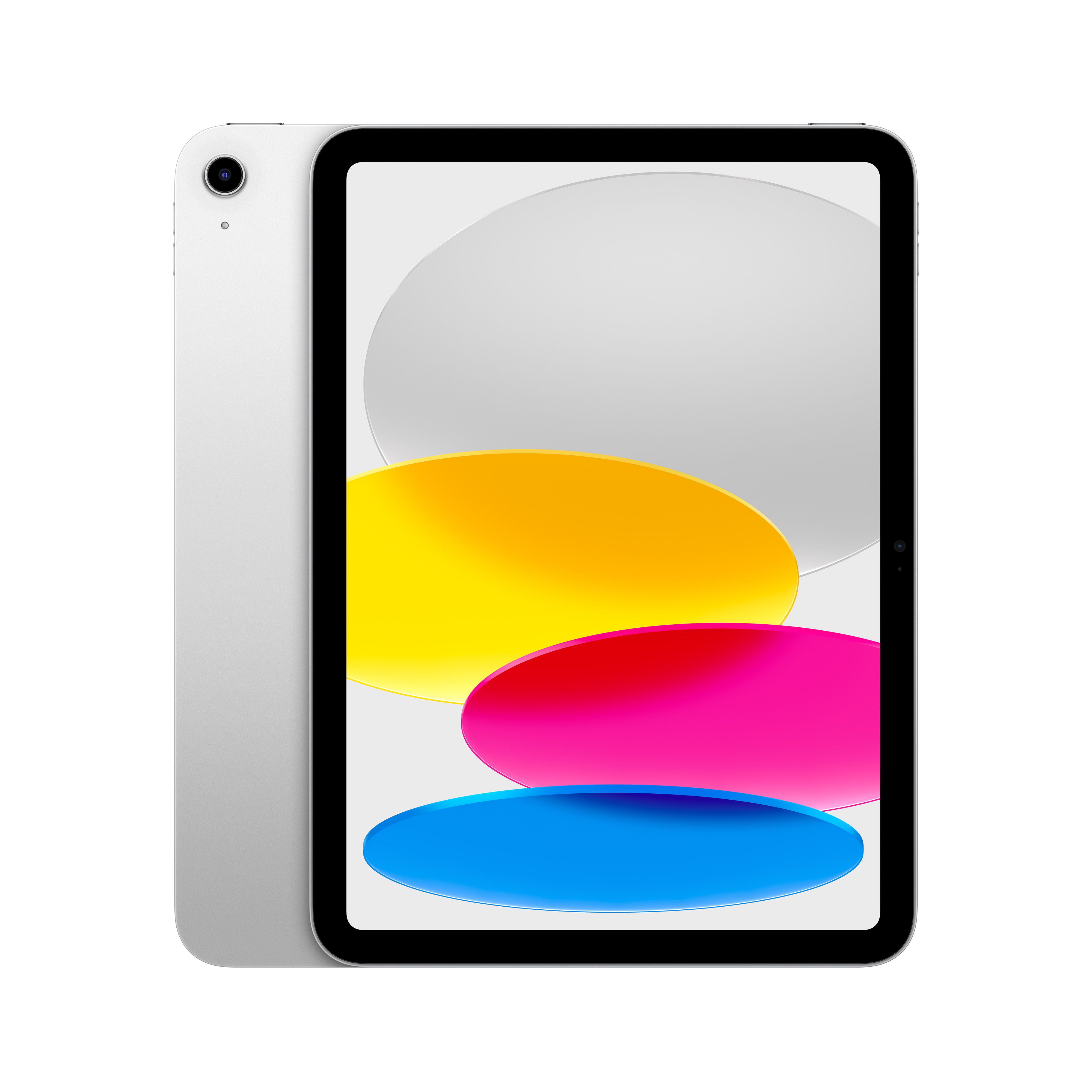
The 512GB version of the 10.9-inch iPad, built for heavy app users and media hoarders who never want to worry about storage again.
With a huge 512GB of storage, this iPad is built for people who hate deleting things and want space to grow into. You can install large games, keep vast photo libraries and download seasons of TV for offline viewing without constantly managing space. Its 4.9 out of 5 rating from over 1,000 owners underlines that it delivers the same polished experience as smaller-capacity models, just with far more breathing room. As a Wi‑Fi model you avoid extra Cellular costs, which keeps ongoing bills simple if you’re mostly connected at home or work.
The price jump over the 256GB and 128GB versions is significant, so you’re paying a clear premium purely for storage. If you mostly stream content rather than downloading it, much of that extra capacity may sit empty. There’s no Cellular support here, which might disappoint some power users who also want always-on connectivity.
This is the right choice if you treat your iPad as a long-term investment and want space for everything, from large professional apps to big game libraries and 4K video downloads. It’s well suited to creative users, frequent travellers and anyone who shares the tablet across a household and doesn’t want arguments about what has to be deleted. If you’re the sort of person who always runs out of storage on phones and laptops, this model will feel like a breath of fresh air.
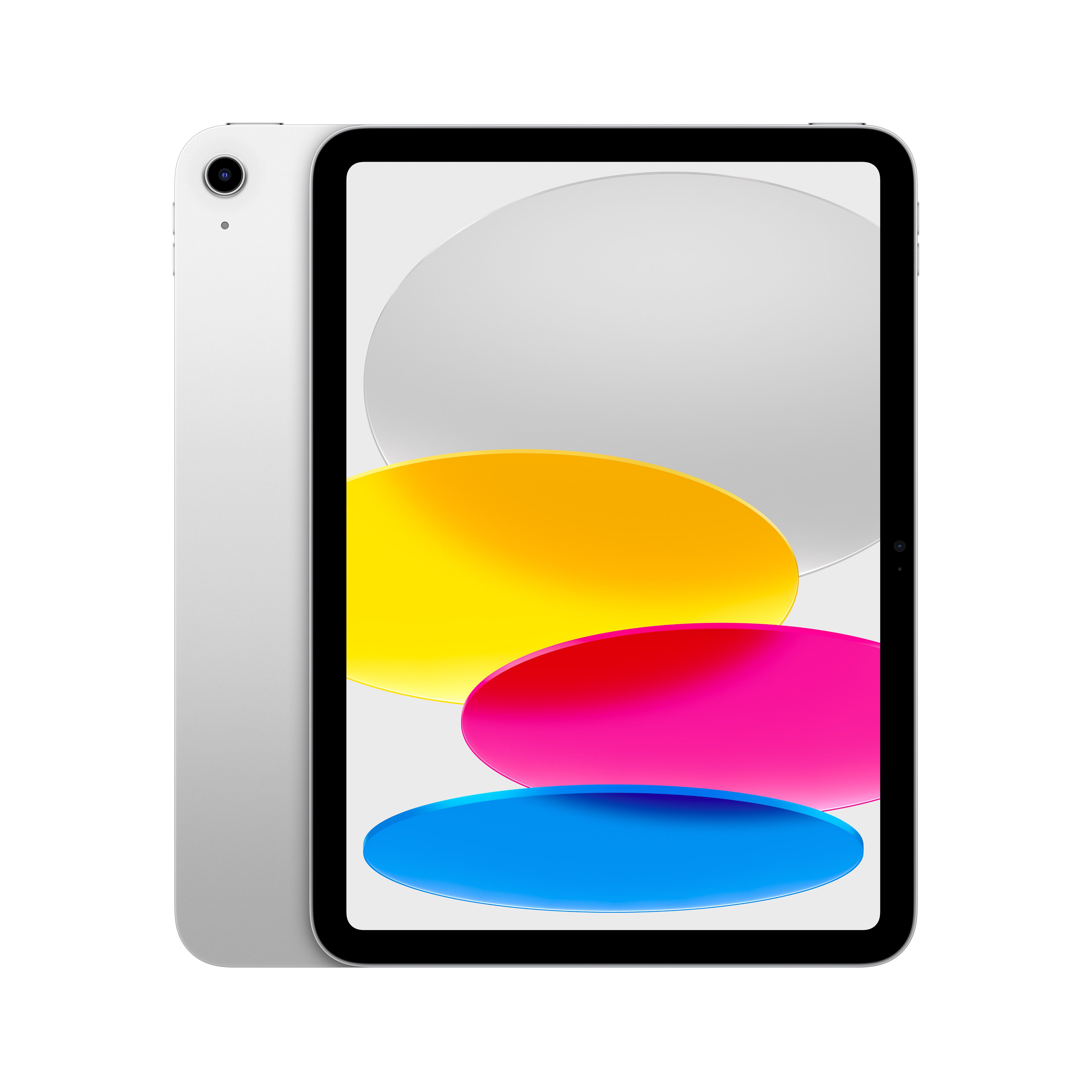
The most affordable 10.9-inch iPad in this line-up, offering excellent performance and 128GB of storage at a very wallet-friendly price.
At around £299, this 128GB 10.9-inch iPad is comfortably the cheapest option in this group while still offering modern performance and features. The 128GB capacity is generous for a budget-friendly tablet, giving you room for apps, games and offline content without feeling stingy. A 4.9/5 score from nearly a thousand reviews shows that you’re not sacrificing reliability or satisfaction to save money. As a standard Wi‑Fi model it keeps both the upfront and ongoing costs low, making it easy to recommend as a family or first iPad.
You miss out on extra storage and any premium design touches you’d get by moving up to higher‑priced models, which may matter if you intend to do heavier work or keep it for many years. There’s no Cellular option here, so all your data use will rely on Wi‑Fi or tethering to a phone. Very demanding users may eventually hit the 128GB limit if they install a lot of large apps and games.
This is ideal if you want a straightforward, great-value iPad that covers all the basics superbly without stretching your budget. It’s a strong choice for families, children, casual users and anyone upgrading from a much older tablet. If you primarily browse, stream, shop online and use a few favourite apps, this gives you the full iPad experience at the lowest price point in this list.
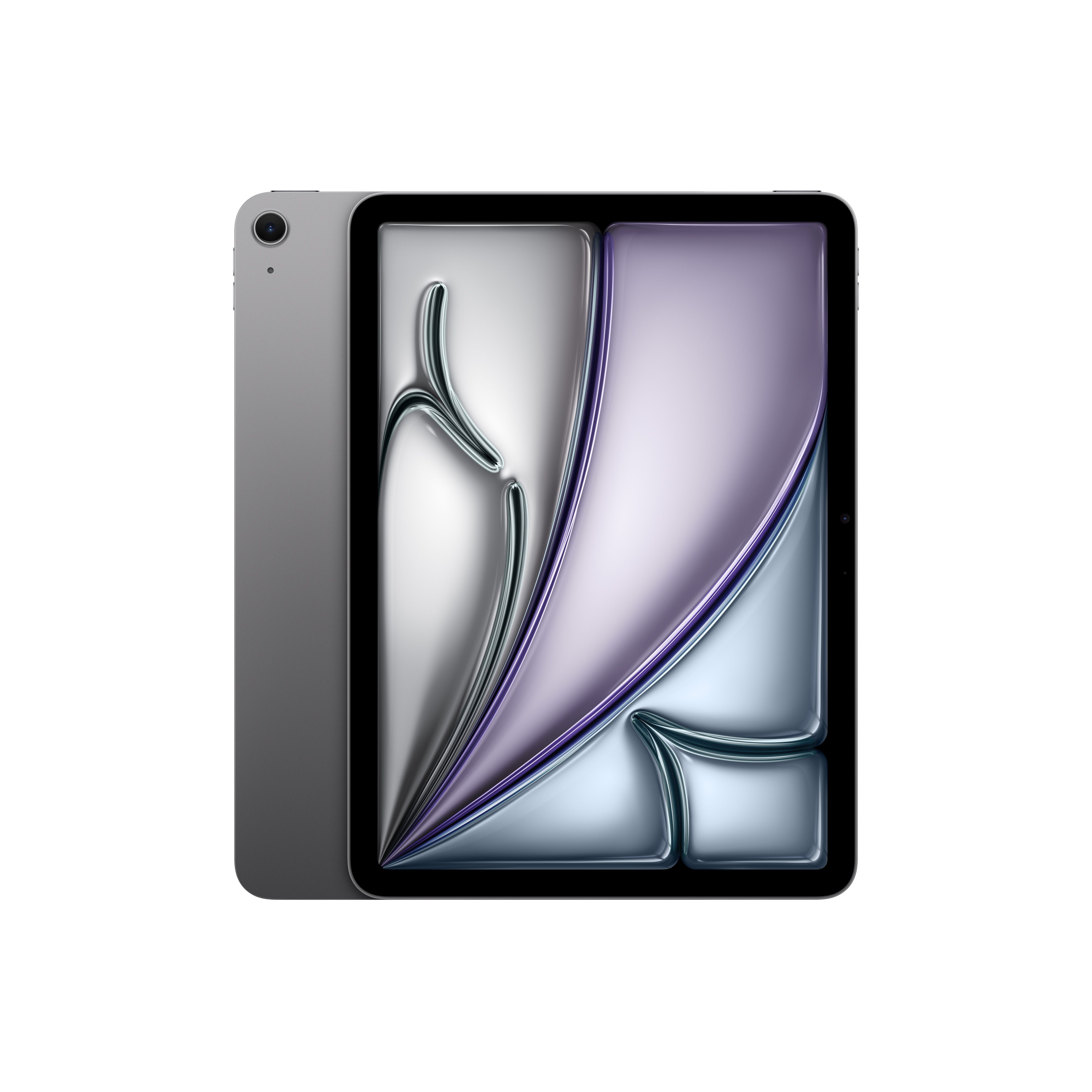
A sleeker, more premium 10.9-inch iPad Air with 128GB storage, ideal if you want a lighter, more powerful tablet for work and play.
As an iPad Air, this model typically offers a slimmer, lighter design and more powerful internals than the standard iPad, making it feel that bit more premium in the hand. The 10.9-inch display is a great size for productivity apps, note-taking and media, while still being easy to carry around. Its 4.9 out of 5 rating from over 150 reviews indicates that buyers are delighted with performance and overall quality. With 128GB of storage, there’s plenty of space for everyday apps, documents and entertainment without pushing the price as high as the largest-capacity models.
You’re paying a noticeable premium over the standard 10.9-inch iPad with the same 128GB storage, so this isn’t the best choice if you simply want the cheapest way into the iPad ecosystem. Power users might still find 128GB limiting over time compared with the 256GB and 512GB options. As a Wi‑Fi model, you’ll need to rely on hotspots rather than built‑in Cellular when away from home.
Pick this if you want a more refined, future‑proof iPad that can comfortably step in for a laptop on lighter workloads. It’s well suited to students, professionals and keen tablet users who care about design and responsiveness as much as price. If you’re happy to pay a bit extra for a sleeker feel but don’t need massive storage, this iPad Air hits a very attractive balance.
