Home » Best monitors to buy in 2026
Monitors have become one of the most important upgrades for both home and office setups. Whether you’re working from home, studying, creating content or doing a bit of gaming in the evenings, the right screen can make every task feel smoother and easier on the eyes.
To help you cut through a crowded market, we’ve picked out a small, focused list of the best monitors to buy in 2026. These range from ultra‑affordable Full HD models through to sharper QHD and 4K options, so you can match the screen to your desk space, workload and budget.
Every monitor here has strong real‑world ratings and a clear role. Some favour sheer value, others give you more resolution or better ergonomics. There are trade‑offs with each, and we’ll spell those out so you can choose with confidence.
These recommendations are based on a combination of hard data and real user feedback rather than marketing claims. We look closely at specifications such as screen size, resolution and refresh rate, then set them against price, owner ratings and review counts to see which models genuinely deliver.
We also weigh up how each monitor will feel in day‑to‑day use. That means considering desk space, how sharp text is likely to look, how smooth scrolling will feel and whether a screen offers genuinely useful upgrades over cheaper options. Highly rated models with sensible prices and well‑balanced features rise to the top, while those that appear overpriced or poorly received are filtered out.
The result is a tight shortlist of monitors that stand out in a crowded field, each with clear strengths and a few honest caveats so you know exactly what you’re getting.
We started by focusing on monitors that are widely available and clearly popular with buyers, then narrowed the list down using review scores and the number of ratings behind them. Models here hold strong averages, typically around 4.6–4.8 out of 5, backed up by dozens of reviews rather than just a handful.
Price was the next filter. We wanted options that make sense at their respective price points, from extremely affordable Full HD screens through to sharper QHD and 4K panels. Where a monitor costs more, it’s because it offers something meaningful in return, such as higher resolution or a more flexible stand.
Finally, we looked at how the range fits together. Instead of filling the page with near‑identical models, we chose screens that serve different needs: compact and cheap for tight spaces, larger and sharper for productivity, and high‑resolution 4K for detail‑driven work. That way, it’s easier to see which one aligns with how and where you’ll actually use it.
The monitors below cover a spread of sizes, resolutions and prices, but they all offer good value for what they do. The top pick is a brilliant everyday choice, with others stepping in if you need a larger screen, sharper image or simply the lowest possible price.
Use the summaries, pros and cons to home in on the screen that best matches your desk space, how long you spend in front of it and how much you’re comfortable spending.
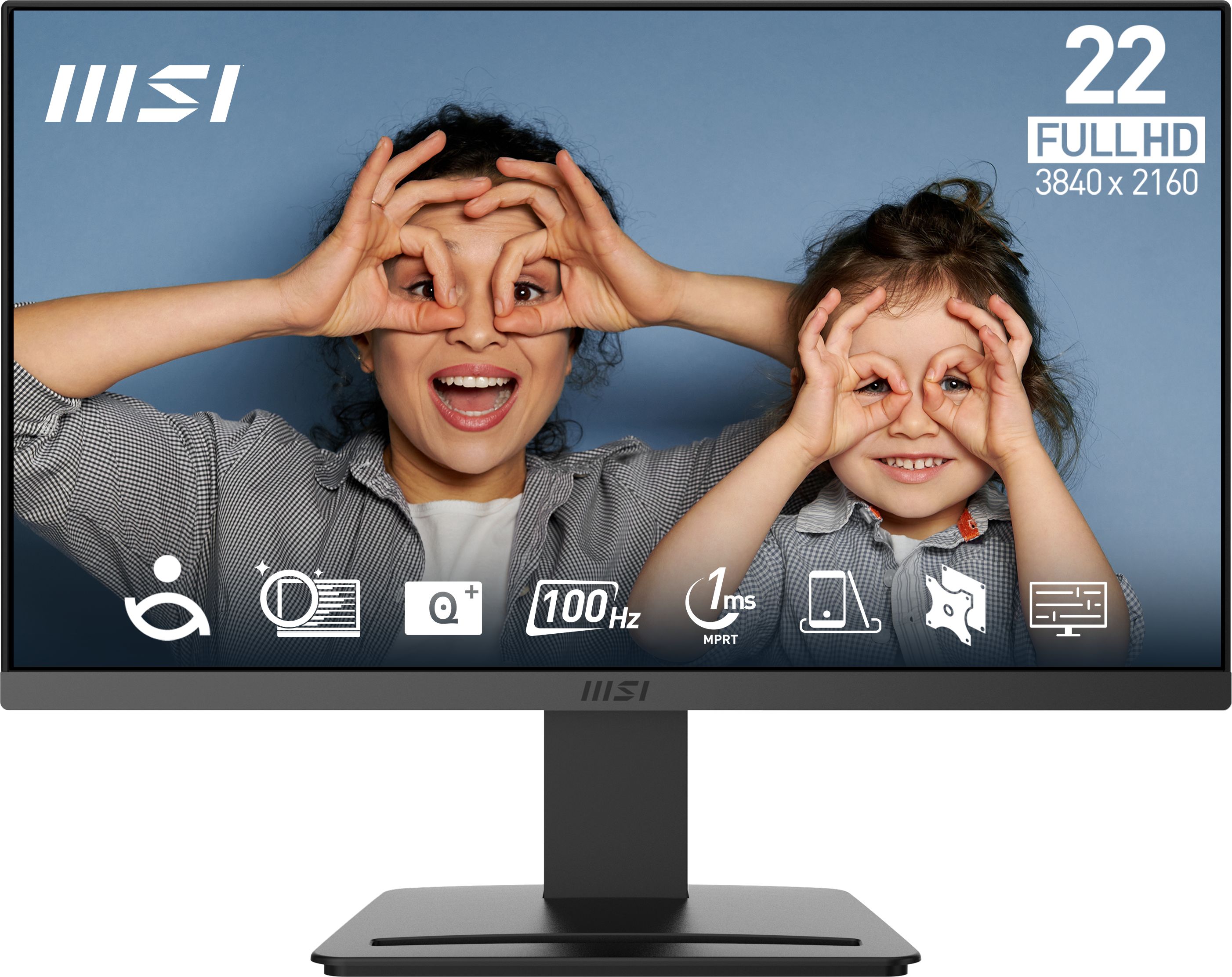
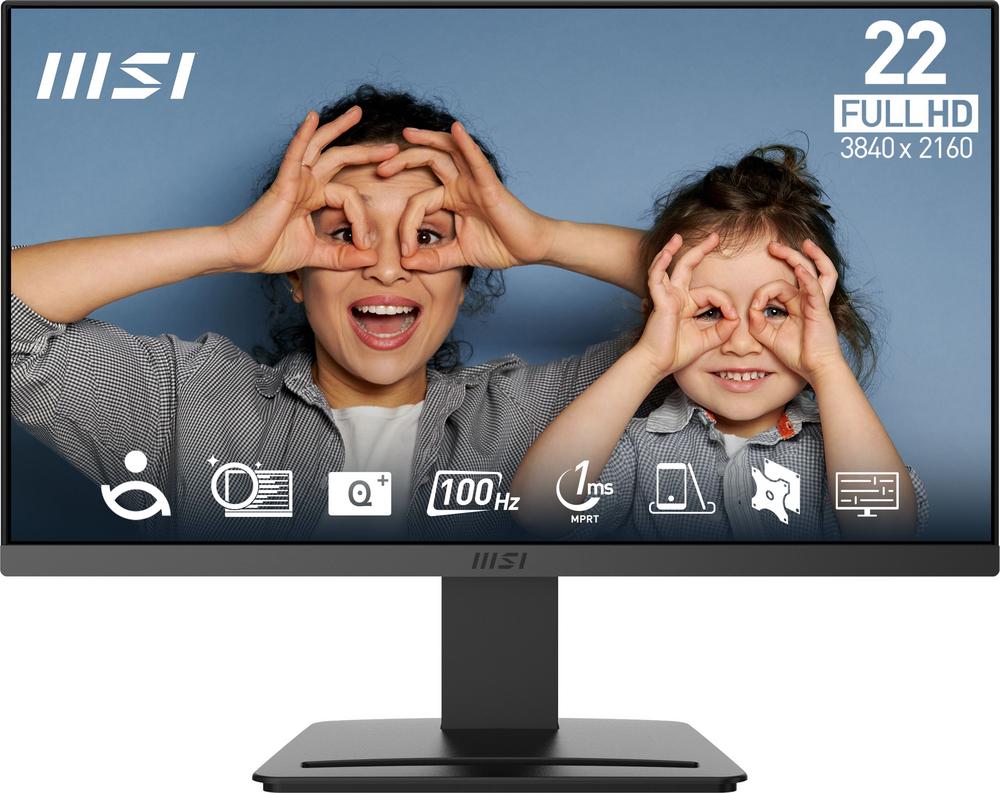
A compact 21.45 inch Full HD monitor with a smooth 100Hz refresh rate, ideal if you want a sharp, responsive screen that barely dents your budget.
The MSI Pro MP223 E2 keeps costs impressively low while still delivering a sharp Full HD image on a 21.45 inch panel, so text and icons look crisp at typical desk distances. Its 100Hz refresh rate is a real step up from basic 60Hz screens, making scrolling through long documents and web pages feel that bit smoother and more comfortable on the eyes. The compact size is perfect if you have a smaller desk, share a workspace or want a neat second screen without overwhelming your setup. A 4.8 out of 5 rating from 44 reviews suggests owners are very happy with reliability and everyday performance for the money.
At 21.45 inches, the screen may feel cramped if you like having lots of windows open at once or work with large spreadsheets or timelines. Full HD at this size is perfectly adequate but doesn’t offer the expanded workspace you get from QHD or 4K panels higher up this list. Connectivity and stand adjustments are likely to be fairly basic, so you may not get the same ergonomic flexibility as more expensive models.
Ideal if you’re working with a very tight budget or a compact desk and still want a monitor that feels up to date. It’s well suited to students, occasional home workers or as a secondary screen alongside a laptop. If you prioritise smoothness and clarity over sheer size, this is a very easy recommendation.
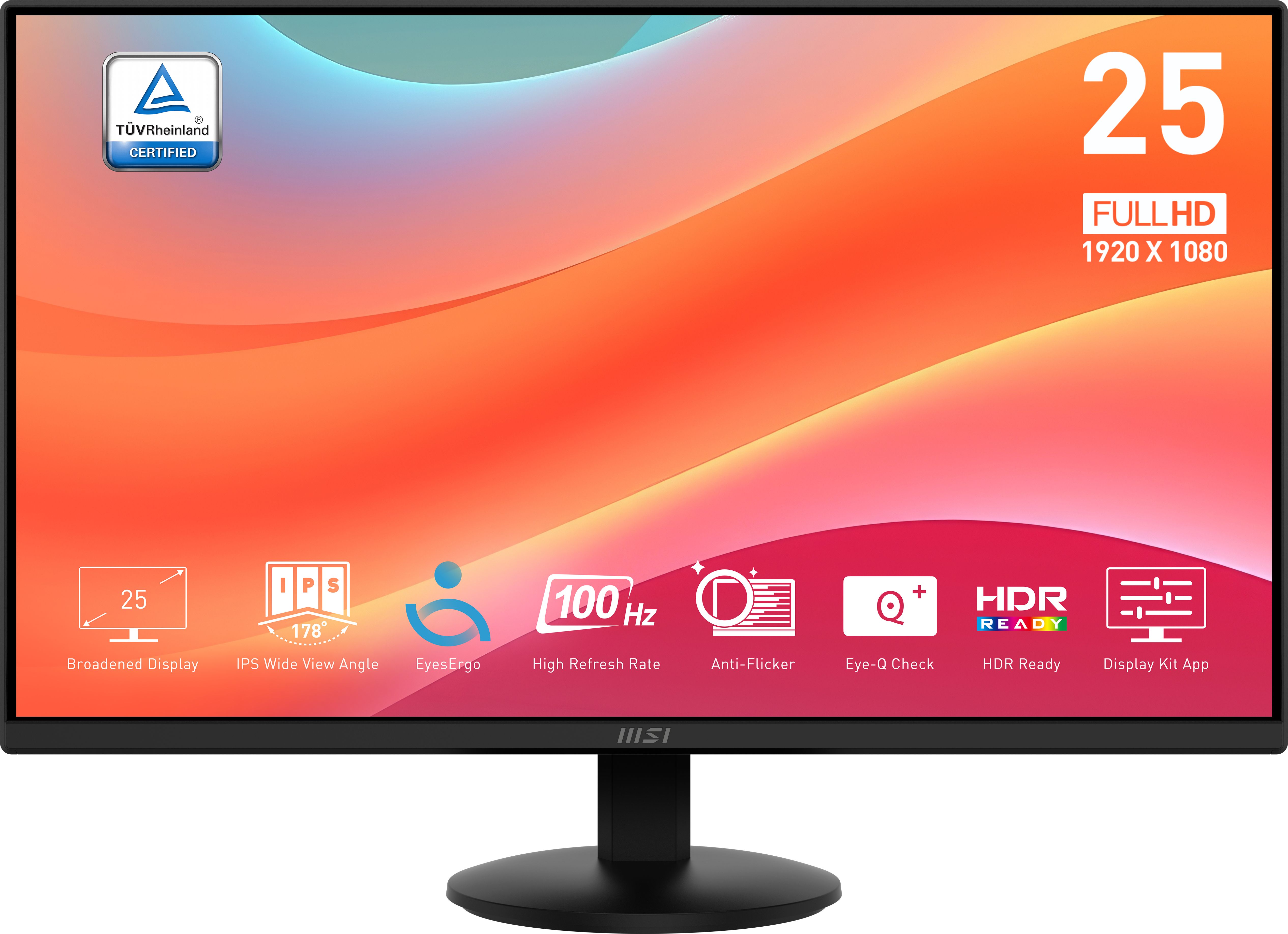
An ultra‑affordable 24.5 inch Full HD, 100Hz monitor that gives you more screen space than the smallest models while still coming in at a very low price.
The MSI Pro MP252L offers a very attractive balance of size and price, with a 24.5 inch Full HD panel giving you noticeably more room for side‑by‑side windows than a 21 inch model. Its 100Hz refresh rate keeps everything feeling fluid, which is handy if you like snappy navigation or a bit of light gaming after work. Despite being the lowest‑priced monitor in this list, it still carries an excellent 4.8 out of 5 rating from 40 reviews, suggesting strong quality control and few unpleasant surprises. For students, home workers and anyone upgrading from an ageing 60Hz screen, it’s a simple, high‑value way to modernise your setup.
As a very cheap monitor, the MSI Pro MP252L is understandably light on more advanced features such as higher resolutions, USB‑C connectivity or fully adjustable stands. Full HD at 24.5 inches is still fine, but if you sit very close you may spot a little pixelation compared with a higher‑resolution panel. It’s not designed as a high‑end gaming display either, so serious gamers might prefer a model with even higher refresh rates and more gaming‑specific features.
Best for buyers who want the lowest possible price on a modern‑feeling monitor without dropping to a cramped 21 inch panel. It’s a strong fit for home offices, student rooms and family PCs where one screen needs to handle everything from homework to streaming and casual gaming. Choose this if you want maximum value from every pound spent.
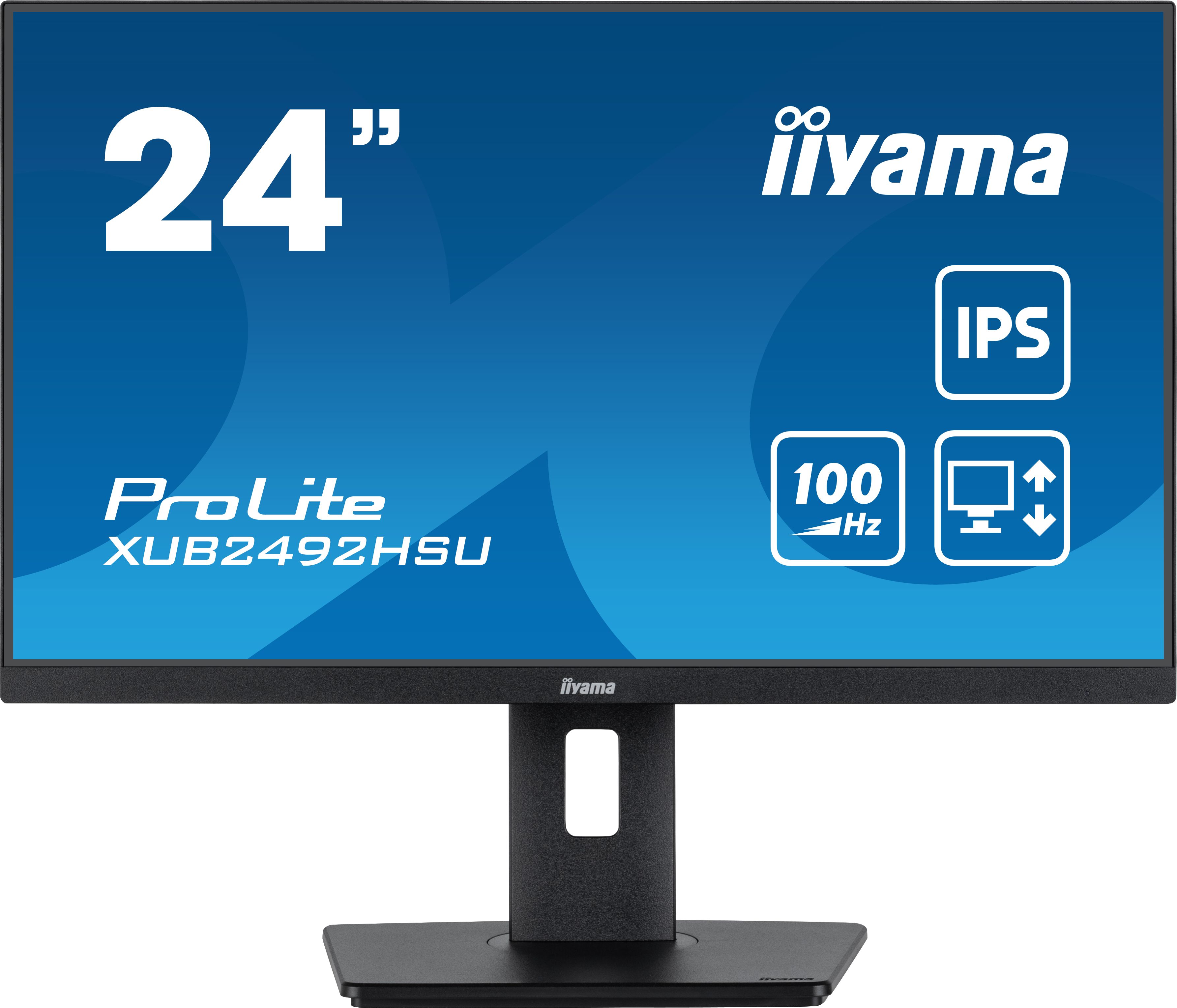
A 24 inch Full HD monitor that combines a smooth 100Hz panel with the kind of ergonomic stand and connectivity you’d expect from a more premium screen.
The iiyama ProLite XUB2492HSU‑B6 steps things up a notch while sticking with a manageable 24 inch Full HD panel, ideal if you sit close to the screen and care about sharp, comfortable text. With a 100Hz refresh rate, everyday use feels smooth, reducing the jerkiness you sometimes see when scrolling on cheaper 60Hz displays. iiyama’s ProLite range is known for solid ergonomics and connectivity, which is a big plus if you want to adjust the stand properly or hook up multiple devices without fuss. A 4.7 out of 5 score from 63 reviews indicates that buyers feel they’re getting a more premium experience without a huge leap in price.
Although it feels more premium than the budget MSI options, the ProLite XUB2492HSU‑B6 still tops out at Full HD resolution, which may disappoint if you want ultra‑crisp detail or extra workspace. It also costs noticeably more than the cheapest models in this roundup, so you are paying a premium for ergonomics and brand reputation rather than raw pixels. If you’ve got plenty of desk depth, a 27 inch QHD model might make more sense for multitasking.
A great choice if you spend long hours at your desk and care about both comfort and clarity. It suits home workers and small offices where a 24 inch screen is the practical limit, but you still want a stand and build quality that feel a step above bargain‑basement monitors. If you’re willing to pay a little more for everyday comfort, this is the sweet spot.
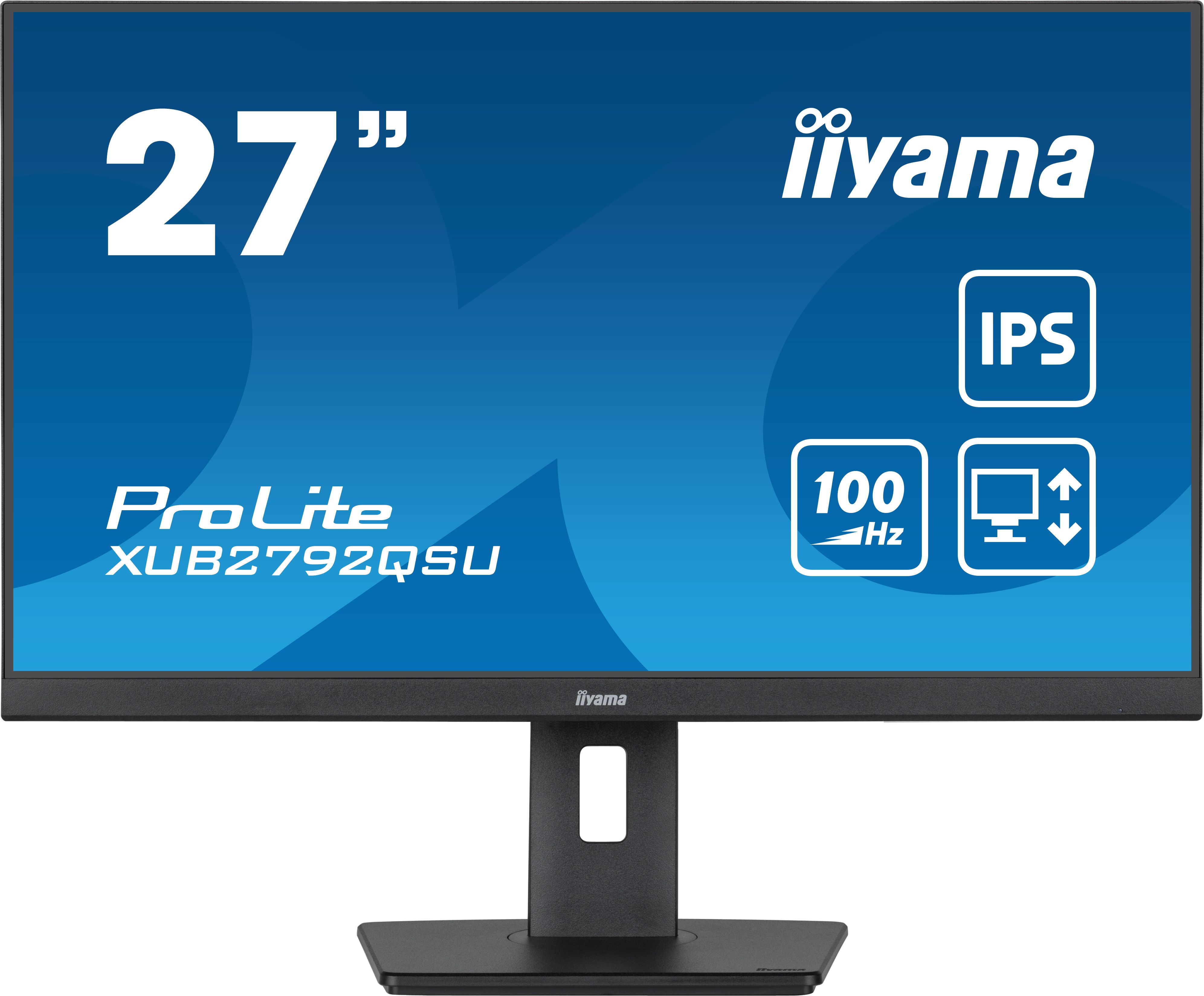
A 27 inch QHD, 100Hz monitor designed for productivity, offering more on‑screen space and sharper detail without stepping up to 4K pricing.
The iiyama ProLite XUB2792QSU‑B6 moves up to a 27 inch QHD panel, which is an excellent match of size and resolution for productivity. You get much more room for multiple windows and sharper detail than Full HD at this size, without the scaling quirks that can come with 4K. Its 100Hz refresh rate keeps motion and cursor movement smooth across that larger canvas, whether you’re flicking through huge spreadsheets or editing photos. With a strong 4.7 out of 5 rating from 50 reviews, it’s clearly resonating with users who want a step up from basic 1080p screens without breaking the bank.
The XUB2792QSU‑B6 sits at a higher price than Full HD 27 inch screens, so if you mainly browse the web and answer emails the extra resolution may be overkill. It’s still more expensive than the compact MSI models, and will take up more physical space on your desk. While it hits 100Hz, it’s not a specialist gaming monitor, so competitive gamers might still look for a panel with even higher refresh rates and tuned gaming features.
Perfect for anyone who lives in spreadsheets, code editors or creative tools and wants more room to spread out without going all the way to 4K. It’s best for desks with enough depth to sit comfortably in front of a 27 inch screen. If you’re upgrading from a smaller 1080p monitor and want a genuine productivity boost, this is a very strong candidate.
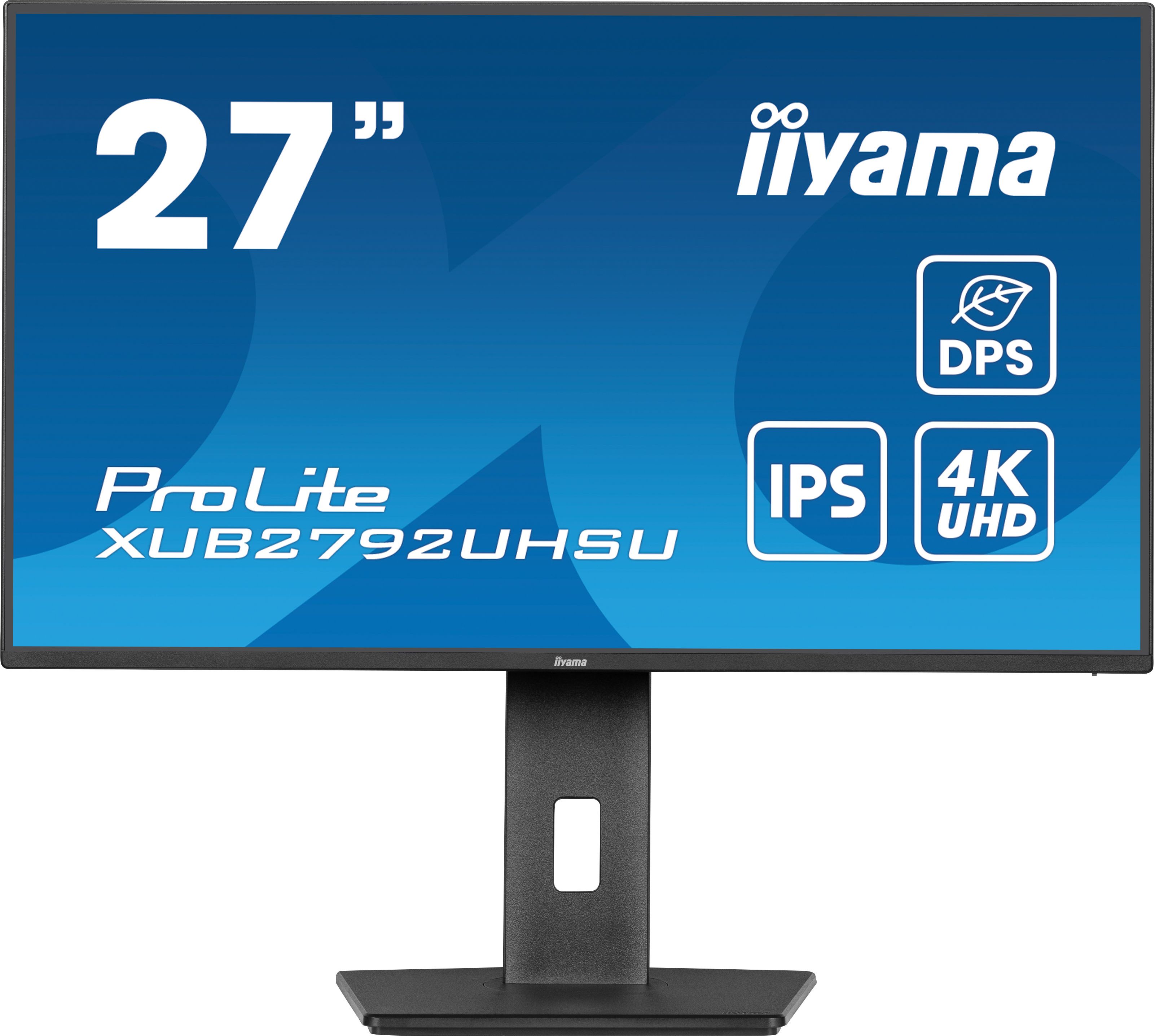
A 27 inch 4K UHD monitor focused on fine detail and generous desktop space, best suited to creative work, spreadsheets and multitasking.
The iiyama ProLite XUB2792UHSU‑B6 is the monitor to choose if you care most about detail and desktop space, thanks to its 27 inch 4K UHD panel. The high resolution makes text ultra‑sharp and gives you room for multiple windows, dense spreadsheets or timelines if you’re working with video and images. Even at 60Hz, it’s well suited to office work, browsing and creative applications, where clarity matters more than maximum refresh speed. A 4.6 out of 5 rating from 74 reviews shows that owners are broadly very satisfied, particularly given it undercuts many other 4K alternatives.
At 60Hz, this monitor doesn’t offer the same smoothness as the 100Hz models on this list, which can be a downside if you’re sensitive to motion or enjoy fast‑paced games. It’s also the most expensive option here, so you need to genuinely benefit from 4K’s extra detail to justify the spend. Running a 4K display can put more load on older laptops and desktops too, which might force you to tweak scaling or upgrade other parts of your setup.
Best suited to designers, content creators and power users who benefit from 4K’s extra sharpness and screen real estate. It also works well if you want one monitor to replace a dual‑screen setup, with room for multiple windows side by side. If your priority is detail and workspace rather than high refresh rates, this is the monitor to go for.