Home » Cheapest Asus laptops worth buying in 2026
Trying to keep laptop costs down but still want to stick with Asus in 2026? This guide focuses on the cheapest Asus laptops that are still worth your money, from simple Chromebooks to low-cost Windows machines.
Rather than listing every cut-price model, we have picked out a handful that balance low upfront price with everyday usability and decent owner feedback. They are not powerhouses, but they handle browsing, streaming, schoolwork and light productivity without too much fuss.
Each laptop here comes with its own compromise, whether that is a smaller screen, limited storage or modest performance. The aim is to help you decide whether to go for the absolute lowest price, or spend a little more within the Asus range for a smoother, more comfortable experience.
These Asus budget recommendations are based on a close look at real-world specs, pricing and owner ratings, not just which model is cheapest on the day. We pay particular attention to how well the hardware matches the software it is running, because that has a big impact on how usable an inexpensive laptop feels.
We also factor in customer review scores and the number of reviews, so we are not just relying on marketing claims. Models with reassuring ratings tend to cope better with day-to-day life, even when the spec sheet looks modest.
Our goal is to highlight the cheaper Asus laptops that still feel like sensible purchases – machines that do the basics reliably, rather than ultra-cheap options that will frustrate you into upgrading early.
We started by looking at the lower end of the Asus laptop range, focusing on models that sit firmly in budget territory on current UK pricing. From there, we filtered out anything with weak or worrying owner feedback, concentrating on laptops with solid-if-unspectacular ratings for the money.
Chromebooks feature strongly because ChromeOS tends to run far more smoothly on basic hardware than Windows, which makes them a smart way to maximise value. We then balanced those against low-cost Windows Vivobook models for anyone who needs traditional desktop apps.
Within that shortlist, we looked for a spread of screen sizes and designs so you can choose between portability and workspace. Every recommendation here is cheap for an Asus laptop, but we have also included a slightly pricier option where the extra cost feels justified by better all-round usability.
These are the Asus laptops that stand out at the budget end of the range in 2026. They are not the brand’s most powerful machines, but they are among the most affordable models that still deliver a usable experience.
The first picks are the real wallet-friendly options, ideal if you want to spend as little as possible and mostly work in the browser. Further down, you will find slightly more expensive Asus laptops that add comfort, style or flexibility for only a small step up in price.
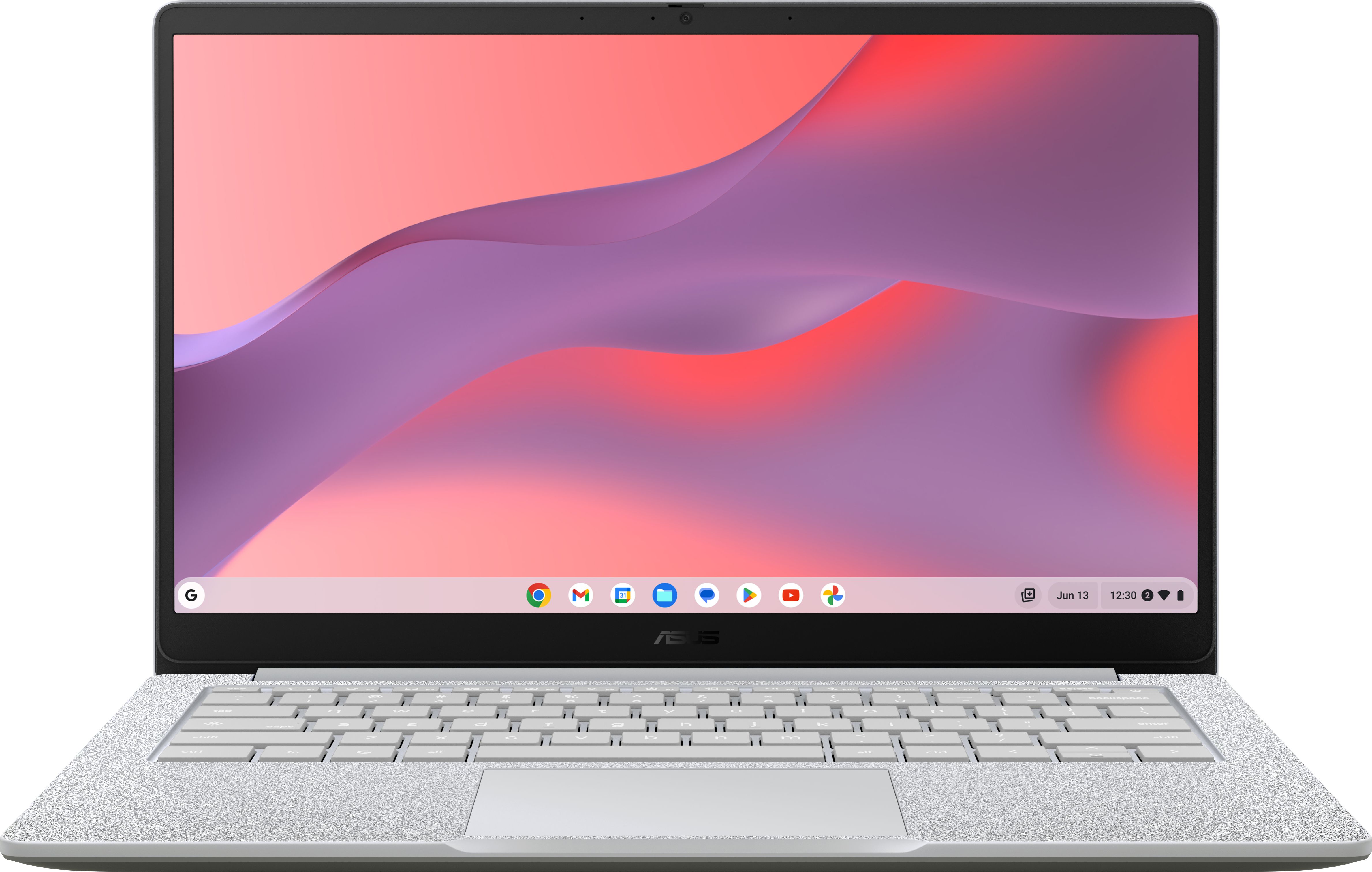
One of the very cheapest Asus laptops around, this 14-inch Chromebook is ideal if you mainly want something for browsing, streaming and simple schoolwork at the lowest possible price.
At around £129, this 14-inch ASUS CX1405CKANK0034 Chromebook is one of the cheapest ways to get a trusted-brand laptop in 2026. ChromeOS is lightweight and well suited to the modest hardware, so everyday tasks like web browsing, email, video streaming and document editing should feel responsive for the price. The 14-inch form factor keeps it compact and easy to carry, making it a good pick for moving between rooms or slipping into a backpack. A 4.4 out of 5 rating from early buyers suggests that, while basic, it does what it promises without too many unpleasant surprises.
As one of the very cheapest Asus laptops, this Chromebook will inevitably feel limited if you push it too hard with lots of tabs or demanding web apps. Storage and connectivity are likely to be basic, so you will rely more on cloud services than saving large files locally. The 14-inch display is practical but not expansive, which may feel cramped if you are used to a bigger screen. If you need Windows software, you will want to look at one of the Vivobook models instead.
Ideal if you want to spend as little as possible on an Asus laptop and are happy living mostly in the browser with Google services. It suits students and families who need a simple machine for homework, streaming and email, without worrying about installing lots of traditional software. It is also a good low-risk option if you just want a basic second laptop for around the house.
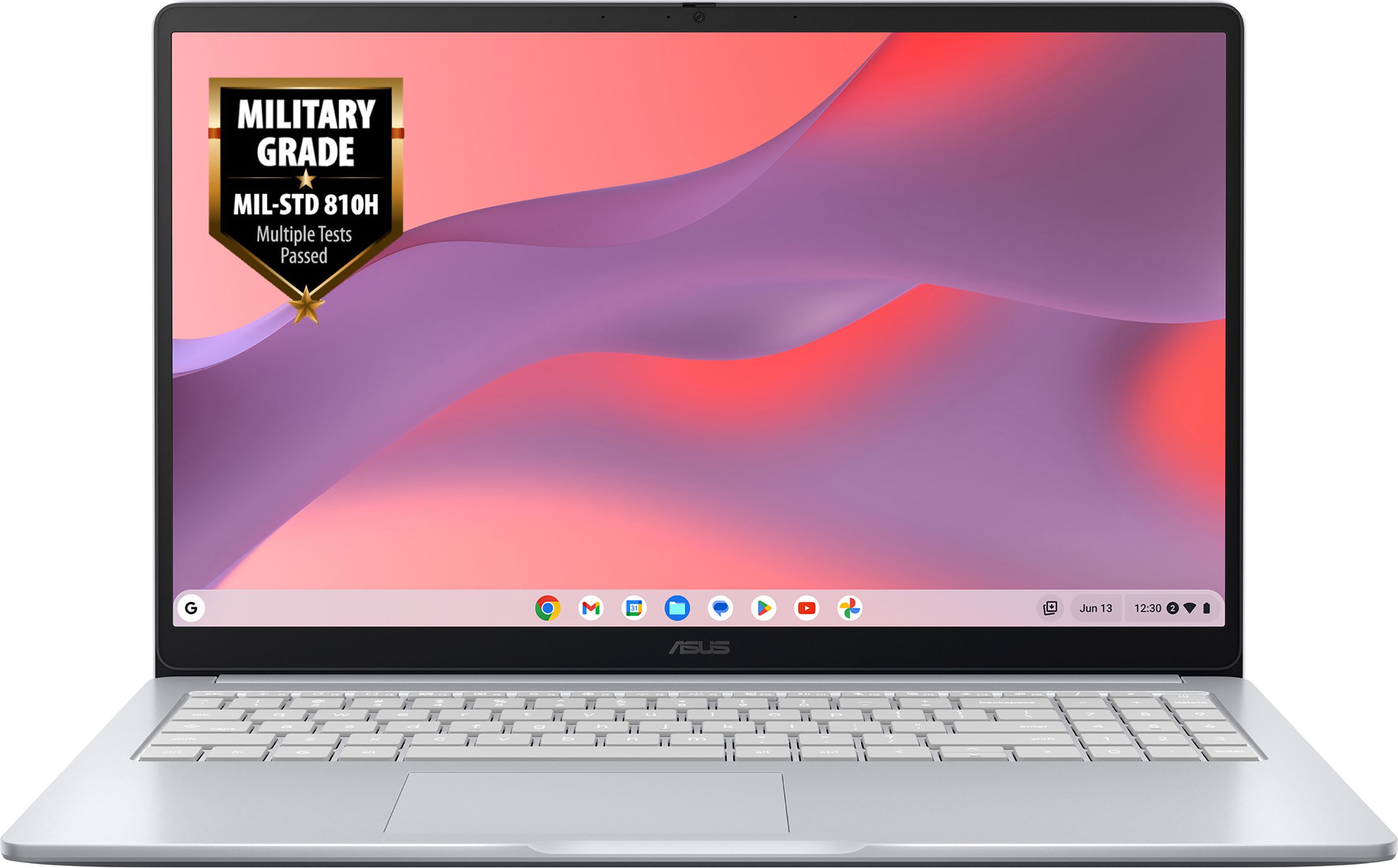
A 15.6-inch Asus Chromebook with an excellent rating from early buyers, offering a larger screen for not much more money than the entry-level models.
The ASUS CX1505CKA-S70153 Chromebook gives you a roomy 15.6-inch screen while still sitting firmly in budget territory at around £159. That extra screen space makes a real difference for side-by-side documents, spreadsheets or simply more comfortable streaming and web browsing. With a perfect 5 out of 5 rating from early buyers, it clearly hits the mark for its target audience, offering dependable performance for light tasks. For the small price jump over the 14-inch model, it feels like particularly strong value if you prefer a bigger display and keyboard.
The larger 15.6-inch screen makes this Chromebook less portable than the 14-inch options, especially if you carry it daily. As with most cheap Chromebooks, internal storage and raw power are tuned for simple tasks, so heavy multitasking or offline gaming is not its strength. ChromeOS also relies heavily on web apps and the Google ecosystem, which may not suit you if you are tied to specific Windows programmes.
Best for buyers who want a cheap Asus laptop but prefer the comfort of a full-size 15.6-inch screen and keyboard. It is well suited to home workers, students and casual users who spend long periods reading or typing and do not want to squint at a small display. Choose this if you are sticking with ChromeOS and want the extra space for only a small jump in price.
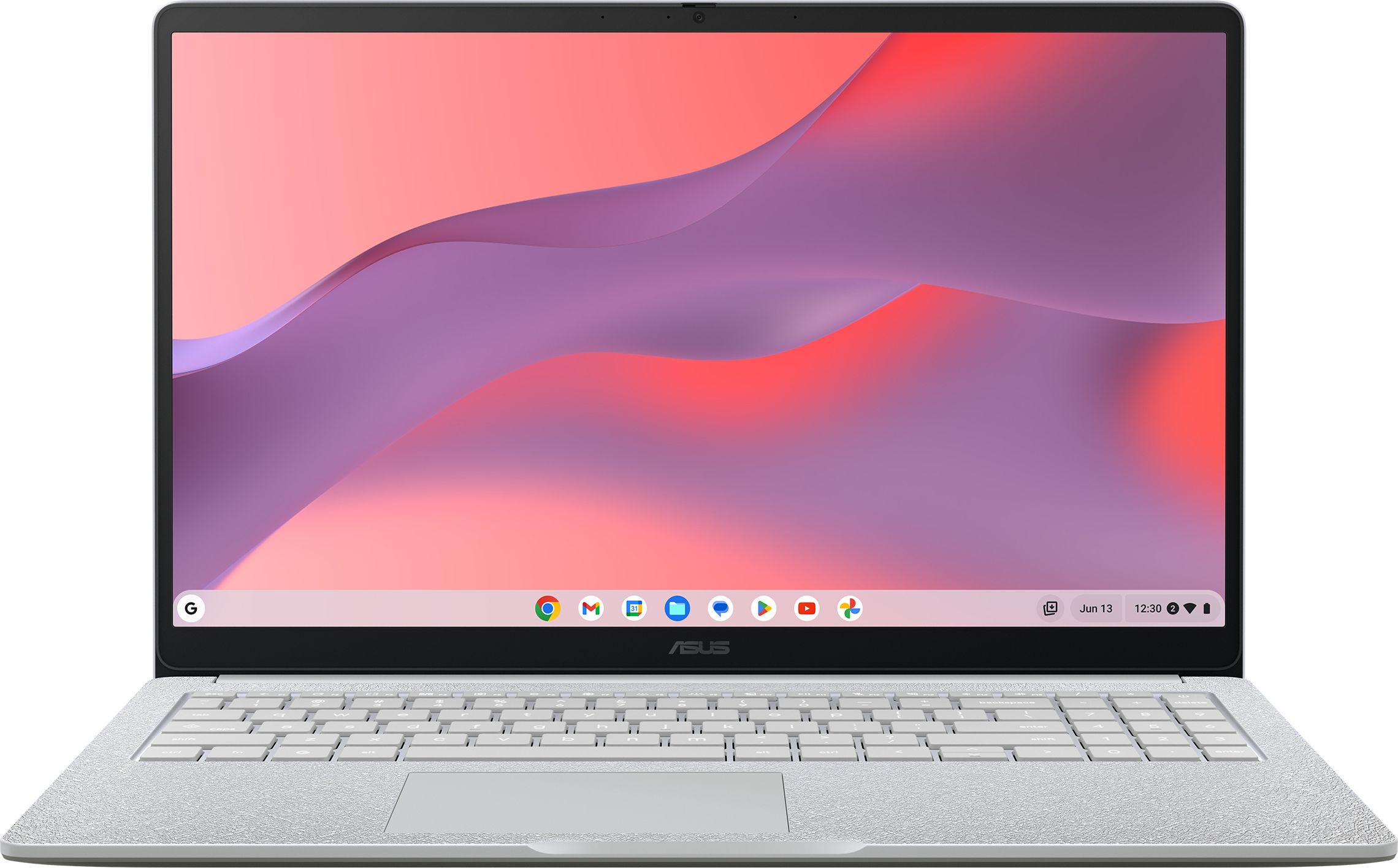
Another 15.6-inch Asus Chromebook that keeps costs down while giving you a comfortable full-size display for everyday cloud-based work and entertainment.
The ASUS CX1505CTA-S70276 Chromebook is another 15.6-inch option aimed at buyers who want a larger screen without overspending. As a Chromebook, it benefits from the same streamlined, browser-first approach that makes cheaper hardware feel snappier than you might expect. It is priced on par with the other 15.6-inch model, so it can be a good alternative if one happens to be in stock or discounted. For basic tasks and cloud-centric work, it delivers the essentials in a familiar full-size laptop layout.
With no review score or owner feedback yet, you are taking more of a leap of faith on this model than with the other Chromebooks on the list. Its performance and feature set are likely to mirror the other cheap 15.6-inch Asus Chromebooks, meaning it is fine for the basics but not for demanding workloads. The larger size also makes it less ideal if you need something genuinely compact and light.
A good fit if you are hunting for a low-cost Asus Chromebook with a larger screen and are more focused on price and availability than owner reviews. It should suit casual browsing, streaming and light productivity where you appreciate the 15.6-inch display but do not want to pay for a premium model. It is also a reasonable choice as a shared family laptop in a kitchen or study area.
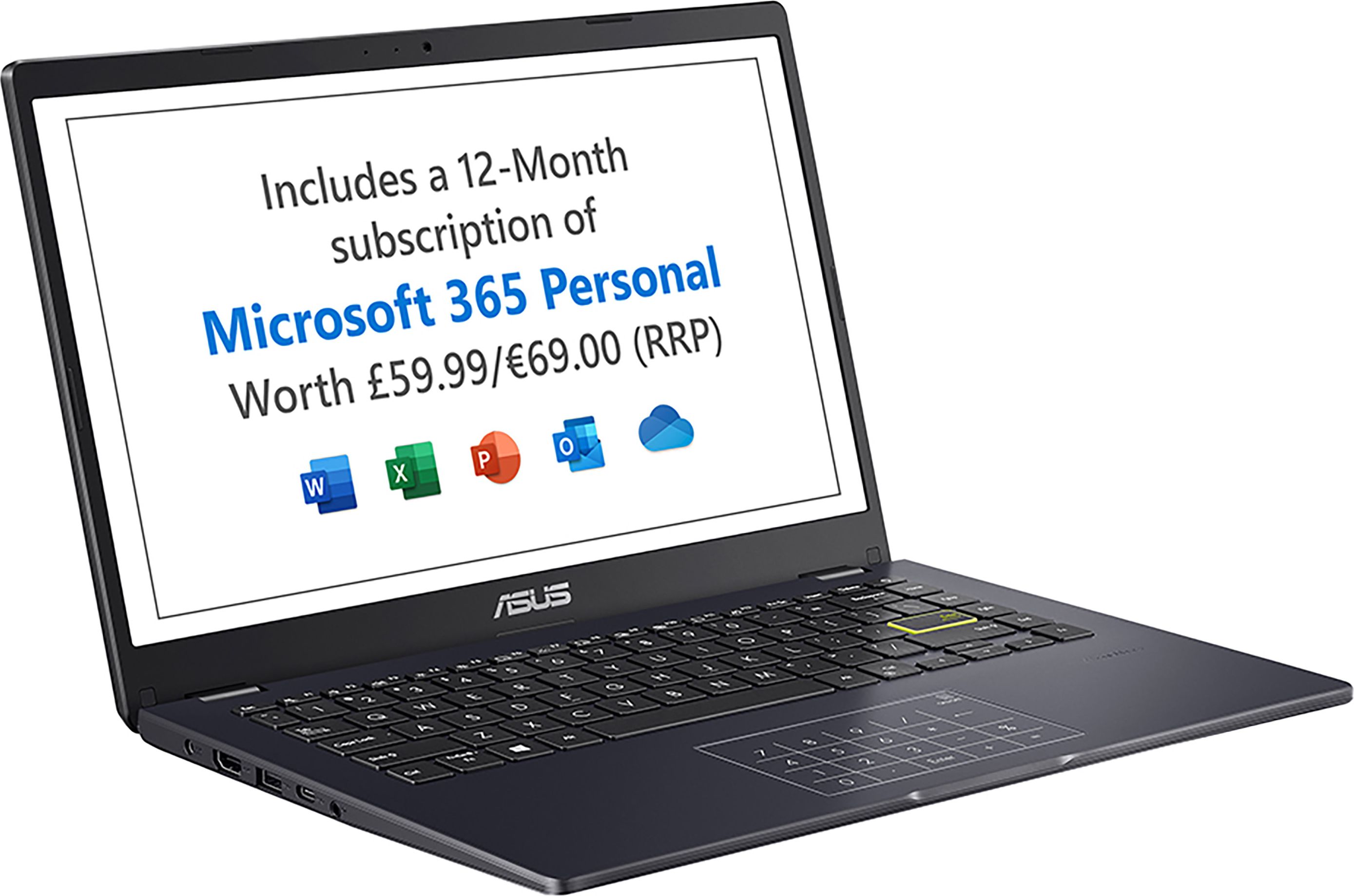
A budget-friendly 14-inch Asus Vivobook Go that runs Windows, giving you a more traditional laptop experience without straying far from entry-level pricing.
The ASUS Vivobook Go 14 E410KA-EB996WS offers a proper Windows experience at a price still very much in budget territory, around £169. Its 14-inch size hits a sweet spot between portability and usable screen space, making it practical for students or home workers who move around a lot. A 4.6 out of 5 rating from owners is reassuring for such an inexpensive Windows laptop, suggesting it handles day-to-day tasks like Office apps, browsing and video calls without major complaints. The Vivobook Go design also tends to look and feel a bit more stylish than many ultra-cheap machines, which is a bonus if you care about aesthetics.
Running Windows on budget hardware can feel slower than a Chromebook at a similar price, particularly if you open lots of apps at once. You should not expect fast performance for gaming or heavy creative software, and storage capacity may feel tight if you install many large programmes. Battery life and screen quality are likely to be more modest than on pricier Asus laptops, so this is very much a value-first choice.
Ideal if you need Windows for specific apps or work, but still want to keep costs as low as possible with a recognised brand. Students, light home office users and anyone who mainly uses Office, web apps and video calls will find it a practical everyday companion. Pick this over a Chromebook if software compatibility matters more to you than absolute smoothness or simplicity.

A slightly pricier Vivobook Go 14 that still counts as cheap, but delivers one of the strongest ratings here, making it a great all-round budget Asus laptop.
The ASUS Vivobook Go 14 E410KA-EB997WS builds on the same affordable Windows foundation as the cheaper Vivobook Go but dials up the appeal with an excellent 4.8 out of 5 rating from a larger number of reviews. That stronger feedback implies a particularly well-balanced spec and user experience for the money, which is important when you plan to use it every day. It keeps the handy 14-inch form factor that is easy to carry but still fine for proper work sessions. For only a modest price step up from the absolute cheapest options here, it has the feel of a safer long-term choice within the Asus budget line-up.
Although still cheap, this Vivobook Go 14 is the most expensive option in this small Asus budget line-up, so it will not suit the absolute tightest budgets. As with other low-cost Windows machines, performance will be fine for everyday use but not for intensive tasks or serious gaming. If you are certain you can live entirely in the browser, one of the cheaper Chromebooks may still feel smoother for less money.
Well suited to budget-conscious buyers who still want a Windows laptop that feels a bit more rounded and dependable for daily use. It is a strong option for students, remote workers and families who will be using the laptop a lot and would rather pay a little extra than gamble on the absolute cheapest model. If you want one affordable Asus laptop to handle most basic tasks for the next few years, this is the sensible all-rounder.
