Home » Cheapest Microsoft laptops worth buying in 2026
If you like the look of Microsoft’s Surface range but do not want to pay flagship prices, there are some smarter ways to save money without ending up with a sluggish machine. Here we focus on the cheaper end of Microsoft’s laptop line-up for 2026, picking out models that still feel polished and enjoyable to use.
Every laptop here comes from the Surface family, so you are getting a tidy design, decent performance and a clean Windows experience. What changes as you move up the price ladder are things like processing power, storage and cutting-edge Copilot+ features.
We have narrowed the list to a handful of better-value choices, from the most affordable Surface Pro option through to more advanced Copilot+ laptops that cost a bit more but should last longer. It is not just about the lowest price; the aim is to help you spend as little as you reasonably can while still ending up with a laptop you are happy to live with every day.
These recommendations are based on real-world information such as current pricing, customer ratings and the feature sets Microsoft offers at each level, rather than just hunting for the lowest number on the price tag. That means every laptop here is chosen because it offers decent value within the Surface range, not simply because it is cheap.
We look for a sensible balance between upfront cost, day-to-day usability and owner satisfaction, paying close attention to how well-reviewed each model is and where it sits in the line-up. Well-rated machines with enough performance to handle modern workloads are prioritised over slightly cheaper options that risk feeling outdated too quickly.
Our aim is to highlight the Microsoft laptops that let you save money without taking a gamble on something that feels like a false economy. That way you can stick with the brand you want and still feel you’ve made a smart purchase.
We started with Microsoft laptops sitting towards the lower and mid-range end of the Surface pricing ladder, then focused on those that give you the most for your money. From there, any models with very weak or worrying feedback were filtered out so that only credible options remained.
Within that shortlist, we looked at how each laptop balances price with real usability: is there enough power for modern Windows, a screen size that works for everyday tasks and a specification that should stay relevant for a few years? Models with stronger customer ratings or especially keen pricing earned extra credit.
Because people use laptops in different ways, we also aimed to include a mix of designs. You will see a straightforward value-focused Surface Pro alongside Copilot+ laptops that add newer AI-ready hardware for a little more money. All of them are among the cheaper Microsoft options that still feel like smart buys rather than cut-price compromises.
The result is a compact list of Microsoft laptops that are kinder to your wallet, yet still capable of handling everything from web browsing and streaming to work and study without feeling frustratingly slow.
Below you will find our top cheaper Microsoft picks for 2026, ordered by how confidently we would recommend them as good-value buys. Some are the very lowest-priced Surface options available, while others cost a bit more but bring Copilot+ performance and extra longevity.
Use the summaries, pros and cons to decide whether you would rather keep your spend as low as possible or stretch slightly further for a machine that should feel faster and more futureproof over time.
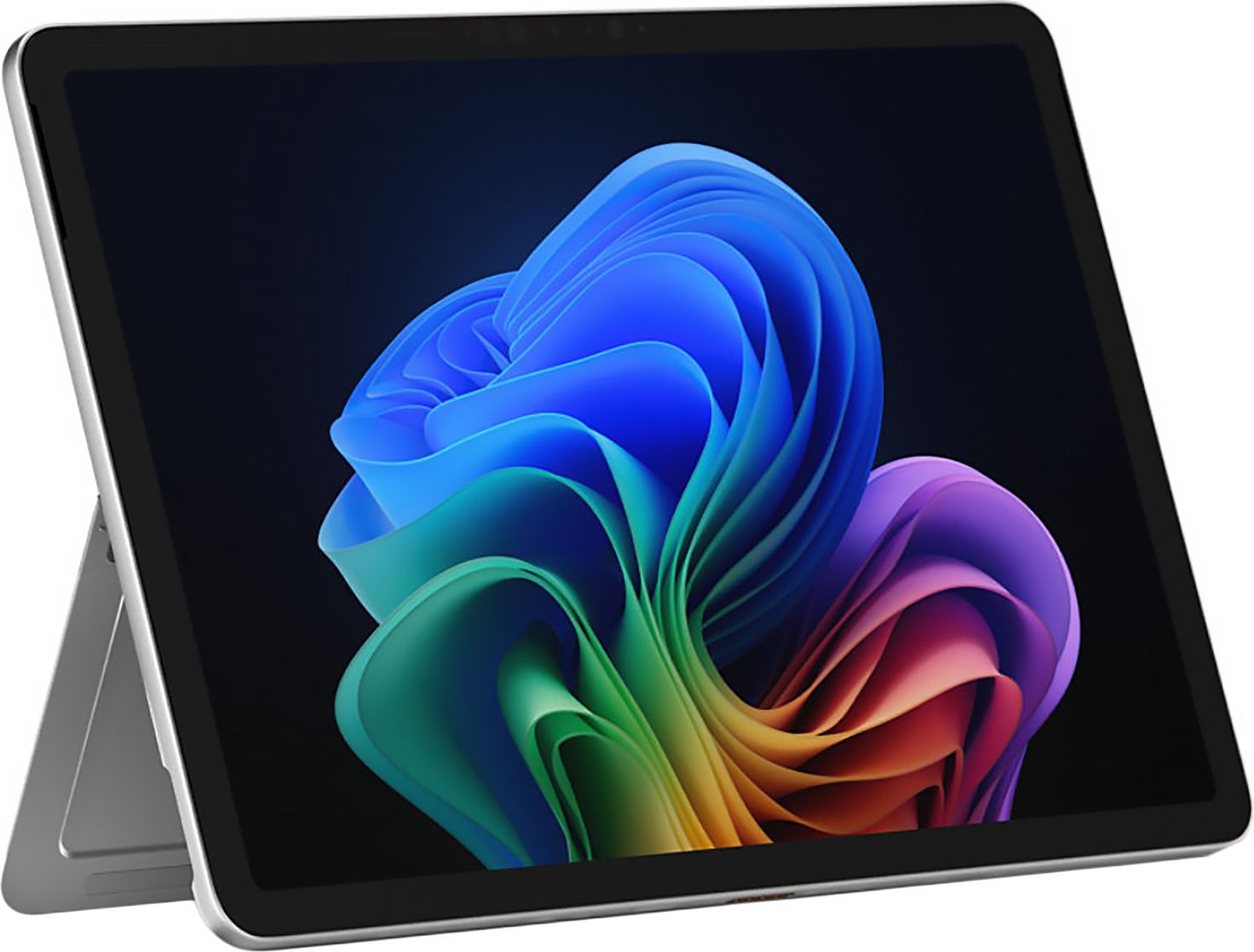
A 12-inch Surface Pro that keeps the price down while still delivering the clean, portable Microsoft laptop experience many people want for everyday use.
For around £784 this 12-inch Microsoft Surface Pro is a genuinely accessible route into the Surface family, undercutting many of the brand’s larger, more powerful laptops. A 4.5 out of 5 rating from dozens of owners suggests it does a very solid job of day-to-day work, browsing and streaming despite the keener price. The compact 12-inch design keeps it light and easy to carry, which is ideal if you move around the house a lot or commute regularly. As a Surface device, you still benefit from a crisp display, responsive keyboard and trackpad, and a clean Windows experience without the bloat you often see on cut-price machines.
The smaller 12-inch screen will feel cramped if you are used to working on a larger display or like having multiple windows open side by side. As one of the cheaper Surface options, you should not expect the very fastest processors or the most generous storage, so heavy creative work or gaming is not really its strong suit. If you can stretch your budget, the Copilot+ models further down the list are likely to feel more futureproof.
Ideal if you want the Microsoft Surface experience at the lowest sensible price and mostly use your laptop for browsing, Office work and streaming. It suits students, home workers and anyone who values portability over a big screen. If you are on a tight budget but do not want a clunky, no-name laptop, this is a smart compromise.
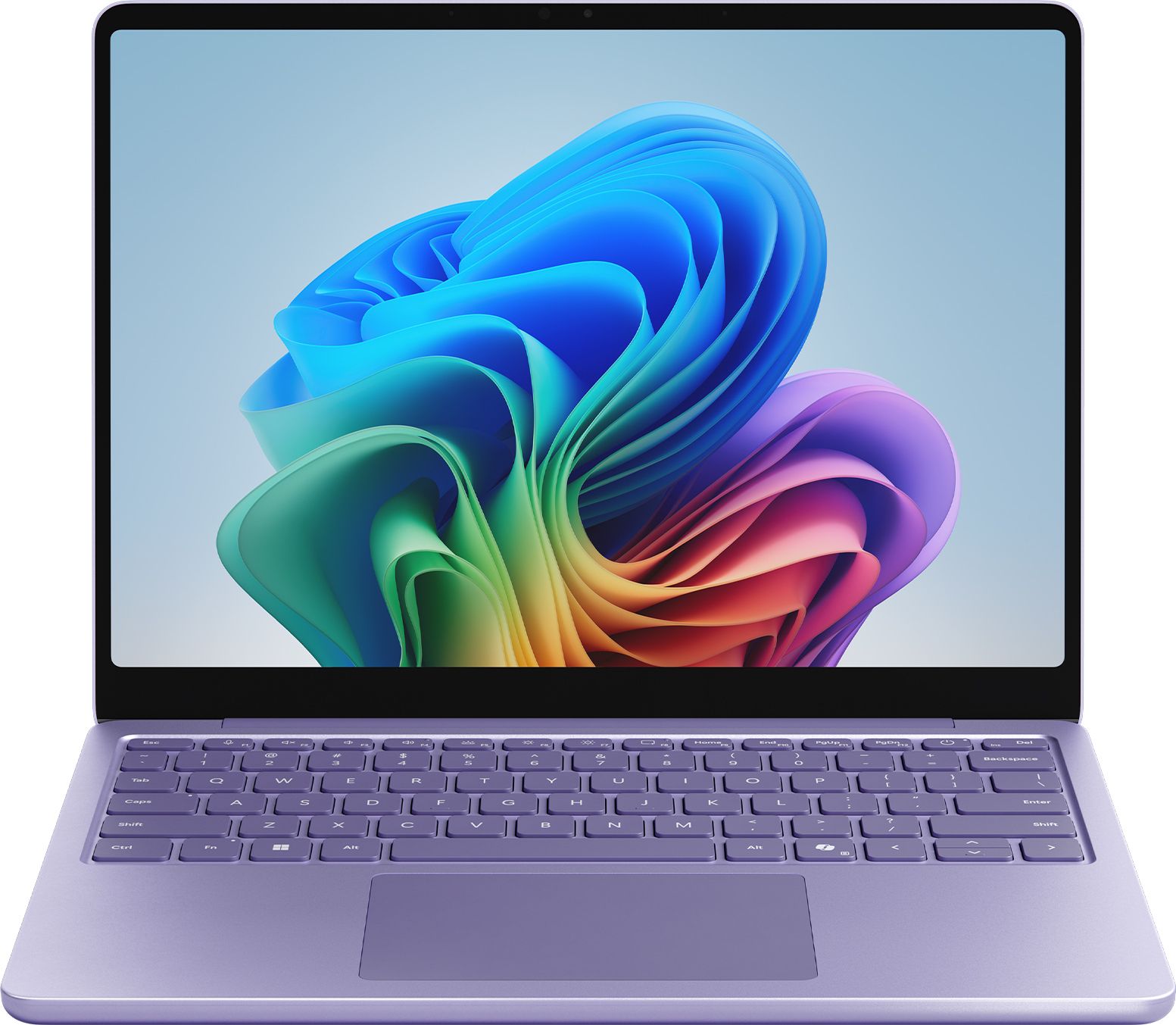
An affordable way into Microsoft’s Copilot+ generation, this 13-inch Surface laptop adds AI-ready hardware without pushing too far into premium pricing.
At £899, this 13-inch Microsoft Surface Copilot+ laptop is one of the most affordable ways to get Microsoft’s latest AI-focused platform. The 13-inch size hits a nice sweet spot between portability and usable screen space, especially if you work in documents or juggle multiple browser tabs. Being a Copilot+ model means it is designed to handle the next wave of Windows features more smoothly than older, cheaper hardware. For anyone who wants a modern-feeling laptop with plenty of life left in it but cannot justify premium Surface prices, it represents a sensible middle ground.
While £899 is attractive for a Copilot+ Surface, it is still a noticeable step up from the non-Copilot Surface Pro option, which might be enough for light users. Early Copilot+ models can also see features evolve over time, so some AI tools you have seen advertised may not be fully unlocked immediately. Storage and memory can be more limited at this price point, so it pays to check the exact configuration before you buy.
Best for buyers who want to step into Microsoft’s Copilot+ era without spending four figures. It is a strong fit for students, home workers and families who share a laptop and want something that feels modern and responsive. If you like the idea of AI-assisted tools and plan to keep your laptop for a few years, it is a good starting point.
A slightly pricier 13-inch Copilot+ Surface that is worth a look if you can stretch your budget and want a bit more refinement than the very cheapest Copilot+ option.
Costing £929, this Microsoft Surface 13-inch Copilot+ laptop adds a bit more polish over the very cheapest Copilot+ model while still sitting firmly in the mid-range. That slightly higher price tag is justified if it brings you configuration tweaks such as more storage or a nicer finish compared with the absolute entry version. You still get the same Copilot+ foundation, so it is ready for AI-assisted features and heavier multitasking than older budget laptops. For many buyers it hits that balance of spending a bit more now in order to buy something that will feel current for longer.
Because this model shares its basic name and platform with the cheaper Copilot+ version, it can be hard to see exactly what you are paying extra for at a glance. At £929 it edges close to the better-reviewed £999 model, so you might decide it is worth going that little bit further for something with stronger owner feedback. If your budget is very tight, the price jump over the most affordable Surface Pro may not feel justified.
A good choice if your budget has a little flexibility and you want a 13-inch Copilot+ Surface that feels a notch up from the absolute entry-level option. It suits people who multitask more heavily, open lots of tabs or run a mix of work and personal apps. If you want a Microsoft laptop that feels like a step above basic without going fully premium, this is worth a look.
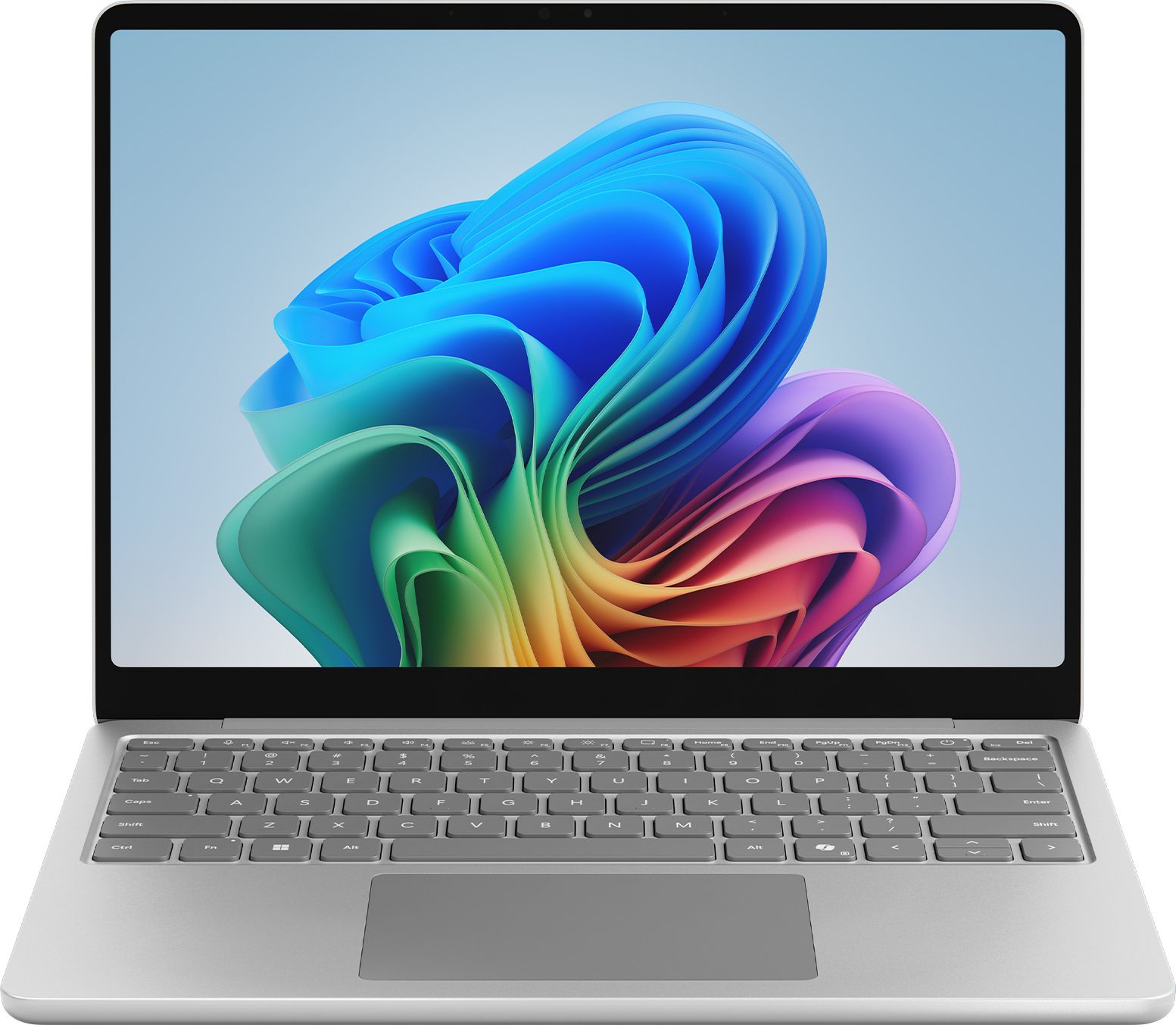
A well-rated 13-inch Copilot+ Surface with a strong customer score, ideal if you want a cheaper Microsoft laptop that still feels fast and up to date.
This 13-inch Microsoft Surface Copilot+ laptop stands out with a strong 4.6 out of 5 rating from over 50 reviews, which is impressive for a model that still sits in the cheaper half of the Surface line-up. Priced at £999, it is not the absolute lowest cost, but you are clearly getting a specification that owners are happy with in real-world use. The compact 13-inch design makes it a practical everyday machine for work, study and travel, and the Copilot+ platform helps keep things feeling snappy. For buyers looking for a safer bet with proven customer satisfaction, it is one of the most reassuring choices on this list.
At £999 it is the most expensive standard laptop on this cheaper-focused list, which might put it just out of reach if you are watching every pound. You are still limited to a 13-inch screen, so if you prefer a large display, you may need to factor in the cost of an external monitor. And while the Copilot+ hardware is modern, it is not aiming to be a powerhouse for intensive gaming or very heavy video editing.
Ideal for buyers who would rather pay slightly more to get a Microsoft laptop with a proven track record from existing owners. It suits professionals, students and regular home users who want their main computer to feel fast and dependable for several years. If you want Copilot+ performance and peace of mind from strong reviews, this should be near the top of your shortlist.
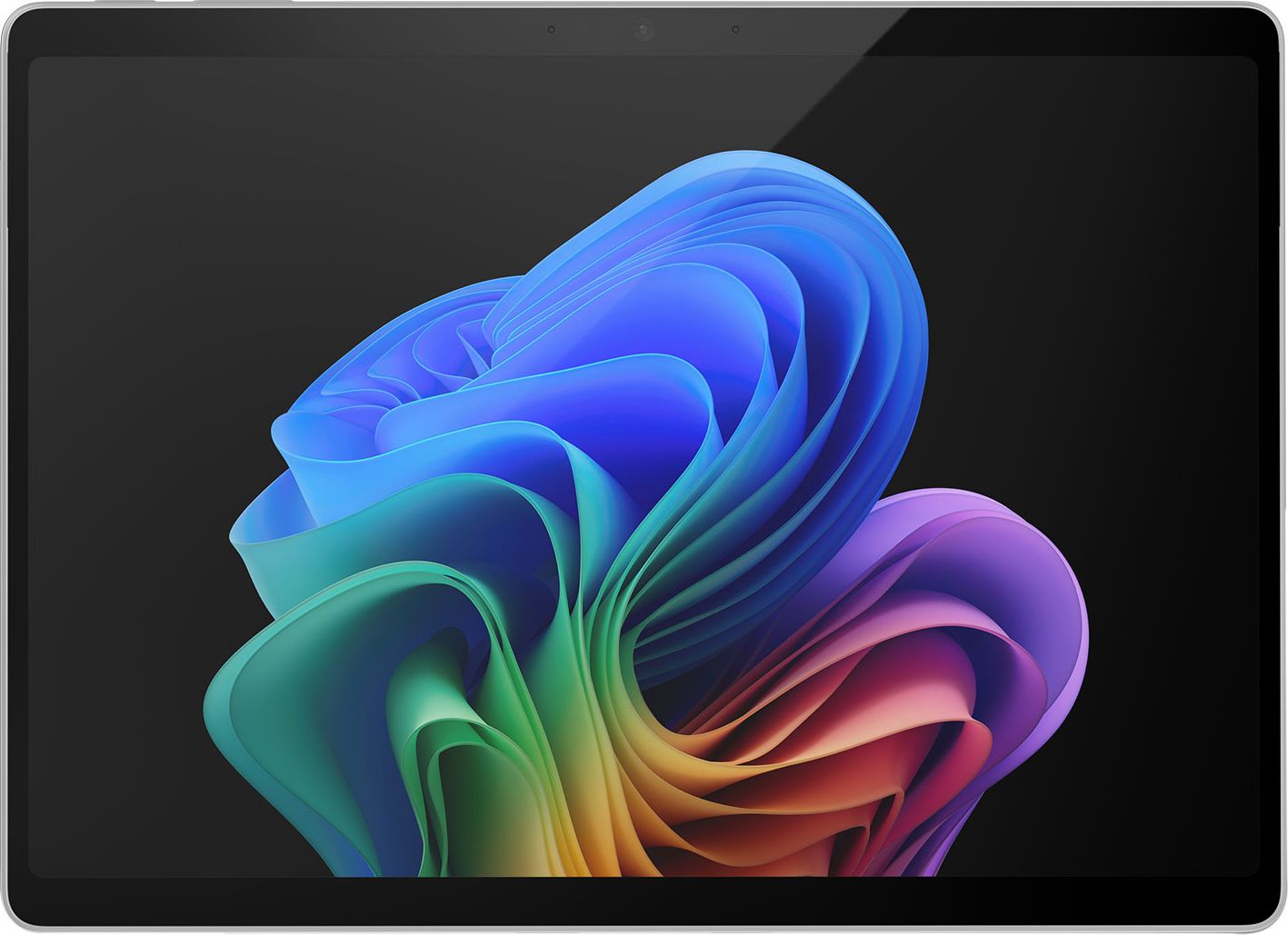
A 13-inch Surface Pro 11 2-in-1 with Copilot+ that offers tablet flexibility and laptop power, aimed at buyers who want versatility but cannot justify top-tier prices.
The Microsoft Surface Pro 11 Copilot+ 13-inch 2-in-1 gives you both a tablet-style device and a full Windows laptop in one, which is a big advantage if you like to work and watch in different modes. At £1,049 it is still cheaper than many high-end Surface models, especially when you factor in the flexibility of the design. A 4.9 out of 5 rating from a healthy number of reviews suggests owners are extremely happy with how it performs and feels in daily use. With Copilot+ on board, it is well placed to handle modern workloads, creative apps and the latest Windows AI features for years to come, so it is good value if you prioritise longevity.
The 2-in-1 design, while flexible, usually means some compromises compared with a traditional clamshell laptop at the same price, such as slightly less comfortable lap use or accessories being sold separately. At £1,049 it is the priciest option here, so it stretches the idea of “cheap” even if it is still affordable by Surface Pro standards. If you never use tablet mode, you may be better off with a cheaper standard laptop from the list.
Best for people who want one device to do everything: a tablet for browsing and streaming on the sofa, and a full laptop for work, notes and creative tasks. It is especially appealing to students, freelancers and anyone who travels a lot and does not want to carry multiple devices. If you can stretch your budget and value flexibility and futureproof Copilot+ power, this 2-in-1 makes sense.
