Home » Product Reviews » Computing » Tablets » Apple iPad Pro 13″ 256GB WiFi 2025 review
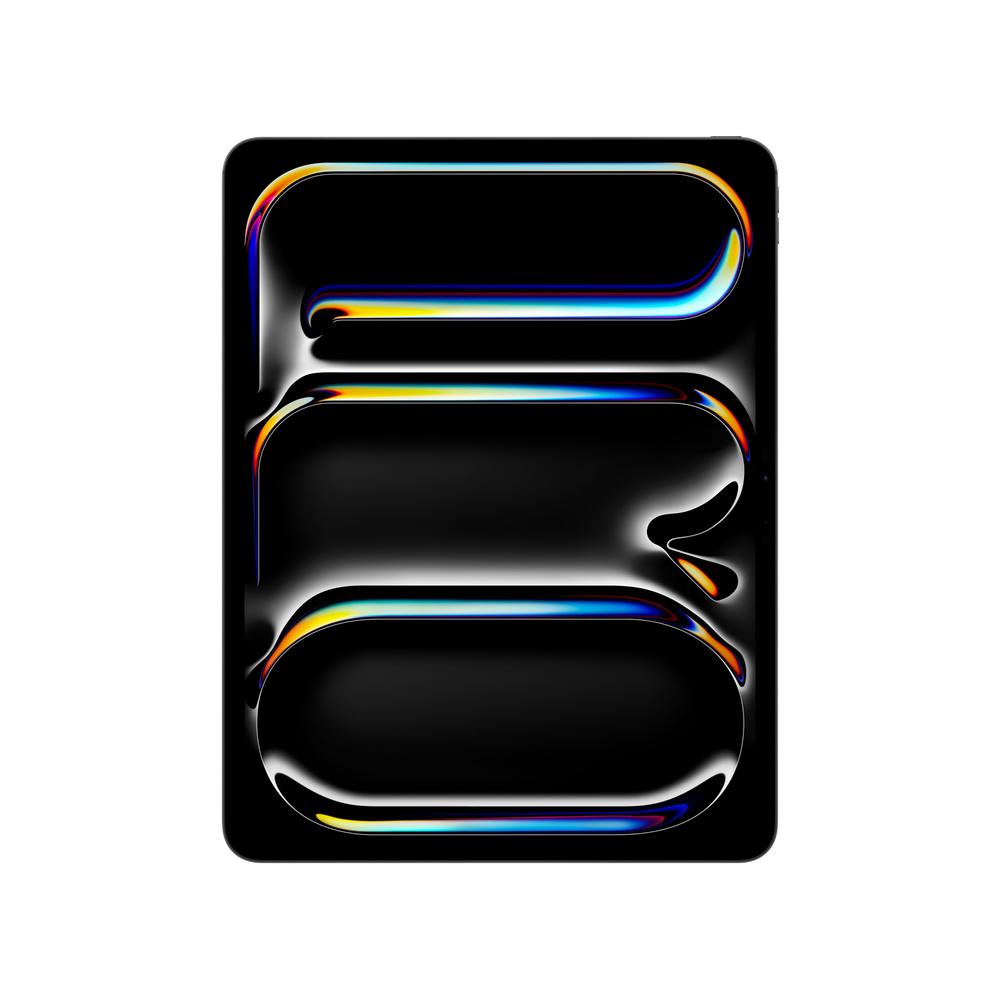
The Apple iPad Pro 13″ 256GB WiFi (2025) is Apple’s flagship tablet, built around the new M5 chip and a stunning 13-inch Ultra Retina XDR Tandem OLED display. It’s pitched squarely at people who want laptop-grade performance in a device that’s slimmer and lighter than most ultrabooks.
With 12GB of RAM, a 256GB SSD-style storage setup and Wi‑Fi 7, it’s clearly a premium option in the iPad range and in the wider tablet market. You’re paying for cutting-edge display tech, serious graphics power and tight integration with the latest iPadOS features and Apple Intelligence tools.
Owners rate it extremely highly, with a near-perfect score from user reviews, which suggests that for the right buyer, it more than lives up to its pro billing.
This 13-inch iPad Pro is ideal for creatives and professionals who need power without being tied to a desk. If you edit photos or video, illustrate, compose music or work heavily in pro productivity apps, the M5 chip, 12GB of RAM and 10‑core GPU give you the headroom to work quickly and stay responsive.
It also suits students and home workers who prefer a tablet to a traditional laptop but don’t want to compromise on speed or screen quality. Paired with the Magic Keyboard for iPad Pro and Apple Pencil Pro (both sold separately), it can become a flexible all‑day work machine for writing, research and presentations.
Entertainment fans who stream a lot of films, TV and sport will appreciate the 13-inch Ultra Retina XDR Tandem OLED display, quad speakers and Wi‑Fi 7 for smooth, high‑quality playback at home. It’s a luxury choice for casual browsing and social media, but if you value a gorgeous screen and slick performance, it feels special in everyday use.
If you mainly want an inexpensive tablet for occasional web browsing or as a device for young children, this is overkill. A standard iPad or mid‑range tablet will be kinder on the wallet, while this Pro model is best reserved for those who will push its performance and creative features.
The M5 chip with a 9‑core CPU, 10‑core GPU, neural engine and media engine delivers outstanding performance for creative apps, gaming and multitasking. It’s built to handle advanced AI features in iPadOS and Apple Intelligence, as well as demanding pro workflows.
The 13-inch Ultra Retina XDR Tandem OLED screen is a real highlight. With its high resolution (2752 x 2064), wide colour gamut (P3), True Tone, ProMotion and anti‑glare coating, it’s superb for colour‑critical work, reading and watching content in bright rooms.
Apple Pencil Pro and Pencil (USB‑C) support, plus Pencil Hover and the smart connector for the Magic Keyboard, make this iPad Pro a flexible tool for note‑taking, drawing and working like a laptop when you need to.
Connectivity is excellent: Wi‑Fi 7 for very fast wireless networking, Bluetooth 6, and a USB‑C/Thunderbolt 4 port for high‑speed storage, displays and other accessories. This makes it much easier to drop into a professional setup.
The camera system is strong for a tablet, with a 12MP Ultra Wide front camera with Centre Stage for video calls, a 12MP rear Wide camera, LiDAR scanner and Adaptive True Tone Flash. It’s well suited to scanning documents, AR use and high‑quality calls, not just casual snaps.
Battery life is quoted at up to 10 hours, which is decent but not exceptional for a premium tablet at this size, especially if you’re pushing the display brightness and performance with pro apps.
The 256GB storage is fine for most general users, but creatives working with large photo or 4K video libraries may find it restrictive without offloading regularly to external drives or cloud storage.
Cellular connectivity is missing on this configuration, so you’ll need to hotspot from your phone or rely on Wi‑Fi when you’re out and about. For frequent travellers who want always‑on data, the Wi‑Fi only model is a compromise.
Accessories like Apple Pencil Pro and Magic Keyboard for iPad Pro are sold separately, adding a significant extra cost if you want the full laptop‑replacement experience.
The manufacturer warranty is only one year, which feels a bit short for such a high‑end device and may make extended coverage worth considering.
Day to day, the iPad Pro 13″ feels fast, fluid and highly responsive. Apps open almost instantly, multitasking is smooth and you can comfortably run several demanding tools side by side thanks to the M5 chip and 12GB of RAM.
The 13-inch Tandem OLED display gives you a generous canvas without being unwieldy. The slim 0.5 cm depth and aluminium body keep it feeling light and premium in the hand, and the anti‑glare, True Tone and high refresh rate ProMotion tech make long reading or editing sessions easier on the eyes.
The four‑speaker system and built‑in microphones are great for streaming and calls, giving clear, full sound that easily fills a room. Face ID makes unlocking and payments quick and reliable, and iPadOS is optimised for touch, Apple Pencil and keyboard input, so switching between modes feels natural.
With Apple Pencil Pro, note‑taking and sketching are precise and responsive, assisted by Pencil Hover for more accurate placement. Add the Magic Keyboard via the smart connector and you effectively have a slim laptop with a high‑quality screen and trackpad, ideal for working on documents and emails.
Charging and accessories are handled through the USB‑C/Thunderbolt 4 port and magnetic connectors, and the included 1‑metre USB‑C cable gets you started. Maintenance is straightforward, with no complex cleaning routines – it’s mostly about keeping the screen protected and staying on top of software updates.
Performance is the standout story here. The Apple M5 chip pairs a 9‑core CPU with a 10‑core GPU and a dedicated neural processor unit. This combination is built not just for raw speed, but also for on‑device AI and advanced media handling, which shows up in snappy image processing, real‑time effects and smooth playback in creative apps.
The Tandem OLED Ultra Retina XDR display is designed for serious work and play. Its high resolution, wide colour gamut (P3), deep blacks and high brightness, combined with ProMotion variable refresh, mean everything from handwritten notes to HDR films looks sharp and fluid. Anti‑glare and True Tone help the screen remain comfortable in mixed lighting.
Graphics and gaming performance are bolstered by hardware‑accelerated ray tracing and the 10‑core GPU. This is one of the few tablets that can credibly handle modern, graphics‑heavy games and 3D workflows, while still leaving enough headroom for background tasks and downloads over Wi‑Fi 7.
On the camera and AR front, the 12MP Ultra Wide front camera with Centre Stage is excellent for keeping you framed on calls, and the 12MP rear Wide camera, LiDAR scanner and Adaptive True Tone Flash make it capable for scanning, AR apps and occasional photography. It’s not a replacement for a dedicated camera, but it’s very capable for a tablet.
Other standout features include Face ID security, Apple Pay support, LiDAR and a full suite of Apple apps (Pages, Numbers, Keynote, iMovie, GarageBand and pro apps) ready to use from day one. Combined with Apple Intelligence (where available), you get a forward‑looking tablet that’s primed for the latest iPadOS capabilities rather than struggling to keep up.
This iPad Pro clearly sits at the premium end of the tablet market, and the 13-inch 256GB Wi‑Fi model is priced accordingly. You’re paying for a top‑tier display, cutting‑edge processor, advanced connectivity and a refined aluminium build, rather than simply a basic consumption device.
For buyers who will genuinely use its power – creative professionals, students on intensive courses, or anyone replacing a laptop – the cost can be justified. The ability to run pro‑grade apps, edit media smoothly, and combine it with accessories like Apple Pencil Pro and Magic Keyboard helps it stand in for multiple devices.
If your needs are lighter, much cheaper tablets will comfortably handle streaming, browsing and email, so the value proposition weakens for casual use. You also need to factor in the extra spend on accessories and the one‑year warranty when considering total ownership cost.
Given the extremely strong user rating, it’s clear that most owners feel they’re getting what they paid for – a fast, versatile, future‑proof tablet that earns its premium price tag for the right kind of user.
The Apple iPad Pro 13″ 256GB WiFi (2025) is one of the most capable tablets you can buy, combining a superb 13-inch Ultra Retina XDR display with the muscle of the M5 chip and generous 12GB RAM. It’s equally at home running pro apps, handling creative work or delivering high‑end entertainment.
Its strengths lie in performance, display quality and flexibility with Apple Pencil Pro and Magic Keyboard, plus modern extras such as Wi‑Fi 7, Thunderbolt 4 and Face ID. Owners rate it extremely highly, and it feels built to stay fast and relevant for years.
However, it’s an expensive choice once you add accessories, the 256GB storage may be limiting for heavy media users, and there’s no built‑in mobile data on this configuration. If you mainly want a simple browsing and streaming tablet, it’s more than you need. But if you’re a power user or creative who wants a tablet that can genuinely rival a laptop, this iPad Pro is an outstanding, if premium‑priced, option.
