
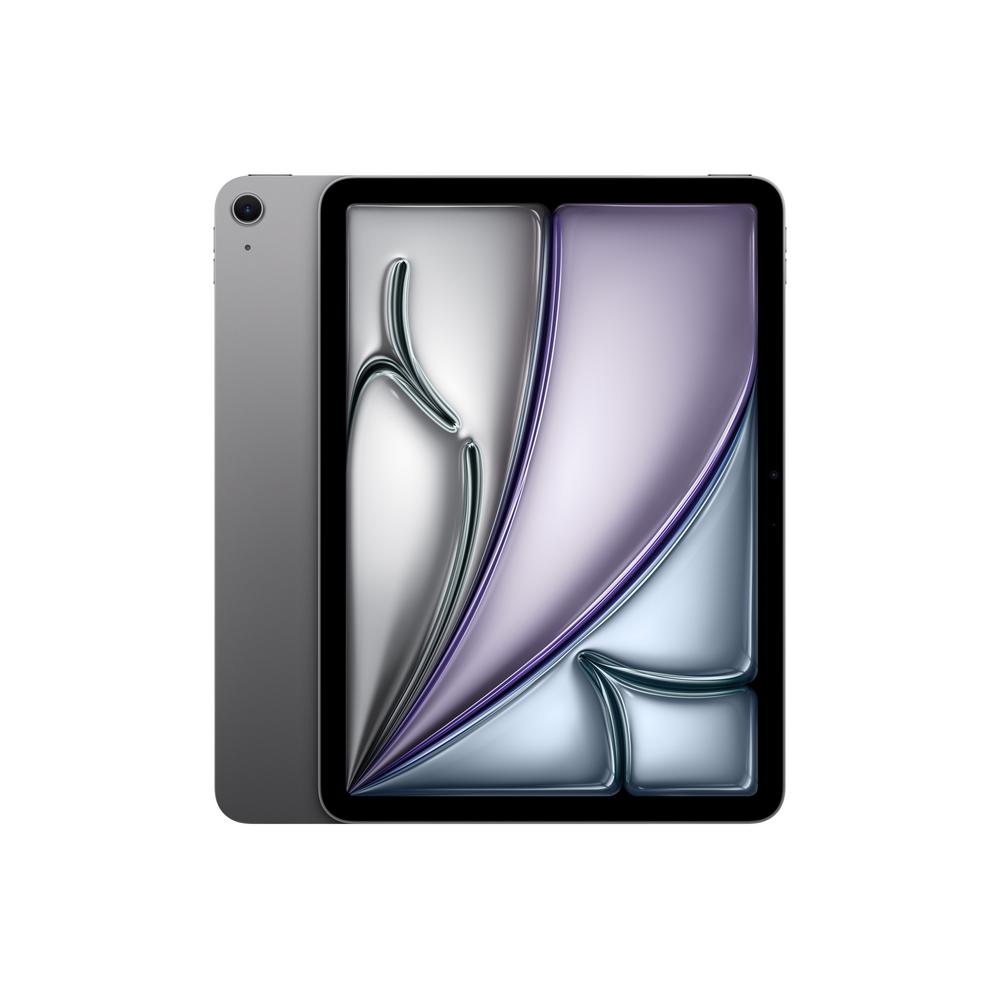
If you like the idea of a tablet you can actually hold in one hand, the Apple iPad mini 8.3″ 128GB WiFi 2024 in Blue is one of the most tempting compact options around. It’s small, light and powerful, and it fits far more easily into everyday life than a chunky laptop. In this guide we’ll walk through what this size of iPad is really like to live with, who it suits best, and how it compares with a few tempting alternatives in Apple’s range.
What makes the 2024 iPad mini 8.3″ 128GB stand out?
The latest iPad mini is all about portability. With its 8.3-inch display and slim frame, it’s the sort of device you can throw into a handbag or small rucksack without thinking. That makes it ideal for commuters, frequent travellers, parents, and anyone who wants a powerful screen that doesn’t dominate the desk or coffee table.
The 128GB WiFi version is a sensible middle ground for storage and connectivity. You get enough space for plenty of apps, some downloaded video, and your favourite games, without paying for capacity you may never use. As a WiFi-only model, it assumes you’ll mostly be using it at home, in the office, at school or wherever WiFi is easy to find.
If you want to dig into hands-on impressions, benchmarks and camera samples, you can read our full review of the Apple iPad mini 8.3″ 128GB WiFi 2024, but here we’ll focus on usage, buying decisions and how it fits into the wider iPad family.
Is a mini iPad right for how you use a tablet?
Before worrying about storage and colour, it’s worth asking whether this compact form factor matches how you actually use — or plan to use — a tablet.
Perfect for reading, travel and casual gaming
The iPad mini really shines if you love reading and browsing. The 8.3-inch display is big enough for ebooks, magazines, websites and social media, yet light enough that your hand doesn’t tire in a few minutes. It’s a great size for handheld gaming and streaming on the sofa or in bed.
For travel, it’s brilliant. You can slip it into a small bag or seat-back pocket, watch downloaded films on a flight and quickly reply to emails in the hotel lobby. If you’re upgrading from an older, heavier tablet, the difference is noticeable the first time you pop it into a jacket pocket instead of a laptop bag.
Good for light work and study – with some limits
The 2024 iPad mini has the power to handle note-taking apps, cloud-based office tools, video calls and online learning platforms without fuss. Paired with a Bluetooth keyboard, it becomes a perfectly capable little writing machine for essays, reports or blog posts.
The main compromise is display size. You can absolutely work on spreadsheets, edit documents and join video meetings, but if you regularly run apps side-by-side or work with detailed timelines and large tables, a 10.9-inch model such as the Apple iPad 10.9″ 128GB WiFi + Cellular 2025 will feel more spacious and forgiving.
Choosing the right storage: is 128GB enough?
Storage is one of the trickiest choices, because you can’t change your mind later. The 128GB capacity on this iPad mini will be fine for many people, especially if you lean on streaming and cloud services.
When 128GB is a smart choice
You’ll likely be comfortable with 128GB if you:
- Mainly stream music and video instead of downloading huge libraries.
- Keep photos and files in the cloud rather than storing everything locally.
- Play a few favourite games rather than dozens of massive titles at once.
- Don’t plan to do much 4K video recording or large-scale creative work on the tablet.
With a bit of housekeeping — deleting old downloads and offloading unused apps — 128GB will comfortably see you through years of typical use.
When you might want 256GB instead
If you’re the sort of person who fills every device you own, the 256GB version of the mini is worth a look. The Apple iPad mini 8.3″ 256GB WiFi 2024 gives you the same form factor and general experience, just with double the local storage.
That extra space makes sense if you travel a lot and like to keep multiple seasons of shows downloaded, store large PDF libraries, or juggle a lot of heavy apps and games at once. It adds to the upfront cost but can delay that “running out of space” feeling years down the line.
WiFi-only vs WiFi + Cellular: how do you stay connected?
The 128GB mini we’re focusing on here is WiFi-only, which suits many people perfectly well. If you already have a smartphone with a generous data plan, you can share its connection via tethering whenever you’re out and about.
However, if constant connectivity on the tablet itself is important — for example, if you work in the field, commute by train daily, or want your tablet online even when your phone isn’t around — a cellular iPad is worth considering. The Apple iPad 10.9″ 128GB WiFi + Cellular 2025 is a good example: it adds mobile data support as well as a larger screen, for not much more money than the WiFi-only mini with comparable storage.
Think honestly about where you actually use a tablet. If it rarely leaves the sofa or kitchen table, WiFi is more than enough. If you’re hopping between meetings, trains and hotels, built-in cellular might quickly pay for itself in convenience.
How the iPad mini compares with larger 10.9-inch iPads
Apple’s 10.9-inch iPad range is the natural comparison point if you’re not sure how small is too small. There are two stand-out models to consider alongside the mini: the standard 10.9-inch iPad and the more premium iPad Air.
Standard iPad 10.9″ – more screen for similar money
If you’re tempted by more screen real estate and can live with a slightly larger and heavier device, the Apple iPad 10.9″ 512GB WiFi 2025 is well worth a look, especially if you value storage. It offers a significantly bigger display and a huge 512GB of space, which is ideal for households that plan to share one tablet or power users who are always tight on room.
There’s also the cellular-capable Apple iPad 10.9″ 128GB WiFi + Cellular 2025, which gives you that larger screen and on-the-go connectivity for a price that may be surprisingly close to a higher-capacity mini. If you’re on the fence, ask yourself: is portability or screen size more important to you in daily life?
iPad Air 10.9″ – for more demanding users
If you want a 10.9-inch display with a bit more headroom for creative work, multitasking and future-proofing, the Apple iPad Air 10.9″ 256GB WiFi 2025 is a compelling step up. It stays slim and light, but tends to have more advanced internals than the basic iPad line.
Compared with the 128GB iPad mini, you’re trading ultra-portability for a larger working canvas and a bit more power. If you edit photos, sketch with a stylus, or often work with two apps side by side, the Air will simply feel more luxurious and less cramped. On the other hand, it won’t tuck quite as easily into a small handbag or kids’ backpack as the mini does.
Who the iPad mini 8.3″ 128GB WiFi 2024 suits best
Every device is a compromise, and the key to being happy with your purchase is matching its strengths to your real-world habits. The iPad mini 8.3″ 128GB WiFi 2024 is particularly well suited to:
- Commuters and travellers – who want a lightweight, one-handed device for reading, watching and working on the move.
- Students – who value a small footprint on cramped desks and want something easy to carry around campus.
- Parents – looking for a family device that children can hold comfortably, without it feeling too heavy or fragile.
- Readers and note-takers – who spend more time on text, articles and PDFs than on intricate creative work.
If that sounds like you, the mini’s compromises on screen size are actually positives in day-to-day life. If, however, you imagine doing serious video editing, long sessions of spreadsheet crunching or complex creative apps, one of the 10.9-inch options above may fit better.
Getting the best from a compact iPad
Once you’ve chosen your tablet, a few simple habits and accessories will help you get far more from it, whether it’s the iPad mini or one of the larger models.
Pair it with the right accessories
A good case is non-negotiable for something this portable. A folio or stand case lets you prop the mini up for films and typing, while protecting the screen in your bag. If you plan to do any serious writing, a compact Bluetooth keyboard can transform the experience, turning the mini into a travel-friendly writing tool.
A stylus is handy for handwritten notes, marking up PDFs and diagrams. Many students and professionals find that scribbling ideas on a small slate is far less intimidating than facing a blank laptop screen.
Use cloud storage cleverly
To make the most of your 128GB storage, lean on cloud services for large, infrequently accessed files. Keep your full photo library, video archive and bulky work projects in the cloud, and download only what you need offline for trips or presentations.
Regularly check which apps are using the most space and clear out old games and downloads you no longer touch. With a little discipline, a 128GB mini can feel effectively limitless for everyday use.
Battery life, durability and everyday practicality
Smaller tablets are often used more intensively because they’re always within reach. That makes battery life and durability even more important.
Charge overnight when you can, and avoid running the battery flat constantly; keeping it between roughly 20% and 80% where possible can help it stay healthy for longer. A drop-resistant case is a wise purchase if children will use it, or if you tend to move between rooms and workspaces while holding the device.
Because the mini is so easy to grab and go, it naturally becomes the default household gadget. That’s a strong point in its favour compared to a heavier laptop, which often stays closed unless there’s a specific job to do.
Choosing between the mini and its closest Apple alternatives
To recap your main choices in Apple’s current line-up around this size and price bracket:
- Apple iPad mini 8.3″ 128GB WiFi 2024 – best for ultra-portability, reading, travel and casual work, with sensible 128GB storage.
- Apple iPad mini 8.3″ 256GB WiFi 2024 – same compact form, but double the storage for media hoarders and power users.
- Apple iPad 10.9″ 128GB WiFi + Cellular 2025 – larger screen plus on-the-go connectivity, ideal if you work away from WiFi.
- Apple iPad 10.9″ 512GB WiFi 2025 – big display with very generous 512GB storage, excellent as a shared family device or laptop alternative.
- Apple iPad Air 10.9″ 256GB WiFi 2025 – premium-feeling 10.9-inch model with more power for creative tasks and a sleek design.
Each option makes slightly different trade-offs between portability, power, storage and connectivity. Thinking through where and how you actually use a tablet will usually make the right choice jump out.
Next steps: check the in-depth reviews
Buying a tablet isn’t something most of us do every year, so it’s worth taking a little time to be sure you’re choosing the right size and specification. The Apple iPad mini 8.3″ 128GB WiFi 2024 is a particularly easy tablet to live with, and for many households it will quietly become the most-used gadget in the home.
To help you decide, you can read our full review of the Apple iPad mini 8.3″ 128GB WiFi 2024 for hands-on details, and explore the linked reviews of the 10.9-inch models and higher-capacity mini. With a clear idea of your own habits, it’s hard to go far wrong with any of them.